40
VOLTAGE DROP TEST (Generic Cable Test)
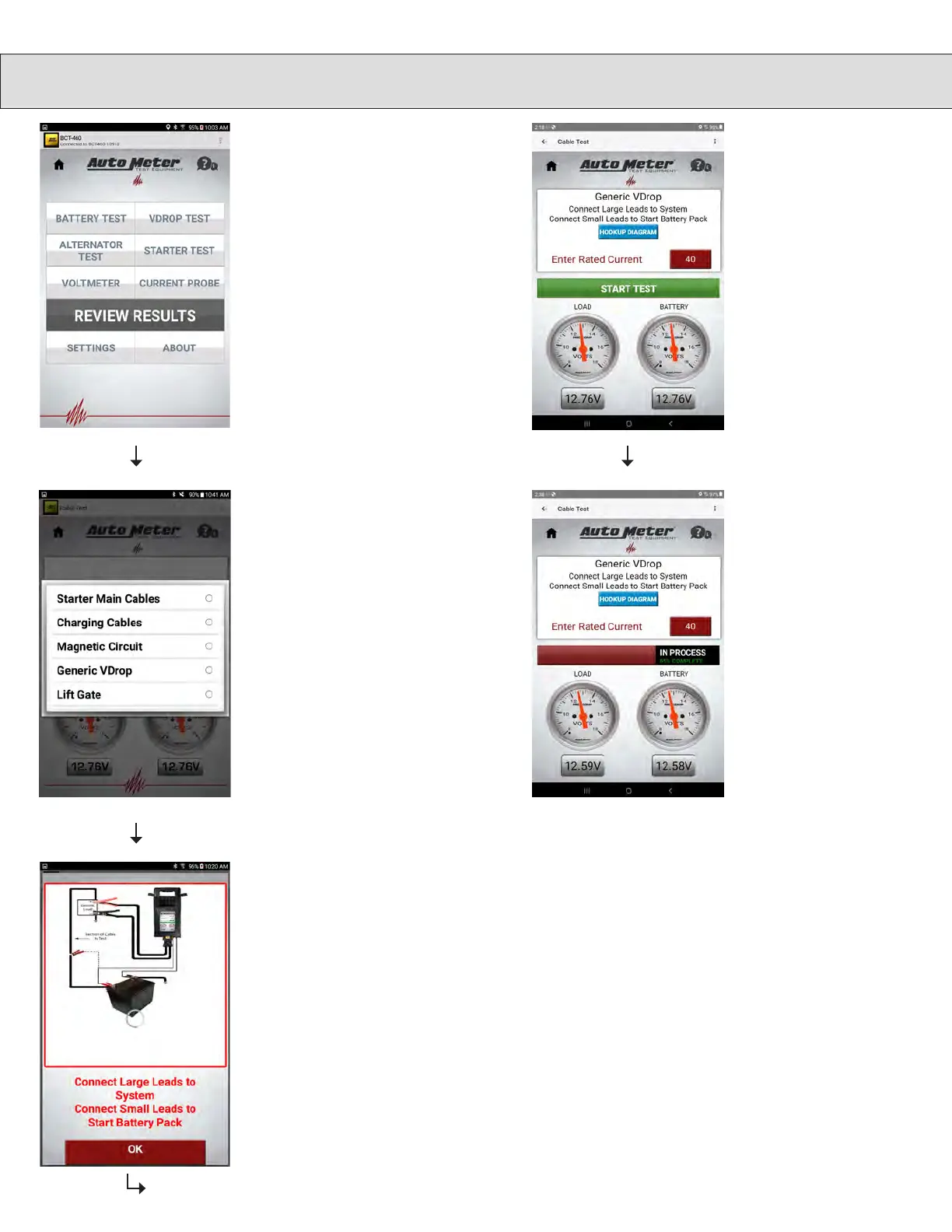
Select individual tests, then
select the V DROP Test
from the main menu.
To set the test current,
press the Test current box
and a numeric keypad will
appear. Enter in the test
current for the circuit you
are testing. Press the Done
button and then press the
Start Test button.
If you are doing a generic
test, the screen will tell you
to make your connections.
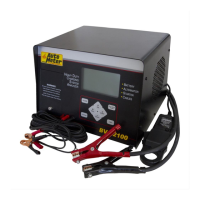
The large clamps need
to be connected to the
end of the cables you are
testing. The red clamp to
the positive end, black to
ground. The small clamps
need to be connected to
the battery posts. The small
red clamp to the battery +,
the small black clamp to the
battery -.
Select Generic Cable Test.
Note: For circuits rated at
40A or higher.
Test in process, please
wait.


 To Next Page