28 ST4000+ Wheel & Tiller Autopilots: Owner’s Handbook
3 Advanced Operation
Exiting Wind Vane mode
You can return to Auto or Standby mode from Wind Vane mode by:
• pressing
auto to return to Auto mode
• pressing
standby to steer manually in Standby mode
Adjusting the locked wind angle
You can adjust the locked wind angle by using the -1, +1, -10 and +10
keys to change course. For example, to bear away by 10° when the
boat is on a starboard tack:
• press
-10 to turn the boat 10° to port – the locked apparent wind
angle and locked heading will both change by 10°
• the autopilot will then adjust the locked heading as required to
maintain the new apparent wind angle
Note: Because turning the boat affects the relationship between the
true and apparent wind angles, you should only use this method to
make minor adjustments to the apparent wind angle. For major
changes, return to Standby mode, steer onto the new heading, then
reselect Wind Vane mode.
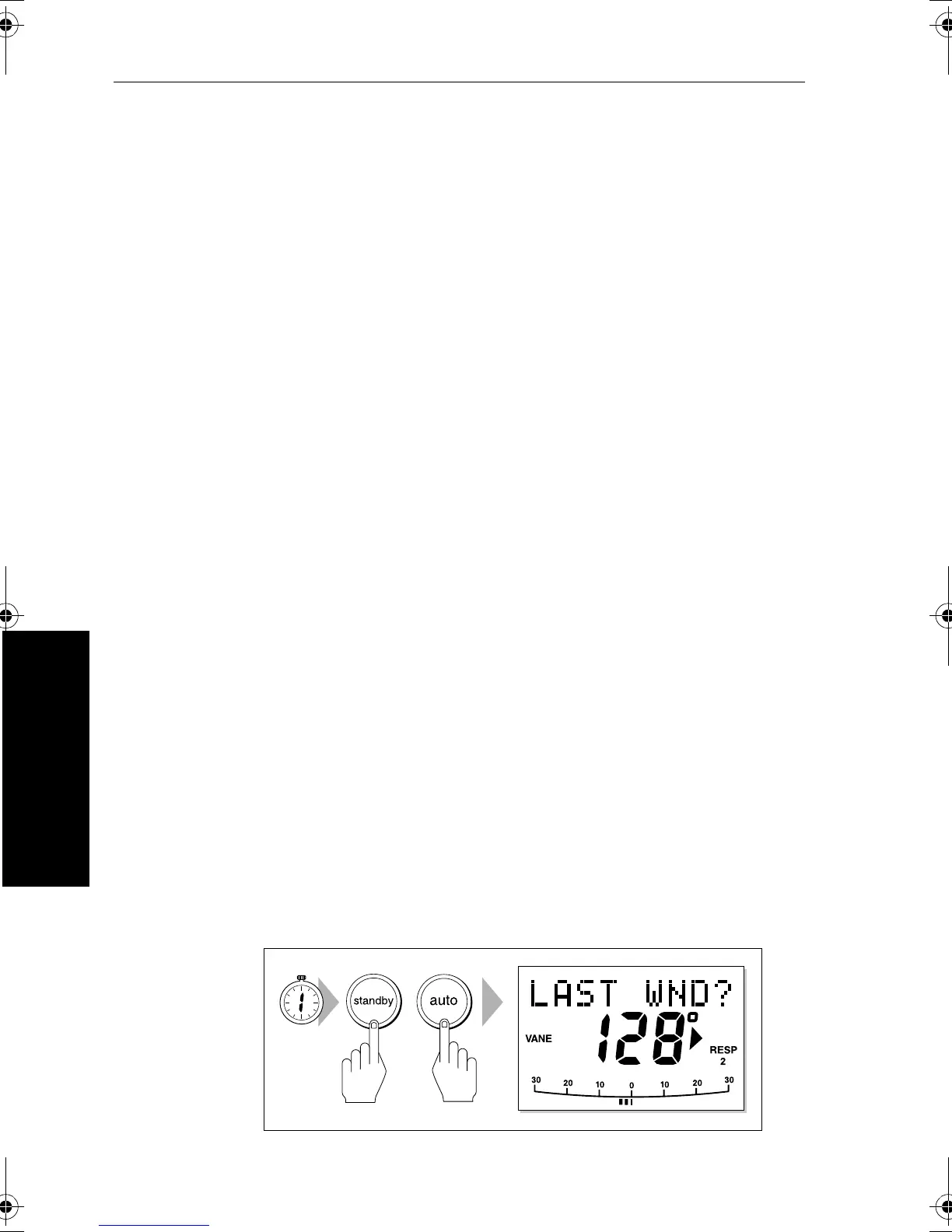
Returning to the previous apparent wind angle
(LAST WND)
If you have steered the boat away from the selected apparent wind
angle for any reason (such as a dodge maneuver or selecting Standby
mode), you can return to the previous locked wind angle:
1. Press
standby and auto together for 1 second to display the
previous apparent wind angle (
LAST WND?):
• the
LAST WND? text alternates with the previous wind angle
and direction. The display shows the previous locked heading
and indicates which direction the boat will turn
D3566-2
SECOND
81131_6.book Page 28 Wednesday, August 22, 2001 2:26 PM



 To Next Page