EasyManua.ls Logo

AUTOHELM ST50 Wind Trim - 5. Operation; 5.1 Illumination; 5.2 Locking on (ST50 Wind Trim); 5.3 Locking on (ST50 Speed Trim)

AUTOHELM ST50 Wind Trim
9 pages
Print Icon
To Next Page IconTo Next Page
To Previous Page IconTo Previous Page
Loading...
14
5.
Operation
ST50
WindTrim
and
SpeedTrim
Operation
and
Installation
Handbook
ST50
WindTrim
and
SpeedTrim
Operation
and
Installation
Handbook
Contents
3
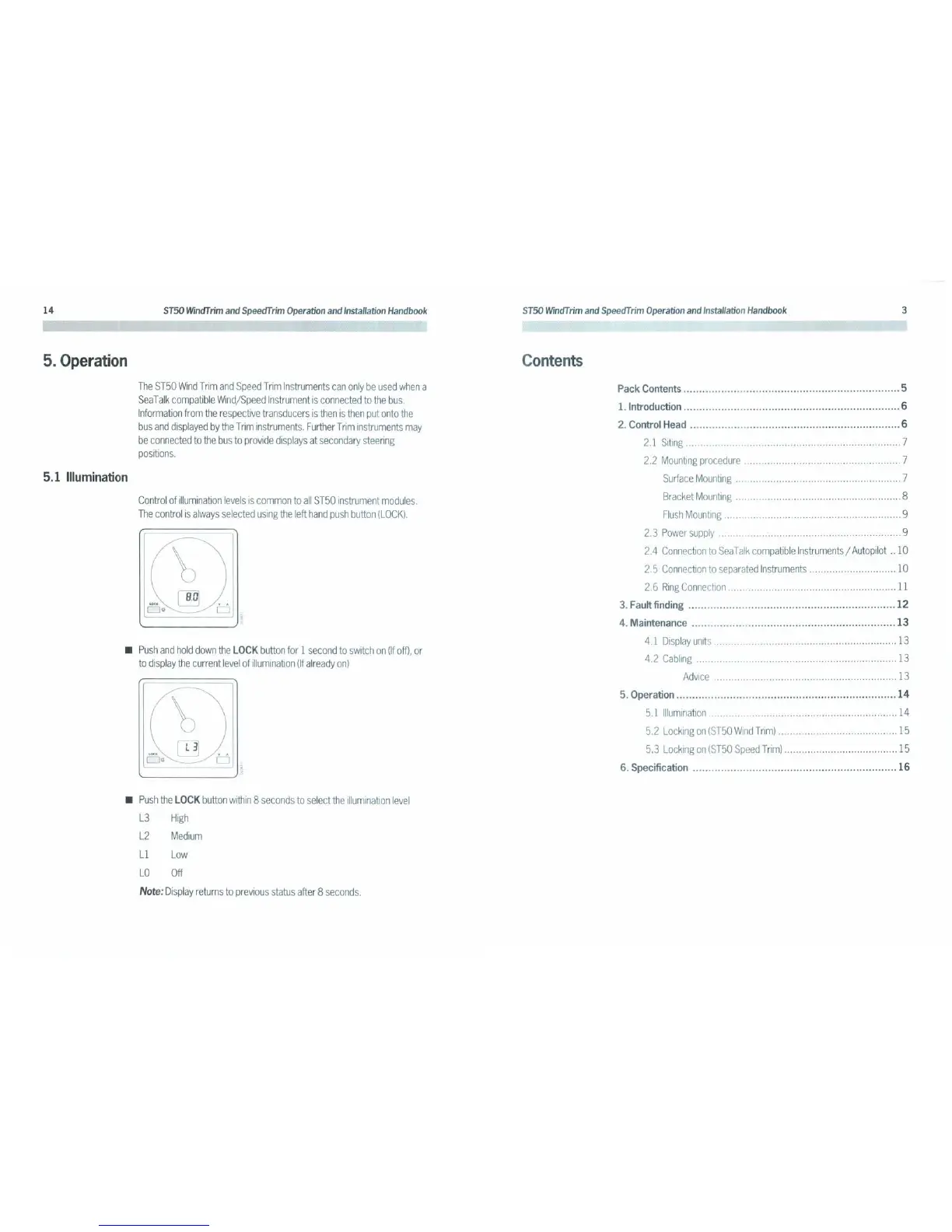
Push
and
hold
down
the
LOCK
button
for
1
second
to
switch
on
(If
off),
or
to
display
the
current
level
of
illumination
(If
already
on)
Control
of
illumination
levels
is
common
to
all
ST50
instrument
modules.
The
control
is
always
selected
using
the
left
hand
push
button
(LOCK).
The
ST50
Wind
Trim
and
Speed
Trim
Instruments
can
only
be
used
when
a
Sea
Talk
compatible
Wind/Speed
Instrument
is
connected
to
the
bus.
Information
from
the
respective
transducers
is
then
is
then
put
onto
the
bus
and
displayed
by
the
Trim
instruments.
F
urther
Trim
instruments
may
be
connected
to
the
bus
to
provide
displays
at
secondary
steering
positions.
5.1 Illumination
[=}~
LOCK
0*
b
[
B.D]
b
Q3
o
o
Pack Contents 5
1. Introduction 6
2. Control Head 6
2.1
Siting
7
2.2
Mounting
procedure
7
Surface
Mounting
7
Bracket
Mounting
8
Flush
Mounting
9
2.3
Power
supply
9
2.4
Connection
to
SeaTalk
compatible
Instruments
/
Autopilot
..
10
2.5
Connection
to
separated
Instruments
10
2.6
Ring
Connection
11
3. Fault finding
12
4. Maintenance
13
4.1
Display
units
13
4.2
Cabling
13
Advice
13
5. Operation
14
5.1
Illumination
14
5.2
Locking
on
(ST50
Wind
Trim)
15
5.3
Locking
on
(ST50
Speed
Trim)
15
6. Specification
16
Push
the
LOCK
button
within
8
seconds
to
select
the
illumination
level
L3
High
L2
Medium
L1
Low
LO
Off
Note:
Display
returns
to
previous
status
after
8
seconds.

Related product manuals