EasyManua.ls Logo

Automatic Technology ATS-2 - User Manual

Automatic Technology ATS-2
26 pages
Print Icon
To Next Page IconTo Next Page
Loading...
1
Sectional Door Opener
Installation Manual
Doc # 160420_03
Released 18/03/21
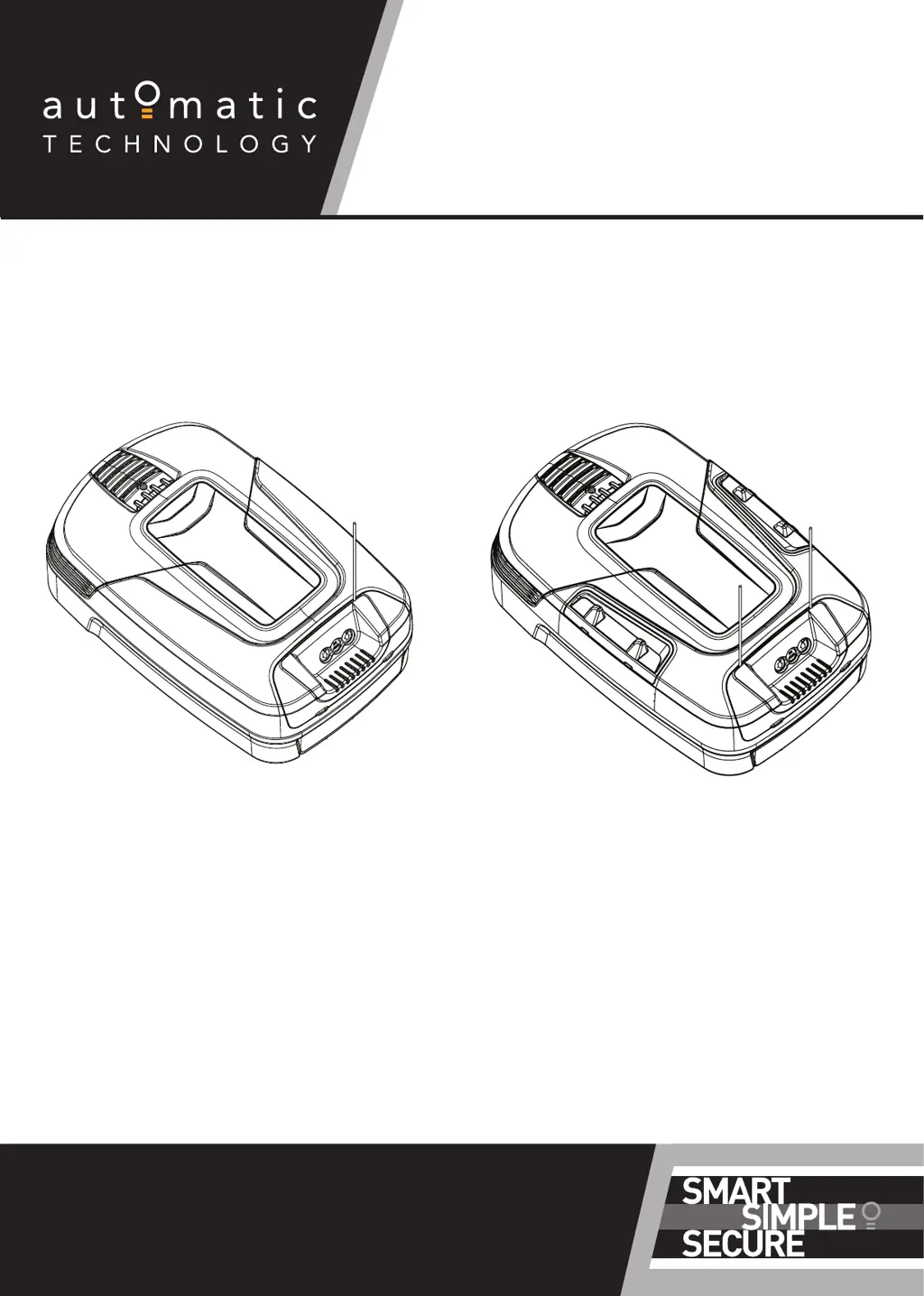
ATS Series
SYNCRO ATS-3
SMART SECTIONAL DOOR OPENER
TEMPO ATS-2
SECTIONAL DOOR OPENER

Questions and Answers

Summary

Installation Safety Warnings

Before You Begin

Garage Condition Examination

Assesses ceiling and wall structural suitability for opener mounting.

Pre-installation Door Tests

Verifies door balance, free movement, and manual operation force.

Tools Required

Kit Contents

Opener Positioning

Opener Installation Requirements

Specifies location, power needs, and headroom for opener installation.

Fitting the Opener

Securing C-Rail to Opener

Attaches drive unit shaft to C-rail sprocket and secures track brackets.

Bracket Positioning

Wall Bracket Location

Determines correct height and center line for wall bracket mounting.

Mounting the Wall Bracket

Instructions for securely fixing the wall bracket to the wall.

Attaching Rail to Wall Bracket

Connects the C-rail assembly to the wall bracket using provided hardware.

Perforated Angle Installation

Attaching Perforated Angle

Guides the attachment of perforated angle for ceiling support.

Mounting Brackets and Arms

Mounting the Door Bracket

Instructions for attaching the bracket to the garage door panel.

Attaching the Arms

Details on assembling and connecting the bent and straight door arms.

Safety Beam Kit Installation

Assembling Mounting Brackets

Steps to assemble mounting brackets for safety beam transmitter and receiver.

Mounting Safety Beam Brackets

Guidance on positioning safety beam brackets for optimal function.

Connecting Safety Beams

Refers to separate manual for wiring and connecting safety beams.

Technical Specifications

Setting Door Limits

Setting Limit Positions and Drive Speed

Step-by-step guide to setting open/close limits and adjusting door speed.

Clearing Door Limit Positions

Procedure to delete previously set door limit positions.

Re-profiling the Door

Re-learning door travel characteristics after mechanical adjustments.

Controller Memory Reset

Resets controller to factory defaults, excluding transmitters and counters.

Safety Testing Procedures

Testing the Close Cycle

Verifies the door reverses upon obstruction during closing.

Testing the Open Cycle

Tests if the door stops when manually obstructed during opening.

Testing Manual Door Operation

Ensures smooth manual operation and checks required force.

Auto-Close Function

Transmitter Coding

Storing Transmitter Codes

Procedure to program remote control transmitters into the opener's memory.

Wall Mounted Transmitter Installation

Guidance on mounting the wall-mounted transmitter unit.

Erasing All Transmitter Codes

Instructions to clear all previously programmed transmitter codes.

Vacation Mode

How to enable/disable Vacation Mode to lock out remotes.

Remotely Coding Transmitters

Method to code new transmitters using a pre-coded transmitter.

Smart Phone Control Setup

Connecting to WiFi

Steps to connect the opener to a WiFi network via the ATA app.

Home Owner Safety Warnings

Opener Safety and Security

Conditions Preventing Opener Use

Lists scenarios where the opener cannot operate the door.

Conditions Allowing Opener Use

Lists scenarios where the opener can operate the door.

Disengaging the Opener

Procedure to manually disengage the opener from the door.

Re-Engaging the Opener

Procedure to re-engage the opener after manual disengagement.

Operating Your Opener

Operating the Opener

Instructions for basic operation using a transmitter.

User Operating Controls Overview

Troubleshooting Guide

Main Light Service;Warning Indicator

Table of main light flashes indicating service or warning issues.

After Installation Care and Servicing

Battery Replacement

Instructions for replacing the transmitter's battery.

Battery Disposal

Environmental guidelines for the proper disposal of batteries.

Warranty Information

Information on warranty conditions and maintenance requirements.

Appendix

Status Indication during Operating Mode

Explains the meaning of various LED light status indications.

Adjustment Mode Instructions

Guide to accessing and using the adjustment mode for parameters.

Adjusting Force Margins

Procedure for adjusting safety obstruction force settings.

Battery Functions

Describes functions related to battery testing and shutdown.

Setting Limits via Transmitter

Procedure to set door travel limits using the transmitter.

Setting the PET Mode Position

Configures a preset position for the door to allow pets or parcels through.

Setting up Tilt Door

Process to set the opener for J-Type tilt door profiles.

Automatic Technology ATS-2 Specifications

General IconGeneral
ModelATS-2
CategoryGate Opener
ManufacturerAutomatic Technology
Power Supply240V AC
Motor TypeDC motor
Maximum Gate Width4.5m
Control TypeRemote control
Operating Temperature-20°C to +50°C

Related product manuals