EasyManua.ls Logo

Automatic Technology NES-24V3 NeoSlider - User Manual

Automatic Technology NES-24V3 NeoSlider
32 pages
Print Icon
To Next Page IconTo Next Page
Loading...
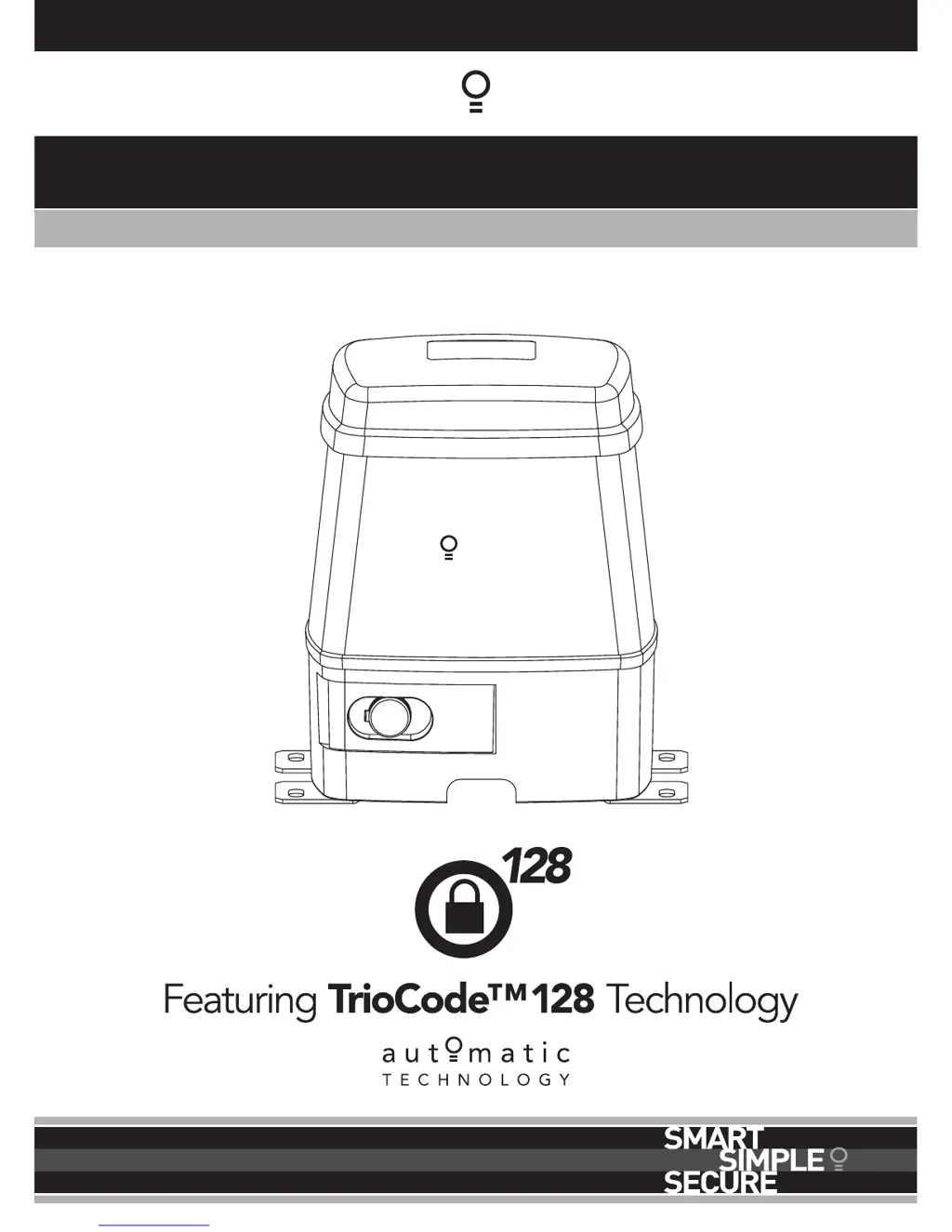
NES-24V3 NeoSlider
TM
Sliding Gate Opener
Ne Slider
Doc # 160056_00
Part # 13428
Released 17/03/15

Table of Contents

Questions and Answers

  • T
    Thomas RodgersAug 8, 2025
    How to troubleshoot Automatic Technology NES-24V3 NeoSlider Gate Opener that will not operate?
    • M
      Maria MaloneAug 8, 2025
      If your Automatic Technology Gate Opener isn't working, first ensure the mains power is switched on. Also, check that the opener motor is engaged for automatic operation. An obstruction may also be the reason, so remove any obstructions. Finally, check if the opener is in “Vacation Mode” and turn it off.
  • M
    murillowendyAug 12, 2025
    Why does my Automatic Technology Gate Opener start closing but reverse?
    • T
      twadeAug 12, 2025
      If your Automatic Technology Gate Opener starts to close but then reverses to the open position, it could be due to adverse weather conditions like wind or cold causing the gate to stiffen. Try increasing the force margin setting to resolve this. Alternatively, there might be an obstruction in the gateway triggering the Safety Beams; remove any obstructions to ensure smooth operation.
  • N
    Nicholas FlowersAug 17, 2025
    Why Automatic Technology NES-24V3 NeoSlider works from opener but not transmitter?
    • D
      Dr. Cameron WaltonAug 17, 2025
      If your Automatic Technology Gate Opener operates from the opener itself but not from the transmitter, there are a few potential causes. First, the transmitter code may not be stored in the memory, or the transmitter may not contain TrioCode™ 128 Technology. In this case, code the transmitter into the opener's memory. Check that the transmitter has grey buttons and displays model number V3. If not, contact your dealer for support. Also, a flat battery in the transmitter could be the problem; replace the battery. Another possibility is that the antenna is behind a structure like a gate or fence, or not in the line of sight. Make sure the antenna is in the line of sight.
  • A
    Anthony PageAug 21, 2025
    What to do if Automatic Technology Gate Opener does not close with transmitter?
    • F
      farnoldAug 22, 2025
      If your Automatic Technology Gate Opener doesn't close with the transmitter, the safety beam might not be working properly. Ensure the safety beams are operational and free from dirt on the lens.
  • K
    kkirbyAug 26, 2025
    How to fix Automatic Technology Gate Opener that will not close fully?
    • E
      eric10Aug 26, 2025
      If your Automatic Technology Gate Opener will not close fully, it could be due to a couple of reasons. First, the gate limit positions may need to be reset, so try resetting them. Alternatively, the gate might be obstructed and reversing; clear any obstructions, or adjust the force margin.
  • M
    melissa13Aug 30, 2025
    What causes Automatic Technology Gate Opener not to open fully?
    • L
      Leslie EstesAug 30, 2025
      If your Automatic Technology Gate Opener will not open fully, it could be that the gate limit positions need to be reset. Alternatively, the gate might be obstructed. Clear any obstructions or adjust the force margin.
  • S
    Sydney LopezSep 3, 2025
    Why is auto-close not working on my Automatic Technology Gate Opener?
    • A
      Alicia AbbottSep 3, 2025
      If the auto-close feature isn't working on your Automatic Technology Gate Opener, several factors could be the cause. Here's what to check: 1. **Safety Beam Installation:** Ensure a safety beam is installed. 2. **Safety Beam Condition:** The safety beam or its wiring might be faulty; repair the safety beam or replace the wiring. 3. **Alignment:** The safety beam may not be aligned correctly; re-align the optics. 4. **Obstructions:** Remove any obstructions from the path of the safety beams and ensure the gate is not obstructed when closing. 5. **Auto-Close Settings:** Verify that the auto-close time is set and the auto-close mode is enabled.

Automatic Technology NES-24V3 NeoSlider Specifications

General IconGeneral
ModelNES-24V3 NeoSlider
TypeSliding Gate Opener
Power Supply24V DC
Maximum Gate Length/Width6 m
Operating Temperature-20°C to +50°C
Protection RatingIP44
Motor Type24V DC
Safety FeaturesObstacle Detection

Related product manuals