EasyManua.ls Logo

Automatic Technology Axess Pro Series - User Manual

Automatic Technology Axess Pro Series
36 pages
Print Icon
To Next Page IconTo Next Page
Loading...
Doc # 160027_01
Part # 13383
Released 05/03/14
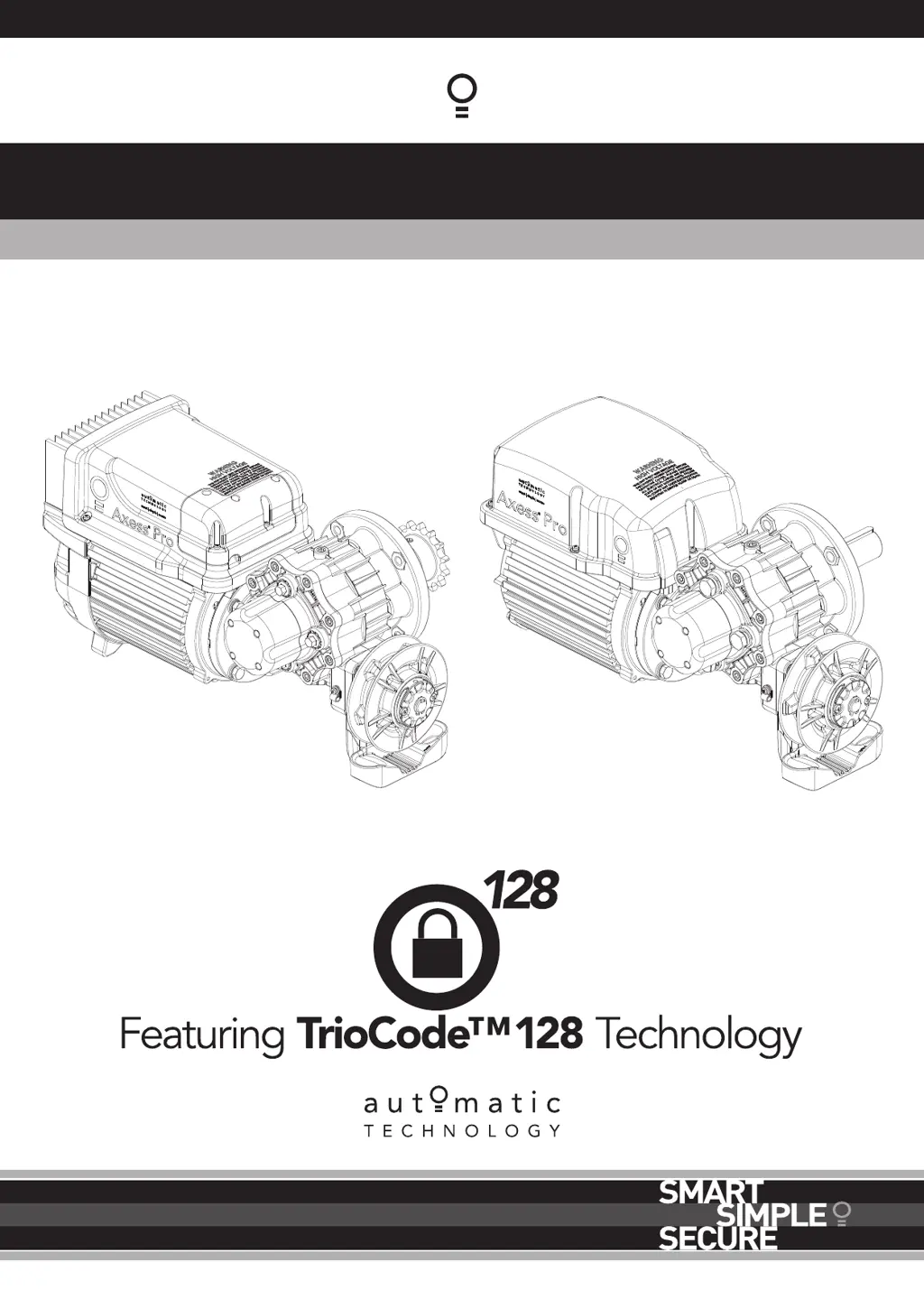
Axess
®
Pro Series 3000
Industrial Roller Shutter Opener

Table of Contents

Questions and Answers

  • J
    Jamie DavidsonAug 12, 2025
    Why does my Automatic Technology Gate Opener work with the console but not the transmitter?
    • A
      Angelica BaldwinAug 12, 2025
      If your Automatic Technology Gate Opener only operates from the logic console (OPEN/CLOSE button) and not from the transmitter, here are a few possible reasons: * The transmitter code may not be stored in memory, so you need to code the transmitter into the opener’s memory. * Transmitter operation might be disabled from the time clock, so enable the transmitter operation in the time clock menu. * The opener could be in “Vacation Mode”, so turn off “Vacation Mode”. * The transmitter battery might be flat, so replace the battery.
  • E
    Emily CareyAug 16, 2025
    What to do if my Automatic Technology Axess Pro shutter doesn't close with the transmitter?
    • P
      Paula MendezAug 16, 2025
      If your Automatic Technology Gate Opener doesn't close with the transmitter, it might be due to several reasons: * Safety Close Mode might be activated. Deactivate Safety Close Mode. * The transmitter may lack TrioCodeTM128 Technology. Verify that the transmitter has grey buttons and the model number on the back displays V2. Contact your dealer for support if it does not. * Safety Beams might be either not installed or not functioning correctly. Ensure that Safety Beams are working properly.
  • A
    Ashley RodriguezAug 19, 2025
    Why is my Automatic Technology Gate Opener overloading?
    • M
      Martin JohnsonAug 19, 2025
      If your Automatic Technology Gate Opener overloads, it could be due to the following reasons: * The shutter might be locked, so unlock the shutter. * The shutter tracks or hardware might be damaged, meaning the shutter requires service or repair by a qualified technician. * The full load current settings might be too low, so adjust the full load current in menu 2.1.
  • R
    Rebecca DouglasAug 23, 2025
    Why is auto-close not working on my Automatic Technology Axess Pro?
    • L
      Lauren PerezAug 23, 2025
      There are several reasons why the auto-close function might not be working on your Automatic Technology Gate Opener: * A safety beam might not be installed. Install a safety beam. * The safety beam or its wiring might be faulty. Repair the safety beam or replace the wiring. * The safety beam might not be aligned correctly. Re-align the optics. * The safety beam might be obstructed. Remove any obstruction from the path of the safety beam. * The shutter might be obstructed when closing or opening. Remove any obstruction. * The auto-close time might not be set. Set the auto-close times.
  • V
    Victoria McclainAug 27, 2025
    How to fix an Automatic Technology Gate Opener shutter that will not close fully?
    • G
      Gregory StaffordAug 27, 2025
      If your Automatic Technology Gate Opener shutter will not close fully, it could be because the shutter limit positions need to be reset or because the shutter is obstructed and reverses. Reset the limit positions and clear any obstruction.
  • S
    Scott HendersonAug 30, 2025
    How to fix an Automatic Technology Gate Opener shutter that will not open fully?
    • T
      Timothy SuttonAug 30, 2025
      If your Automatic Technology Gate Opener shutter will not open fully, it could be because the shutter limit positions need to be reset or the shutter is obstructed. Reset the limit positions and clear any obstruction.
  • B
    bakerthomasSep 3, 2025
    How to troubleshoot a blank display screen on an Automatic Technology Gate Opener?
    • R
      Robert EvansSep 4, 2025
      If the display screen on your Automatic Technology Gate Opener is blank, it could be due to a few reasons: * The mains power might not be switched on, so switch on the mains power. * The communication cable might not be connected, so connect the communication cable. * The drive unit cover might be loose or missing, so install or secure the drive unit cover.
  • L
    Lacey SimmonsSep 7, 2025
    What to do if pressing close button opens the shutter during limit setting on Automatic Technology Axess Pro?
    • C
      Christopher BrewerSep 7, 2025
      If, during limit setting, pressing the close button causes the shutter to open on your Automatic Technology Gate Opener, it indicates that the motor is running in the wrong direction. Change the motor direction by pressing the stop button on the logic console once.

Automatic Technology Axess Pro Series Specifications

General IconGeneral
BrandAutomatic Technology
ModelAxess Pro Series
CategoryGate Opener
LanguageEnglish

Related product manuals