Owner Installation Instructions Axess Pro Series 3000 25
22. Appendix
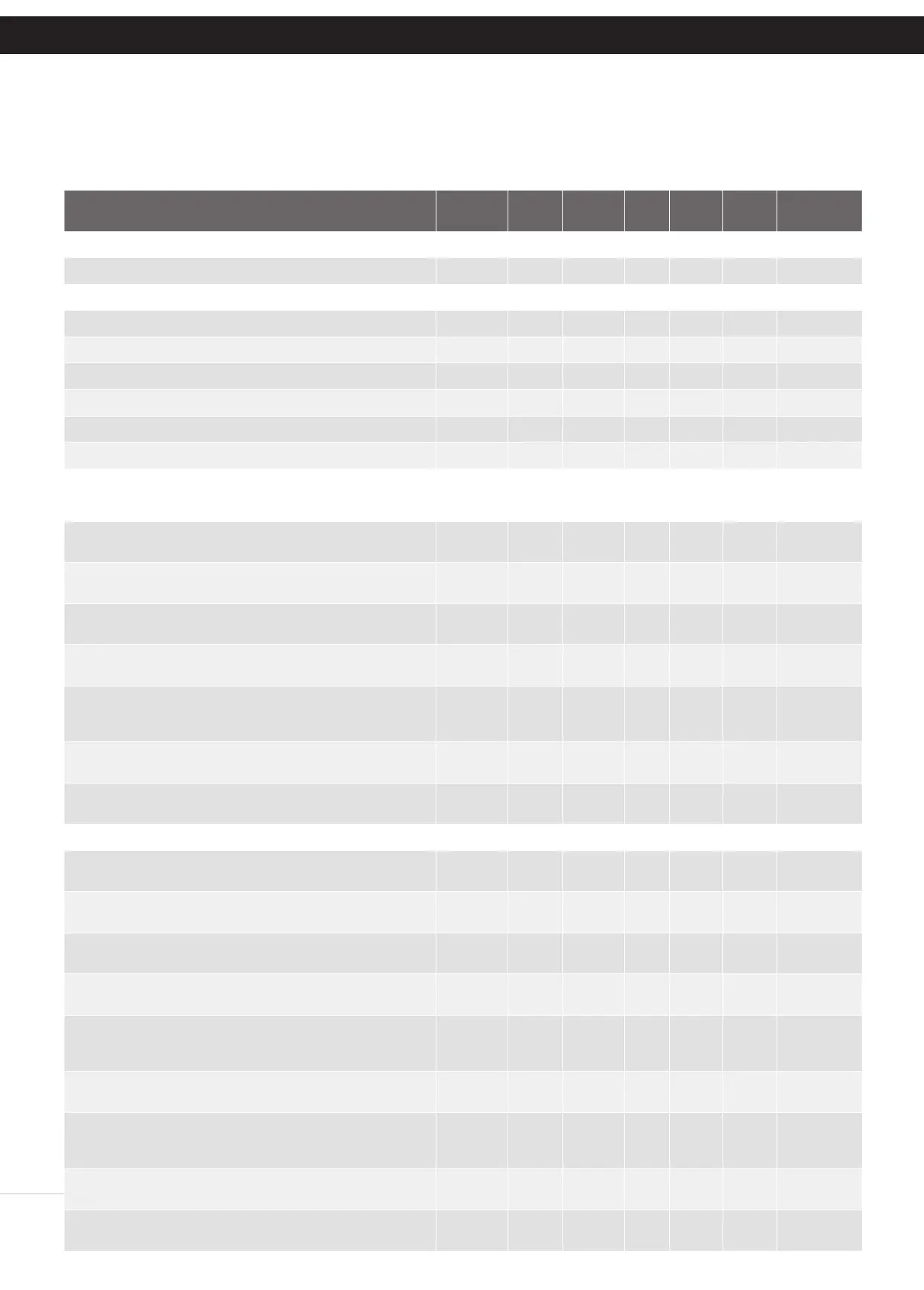
Parameter Min Max Default Step Unit Menu
No.
Section
Menu 1 - Code Transmitter
STORING TRANSMITTERS 0.0 511 1 13.1
Menu 2 - Current Trips
Full Load Amps 0.5 HP model AX3105 0.0 1.6 1.6 1 Amps 2.1 Appendix C
Full Load Amps 1.0 HP model AX3110 0.0 2.9 3.7 1 Amps 2.1 Appendix C
Full Load Amps 0.5 HP model AX3305 0.0 1.6 1.6 1 Amps 2.1 Appendix C
Full Load Amps 1.0 HP model AX3310 0.0 2.9 2.9 1 Amps 2.1 Appendix C
Full Load Amps 1.5 HP model AX3315 0.0 3.5 3.5 1 Amps 2.1 Appendix C
100% Overload Time 0 30 10 1 Sec 2.2 Appendix C
Menu 3 - Auto Close
V1 CONSOLE:
STD AUTO-CLOSE TIME
Sets and enables the standard Auto-Close time
0.0 300.0 0.0 1.0 Sec 3.1 15.2
S.B AUTO-CLOSE TIME Sets and enables the S.B triggered
Auto-Close time
0.0 60.0 0.0 1.0 Sec 3.2 15.3
PEDESTRIAN AUTO-CLOSE TIME Sets and enables the
Pedestrian Auto-Close time
0.0 60.0 0.0 1.0 Sec 3.3 15.4
S.B PEDESTRIAN AUTO-CLOSE TIME Sets and enables the PE
Pedestrian Auto-Close time
0.0 60.0 0.0 1.0 Sec 3.4 15.4
AUTO-CLOSE AFTER CLOSE OBSTRUCTION
Enables Auto-Close feature after close obstructions (requires
Safety Beams)
Off On Off 3.5 15.5
AUTO-CLOSE AFTER OPEN OBSTRUCTION
Enables Auto-Close feature after open obstructions
Off On Off 3.6 15.5
AUTO-CLOSE AFTER POWER UP
Enables Auto-Close feature power up
Off On Off 3.7 15.5
V2 CONSOLE
STD AUTO-CLOSE TIME
Sets and enables the standard Auto-Close time
0.0 300.0 0.0 1.0 Sec 3.1 16.2
S.B AUTO-CLOSE TRIG Selects the Safety Beam or combination
of Safety Beams to enable the S.B triggered Auto-Close mode.
None None 3.2 16.3
S.B AUTO-CLOSE TIME Sets and enables the S.B triggered
Auto-Close time
0.0 60.0 0.0 1.0 Sec 3.3 16.3
PEDESTRIAN AUTO-CLOSE TIME Sets and enables the
Pedestrian Auto-Close time
0.0 60.0 0.0 1.0 Sec 3.4 16.4
S.B PEDESTRIAN AUTO-CLOSE TRIG Selects the Safety Beam
or combination of Safety Beams to enable the S.B triggered
Pedestrian Auto-Close mode.
None None 3.5 16.4
S.B PEDESTRIAN AUTO-CLOSE TIME Sets and enables the PE
Pedestrian Auto-Close time
0.0 60.0 0.0 1.0 Sec 3.6 16.4
AUTO-CLOSE AFTER CLOSE OBSTRUCTION
Enables Auto-Close feature after close obstructions (requires
Safety Beams)
Off On Off 3.7 16.5
AUTO-CLOSE AFTER OPEN OBSTRUCTION
Enables Auto-Close feature after open obstructions
Off On Off 3.8 16.5
AUTO-CLOSE AFTER POWER UP
Enables Auto-Close feature power up
Off On Off 3.9 16.5
OPERATIONAL BUTTONS:
1. Press PREV/NEXT buttons move to Left/Right.
2. Press OPEN/CLOSE buttons to change setting.
3. Press SET button to save changes.
4. Press STOP to return to MENU without saving changes.
NOTE: The System will automatically return to the main screen after 30 secs if a menu screen is displayed and no buttons are pressed.
A - Console Menu Structure


 To Next Page