14
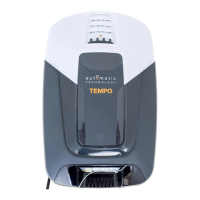
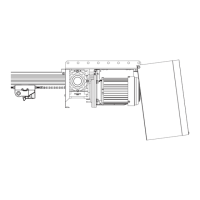
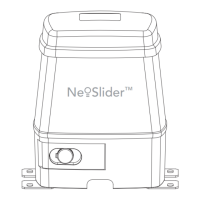
Axess Pro Series 3000 Owner Installation Instructions
To Desired
CLOSE Limit,
SET
To Desired
OPEN Limit,
SET
10. Setting Limits via Console
10.3 Setting Travel Limits with Logic Console
a. Turn on the power to the opener. The controller will go through a start up
sequence.
b. After a short delay the MAIN SCREEN (Fig. 11.1) will be displayed. If this is
the first time the Axess
®
Pro Series 3000 is being used, the MAIN SCREEN
should enter into limit set mode and the blue close LED will be flashing. If
the display shows that an input is active, then rectify the situation before
continuing with the procedure for setting the travel limits. Press and hold
the CLOSE button - the shutter should start closing.
i. If the shutter opens, release the CLOSE button and press the STOP
button once to change the motor’s direction. Press and hold the
CLOSE button until close position of the shutter is reached.
ii. If the shutter overshoots, press the OPEN button to move the shutter in
the open direction.
c. When the shutter is at the desired close position, press the SET button to
record the close limit position. The display will change and the green open
LED will start to flash (Fig. 11.2).
d. Press and hold the OPEN button to open the shutter. When the shutter is
at the desired open position, release the OPEN button
i. If the shutter overshoots, press the CLOSE button to move the shutter
in the CLOSE direction.
WARNING! Once the next step is performed, the shutter will
automatically close and open to calculate travel time settings.
Keep persons and objects clear of the shutter.
e. Press the SET button to store the open limit. The shutter will now automatically
close and open to calculate the travel time settings. After this, If PE Beams are
installed, the opener can be operated with the OPEN or CLOSE button on the
logic console or from the transmitter. Otherwise, the controller will be loaded
with “Safety Close Mode”. (Section 16.1)
Fig 10.3
Fig 10.4
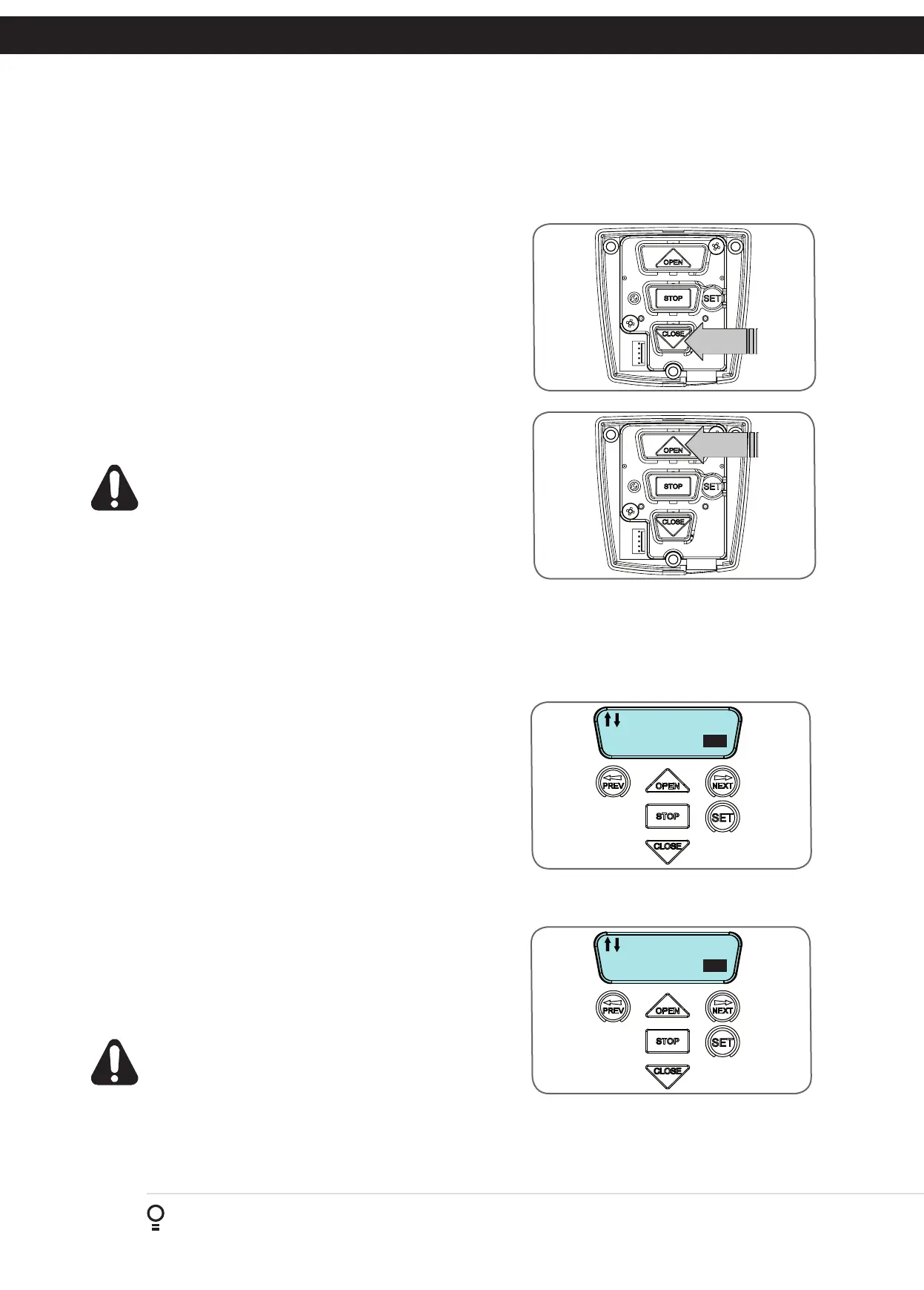
10.1 Setting Travel Limits With Manual Console
a. Turn on the power to the opener. After a short delay blue close LED will
start to flash.
b. Press and hold the CLOSE button (Fig. 10.1) - the shutter should start closing.
i. If the shutter opens, release the CLOSE button and press the STOP
button once to change the motor’s direction. Press and hold the
CLOSE button until close position of the shutter is reached.
ii. If the shutter overshoots, press the OPEN button to move the shutter in
the open direction.
c. When the shutter is at the desired close position, press the SET button to
record the close limit position. The green open LED will start to flash.
d. Press and hold the OPEN button (Fig. 10.2) to open the shutter. When the
shutter is at the desired open position, release the OPEN button
i. If the shutter overshoots, press the CLOSE button to move the shutter
in the CLOSE direction.
WARNING! Once the next step is performed, the shutter will
automatically close and open to calculate travel time settings.
Keep persons and objects clear of the shutter.
e. Press the SET button to store the open limit. The shutter will now automatically
close and open to calculate the travel time settings.
f. Replace the main cover. The opener can now be operated with the OPEN or
CLOSE buttons on the manual console.
10.2 Clearing Travel Limits With Manual Console
a. Turn power to the opener off.
b. Press and hold the SET Button.
c. Turn power on while holding the SET button. Continue to hold until all
LED’s are off.
d. Repeat 10.1 to set travel limit positions.
Fig 10.1
Fig 10.2
The manual console has open, close, stop and set push buttons. The status of the door is indicated by the LED lights. The manual console only
supports Safety Close mode. In this mode, the user must press and hold the close button to close the door. The door can be opened by pressing
the open button once.
NOTE: Safety (Photo Electric) Beams, transmitters
or any other device to control the operation of the
shutter is not supported by the manual console.


 To Next Page