SOLO Basic Temperature Controller User Manual
3–3
Chapter 3: Keypad Operation and Setup Parameters
1st Ed. 01/19
Keypad Operation
Function Buttons
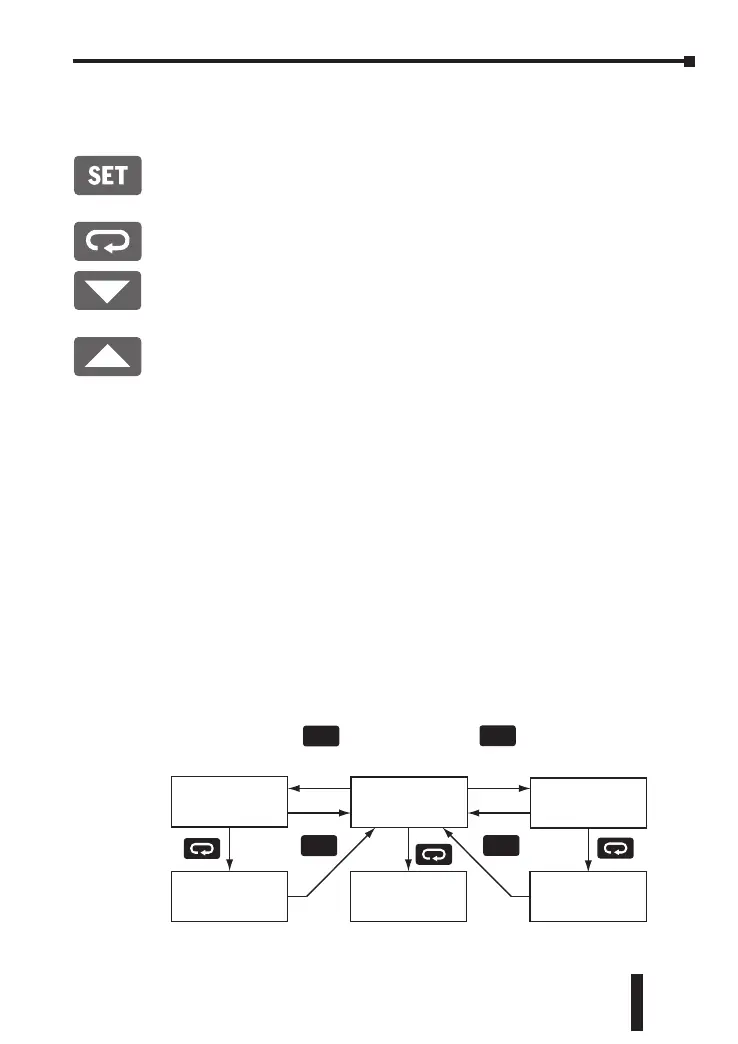
SET Button
Press the SET button to select the desired function mode and confirm the
setting value.
Rotate Button
Press the Rotate button to select parameters within the function mode.
Down Button
Press the Down button to decrease values displayed on the SV display. Hold
down this button to speed up the decrement.
Up Button
Press the Up button to increase values displayed on the SV display. Hold
down this button to speed up the increment.
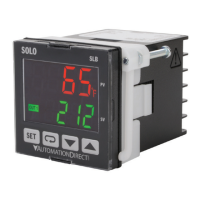
Initial Power up
When power is first applied to the temperature controller, the module
information splash screen appears. This screen shows the firmware version
on the PV displays and the output type for that particular model and the
current input setting on the SV display. After three seconds, the controller will
automatically proceed to the Operation mode main screen.
Keypad Operation
The temperature controller has three function modes: Initial Setting mode,
Operation mode and Regulation mode. Press and hold the SET button for
three seconds to go into the Initial Setting mode. Press the SET button for less
than three seconds to access the Regulation mode. Press the Rotate button
while inside any of the three function modes to scroll through the individual
parameters for each function mode. Use the Up and Down buttons to change
the individual parameter values. Pressing the SET button saves the parameter
values. Press the SET button again to return the controller to the Operation
mode main screen.
Operation Mode
Hold for 3 sec.
SET
Initial Setting
Mode
Regulation
Mode
SET
Press for less
than 3 sec.
Initial Setting
Parameters
Operation
Parameters
Regulation
Parameters
SET


 To Next Page