Chapter 5: Control Modes
SOLO Basic Temperature Controller User Manual
5–4
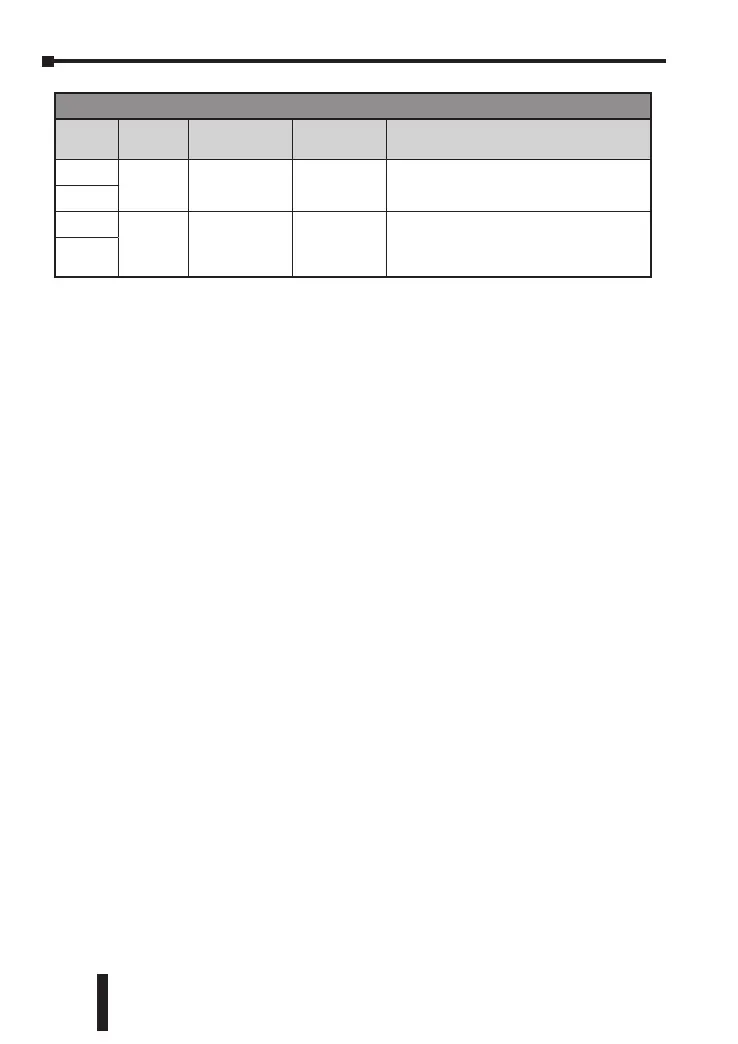
Controller Error Display
Display
Position
Display Meaning Cause Corrective Action
PV
no
Cont
No sensor input
The input
terminals are
open.
Check the input wiring. If the problem still
exists, replace the sensor or the controller.
SV
PV
sen
err
Sensor Type Error
Temperature is
out of range for
sensor type
Check sensor type and it’s condition. If
damaged or wrong replace and update
settings. Check actual condition to make sure
temperature is within sensor range.
SV


 To Next Page