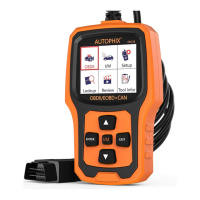
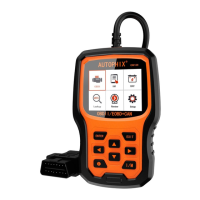
4. OBD II Diagnostics
9
1) Turn the ignition off.
2) Locate the vehicle's 16-pin Data Link Connector (DLC).
3) Plug the scan tool cable connector into the vehicle's DLC.
4) Turn the ignition on. Engine can be off or running.
5 ) Press ENTER to enter Main Menu . UP /DOWN button to select
Diagnostics from the menu.
3.8 About
Choose [About] and it displays as follow:
3.9 I/M
Choose [I/M] and it displays as follow:
CAUTION: Don't connect or disconnect any test equipment with
ignition on or engine running.
EN


 To Next Page
 Loading...