24
6.1 CHARGING AN ELECTRIC VEHICLE
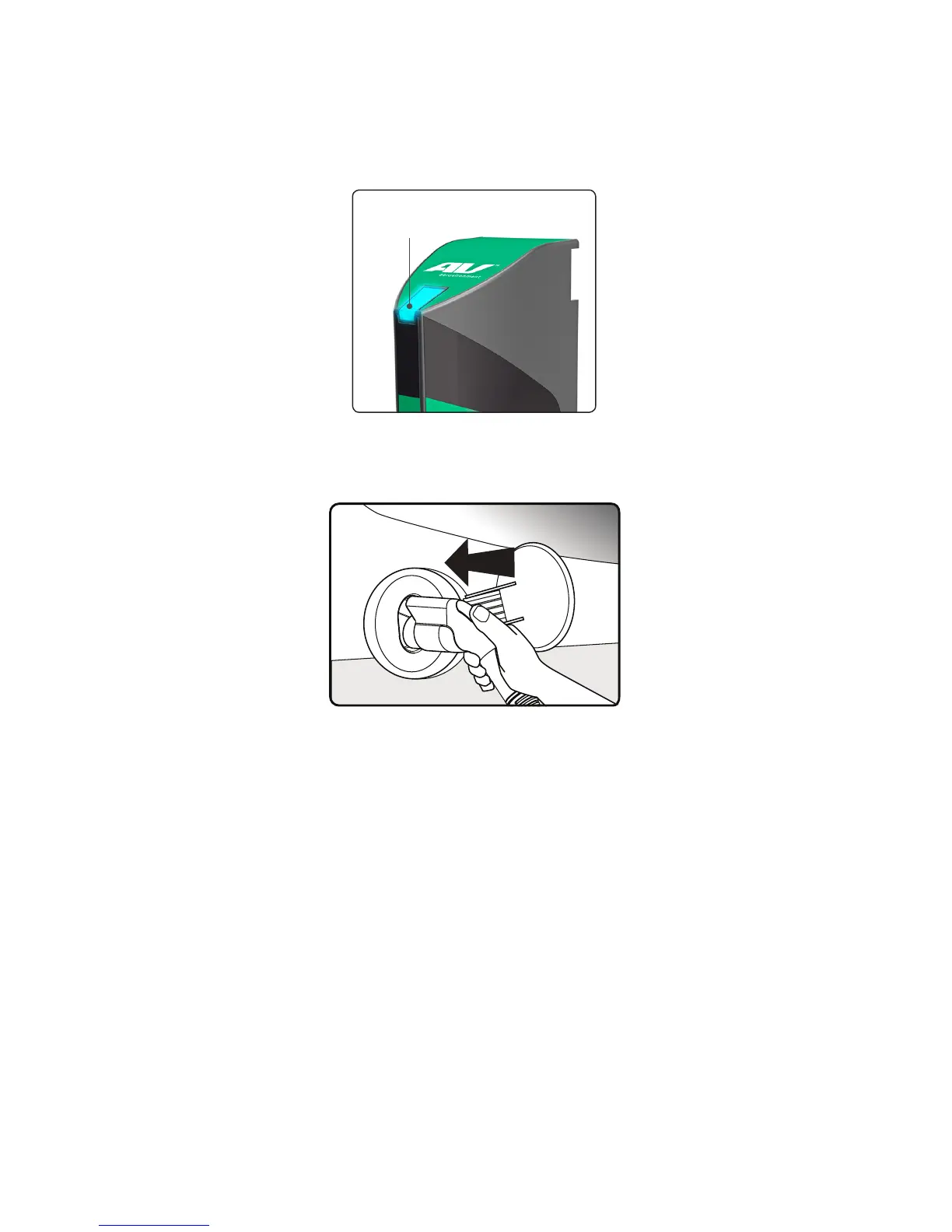
The blue Status Indicator light on top of the Charge Module should be in
ready
mode (on, but not flashing). This means that the charger is ready to charge your
vehicle.
Plugthe Charge Coupler into your vehicle’s charging outlet until it clicks. If
inserted properly, the blue Status Indicator will blink once. Once latched, the
Charge Coupler will not disengage unless you press the release button.
Automatic charge begins. Power will be delivered according to vehicle de-
mand. If the vehicle is charging, the blue Status Indicator will blink on and off
approximately every two seconds. Always verify that your vehicle’s charging
status “dashboard gauge” agrees. (Refer to the vehicle owner’s manual to find
the gauge on your dashboard.)
Once charging begins, you may exit the TurboDock app or break the Bluetooth
connection. The Bluetooth lights will turn blue, but the blue Status lights will
continue to blink.
When fully charged, the blue Status Light will turn solid blue. Confirm with your
vehicle’s dashboard gauge.
Disconnectthe Charge Coupler when the charge is complete by pressing the
release button and removing it from the vehicle. The charger will shut off, and
the blue Status indicator will flash quickly to indicate that it is in
standby
mode.
Please remember to reinsert the Coupler to its port and the cable to the
Cable Hanger after the charge is complete to prevent damage to the Coupler
or its cable.
Indicator light


 To Next Page