User Manual
14
Opera plus
EN
Advanced Features
STEP 1
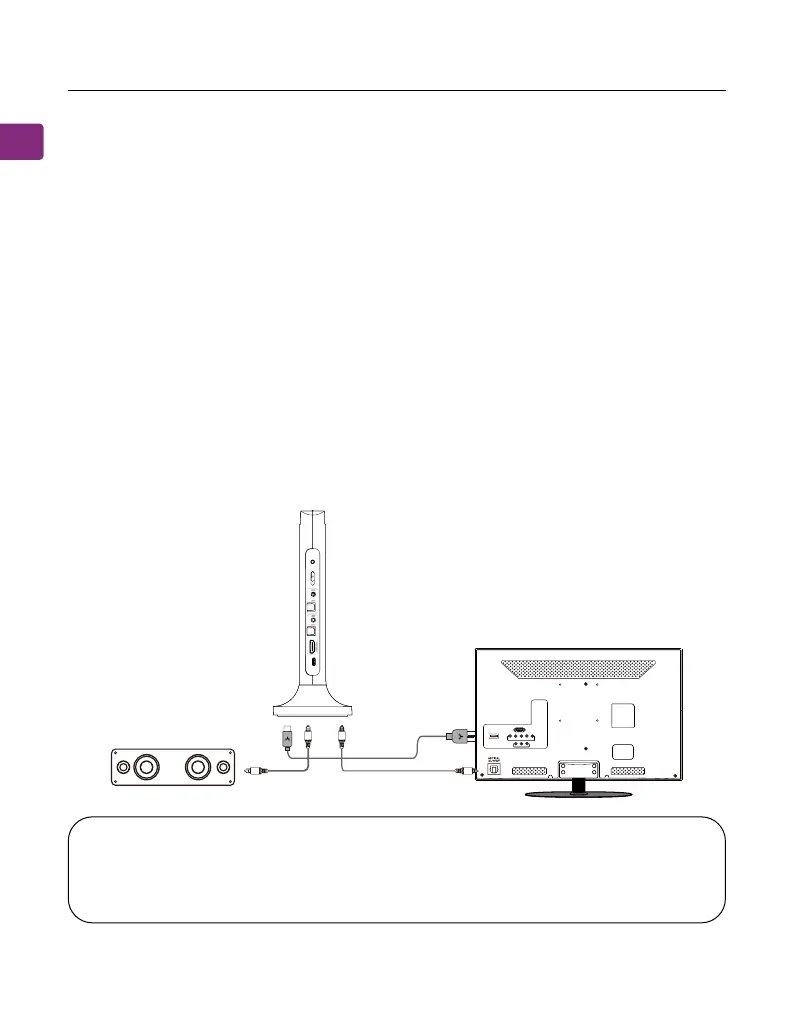
Set up the transmitter and connect it to your TV.
STEP 2
Plug an additional optical, 3.5mm AUX, or RCA audio cable into the correlating
audio port in the transmitter’s “BYPASS OUTPUT TO SPEAKER” section.
STEP 3
Plug the other end into your external sound system, then you’re good to go!
Listening with a Soundbar(Only for Optical and AUX Connection)
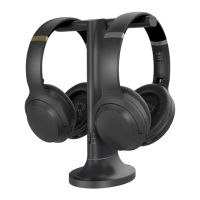
The pass-through function allows you to listen through both the headphones
and an external soundbar / stereo AVR simultaneously.
NOTE : Bypass only works with the same type of input / output, i.e. if you
connect to your TV via OPT, you’ll need to connect to your speaker via OPT
as well.
Bypass Output To SpeakerInput From TV
VOL Boost
DC IN
OPT
AUX
HDMI
ARC
Input
Selector
OPT
AUX
HDMI ARC
OPT
AUX
TV/Audio Source
Sound System


 To Next Page