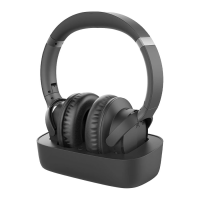
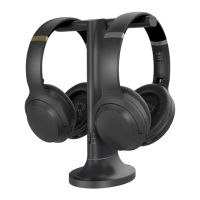
User Manual Opera plus
9
Setting up
Charging the Headphones & Powering the
Transmitter
Connecting to Your TV
Once the transmitter is connected to a power source, next is to connect it to
your TV’s audio output ports. You can choose one of 4 options to do this:
Powering the Transmitter
To power the transmitter, connect it to a wall outlet via the provided power
cables and wall adapter. It doesn’t hold a charge, so it needs to be connected to
power in order to function.
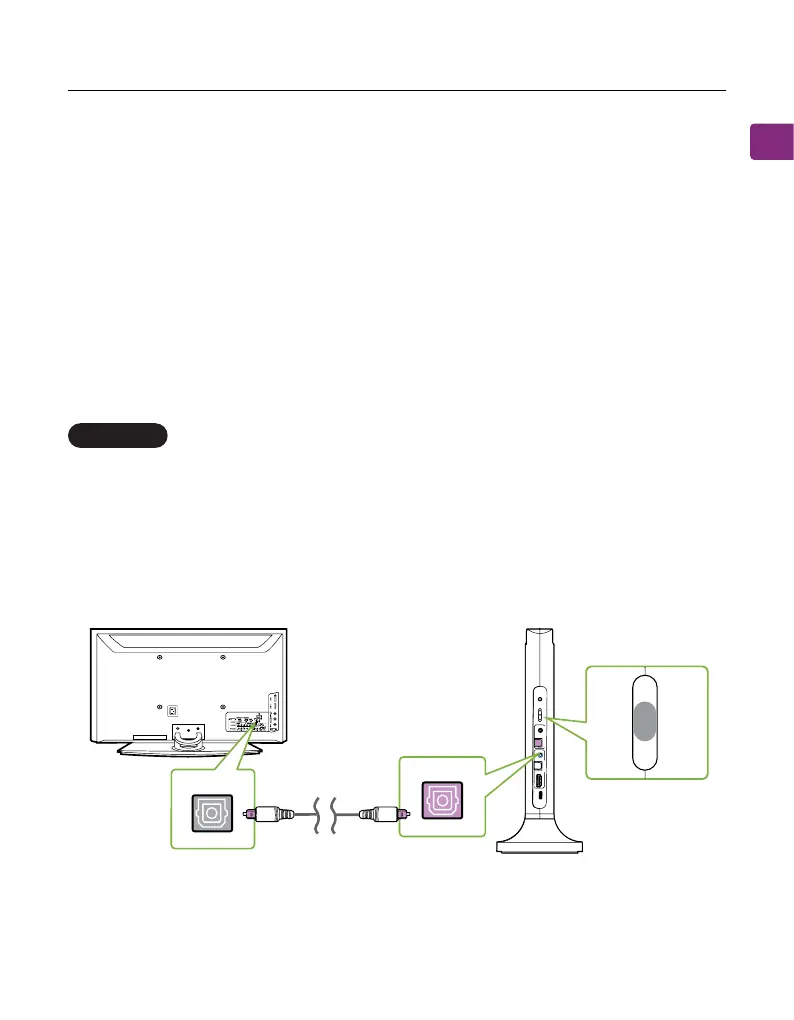
Optical port (Recommended)
Plug the provided optical audio cable into the TV’s optical OUT or “OPT / OUT”
port, then plug the other end into the transmitter’s optical port in the “INPUT
FROM TV” section.
On your transmitter, switch the “AUDIO INPUT SELECTOR” to the “OPT”
postion.
OPTION 1
y
B t
uO
s
sa
p
t
u
p
o
T
r
ekaep
Spn
I
Ft
u
or T
m V
VOL Boost
DC
IN
OPT
AUX
HDMI
AR
C
Input
Sele
ctor
OPT
AUX
H RA
I
M
D C
OPT
OPT
InputFromTV
OPT/OUT
TV
OPT
AUX
AR


 To Next Page