User Manual Opera plus
7
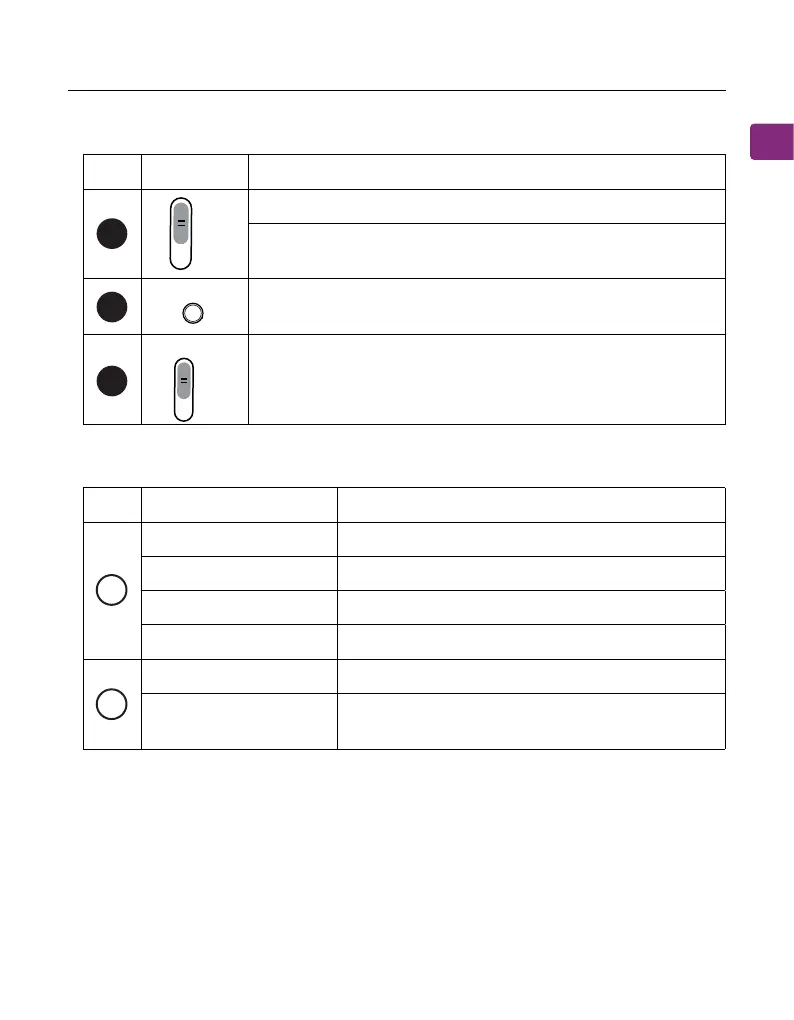
Button Functions
LED Indicators
No.
No.
Button
Indicators
Functions
Status
Solid blue
Flashing red & blue
Connected
Pairing mode
Headphones charging
Charging complete
Valid audio signal detected
No valid audio signal detected; please
adjust the TV’s audio settings
Solid red
O
Solid white
Flashing white
6
7
8
VOL Boost
O
F
F
P
A
I
R
O
N
A
U
X
H
D
M
A
R
C
In
p
u
t
S
e
le
c
to
r
O
P
T
Switch to “ON / OFF” to turn the transmitter on /o
Hold at the "PAIR" position for 5 seconds to enter pairing
mode
Press once to switch between normal and boosted volume
modes
Switch to match your desired audio input method
C
D


 To Next Page