9
Add a Device
To add cameras and microphones:
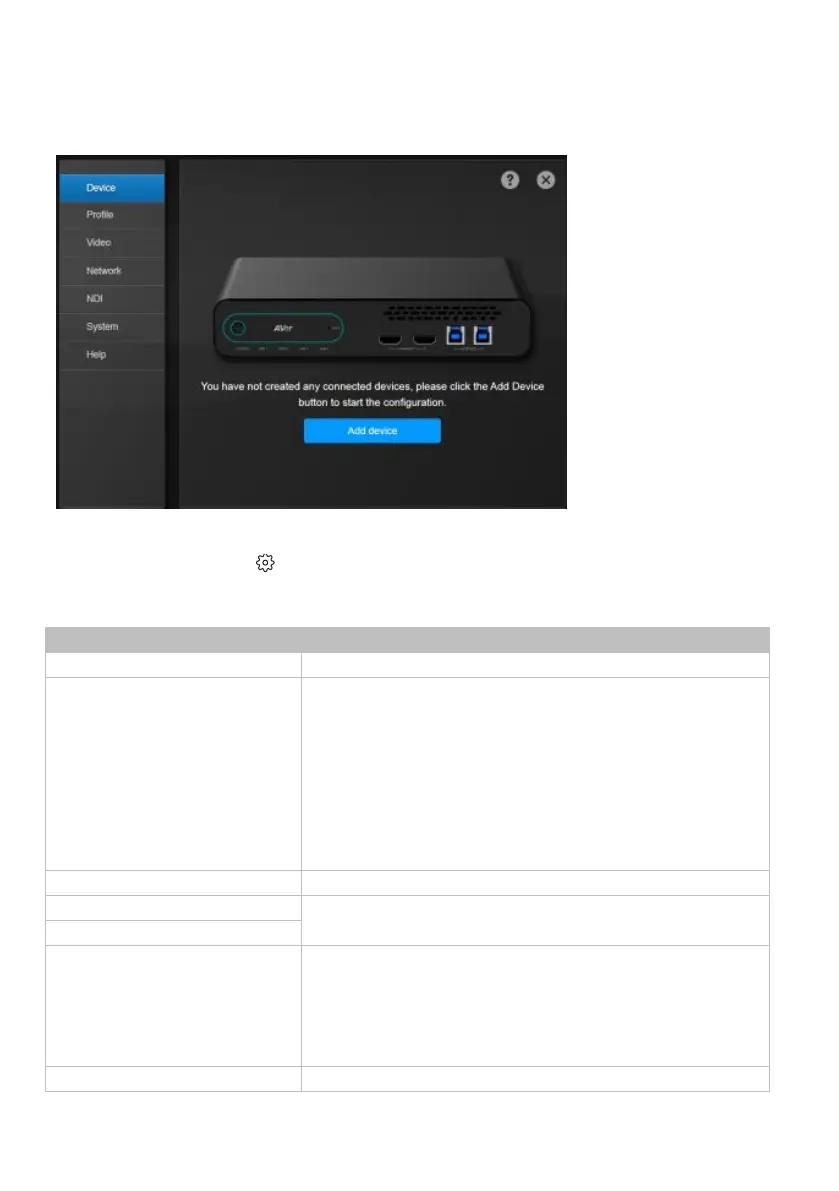
1. Click the Settings icon on the main page > Device > Add device.
2. Fill out the Add New Device dialog box.
Select Camera or Microphone
Add a camera or a microphone.
Connect Camera via IP
Connect Camera via USB Port
Connect Camera via HDMI Port
IP: Connect the camera via Ethernet or PoE+ port.
USB: Port 1 and 2 is used for video streaming, while Port 3
is used for video and audio streaming. Enter a name to be
displayed in the device list.
HDMI: Select Control via IP or Control via RS-422. When
Control via RS-422 is selected, turn Support Human
Tracking on or off and enter a name to be displayed in the
device list.
Automatically search or manually enter the IP address.
Enter your camera’s account and password.
Streaming via RTSP
Streaming via NDI
Real-Time Streaming Protocol (RTSP): Make sure your
camera and receiving device or application support RTSP.
Network Device Interface (NDI): Make sure your camera
and receiving device or application support NDI. Enter a
name for your NDI group (optional).
Enter a name to be displayed in the device list.


 To Next Page