29
Priority Group
When multiple groups are sharing the same camera and connection type, and
when their paired microphones detect the same voice from a person at the same
time, the camera will only move to the preset position of the Priority Group.
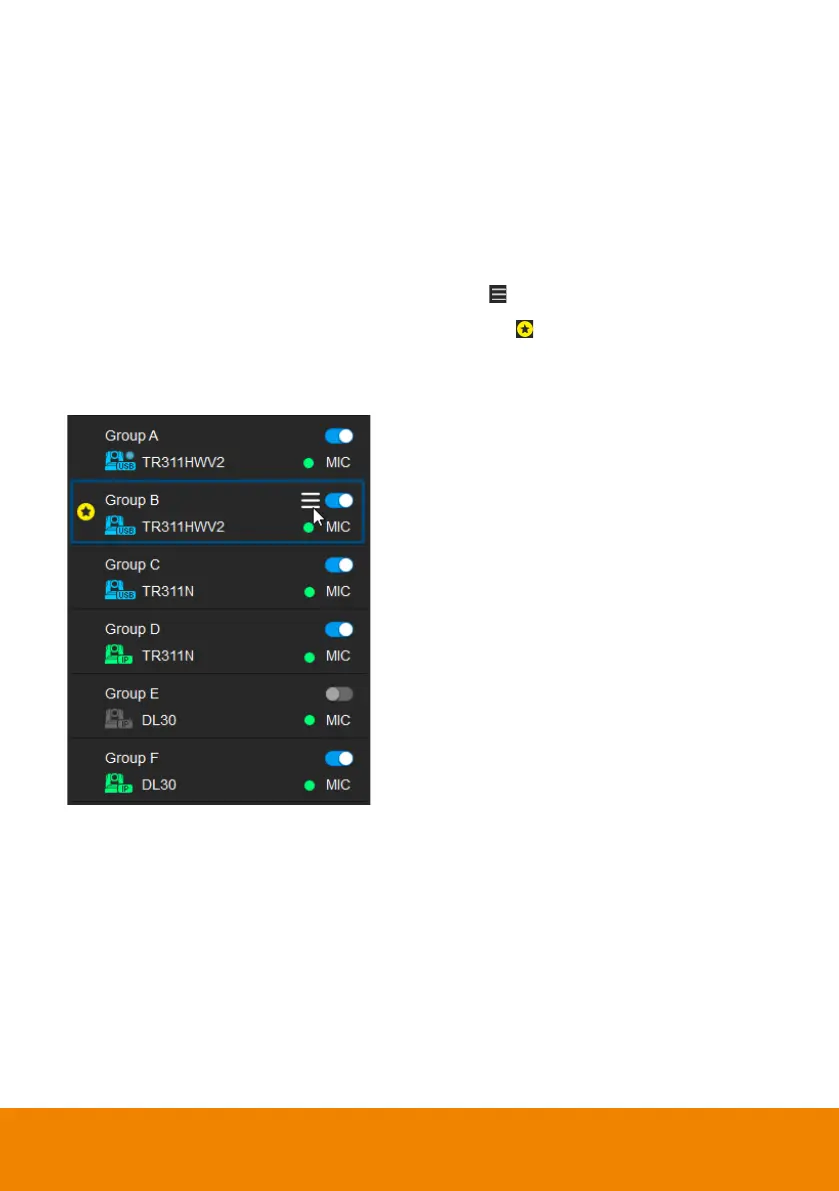
To set up a group as the Priority Group:
1. Make sure the group is enabled and well-connected.
2. Hover your cursor over a group, and click the icon.
3. Click Priority, this group will be marked with the icon.
4. To disable priority, click Priority again.



 To Next Page
 Loading...










