67
Appendix
AVerCamera Setting Tool
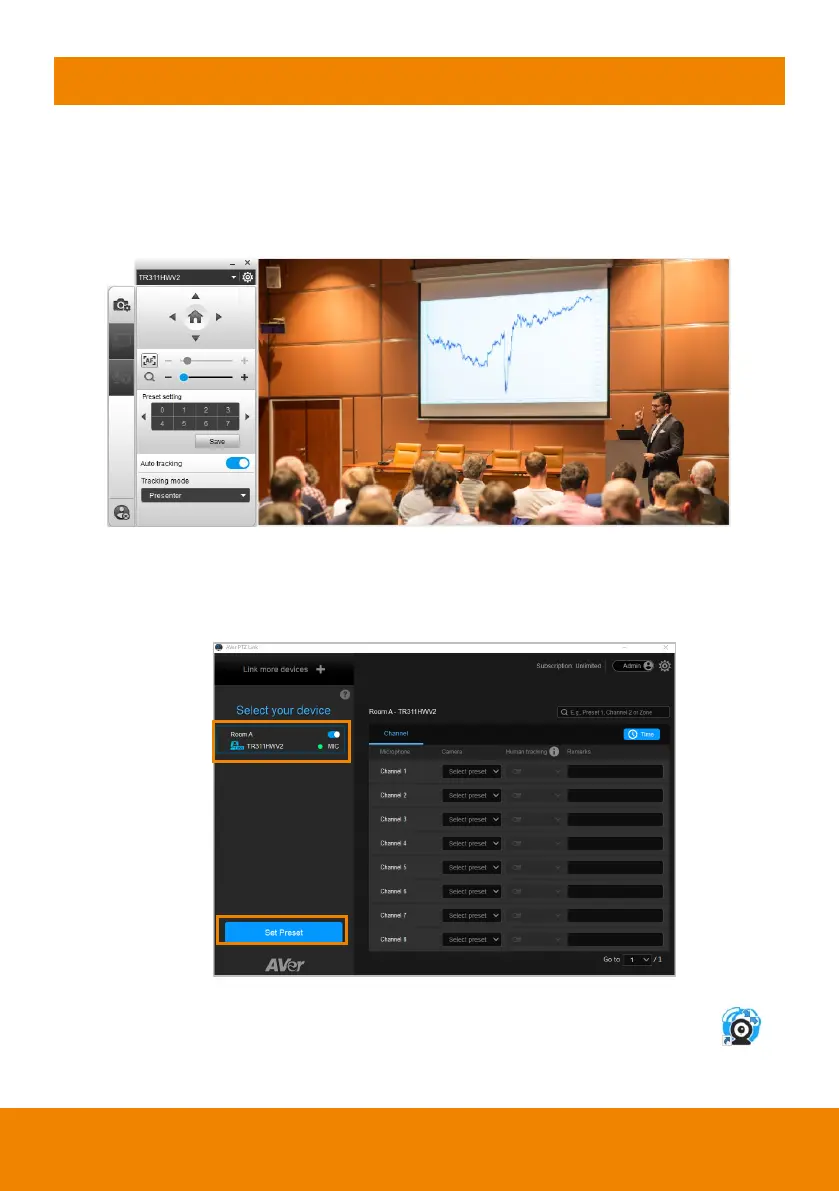
AVerCamera Setting Tool is bundled with PTZ Link. You can set up preset
positions or configure some settings for the Virtual Cameras (USB) with the
AVerCamera Setting Tool.
To bring-up the AVerCamera Setting Tool, you can:
On the Main Page of PTZ Link, select an USB device group on the Device List
by clicking on it, and then click the
Set Preset
button.
On your desktop, double-click on the AVerCamera Setting Tool shortcut .



 To Next Page
 Loading...










