AVerMedia AVerKey3 Plus User's Manual
12
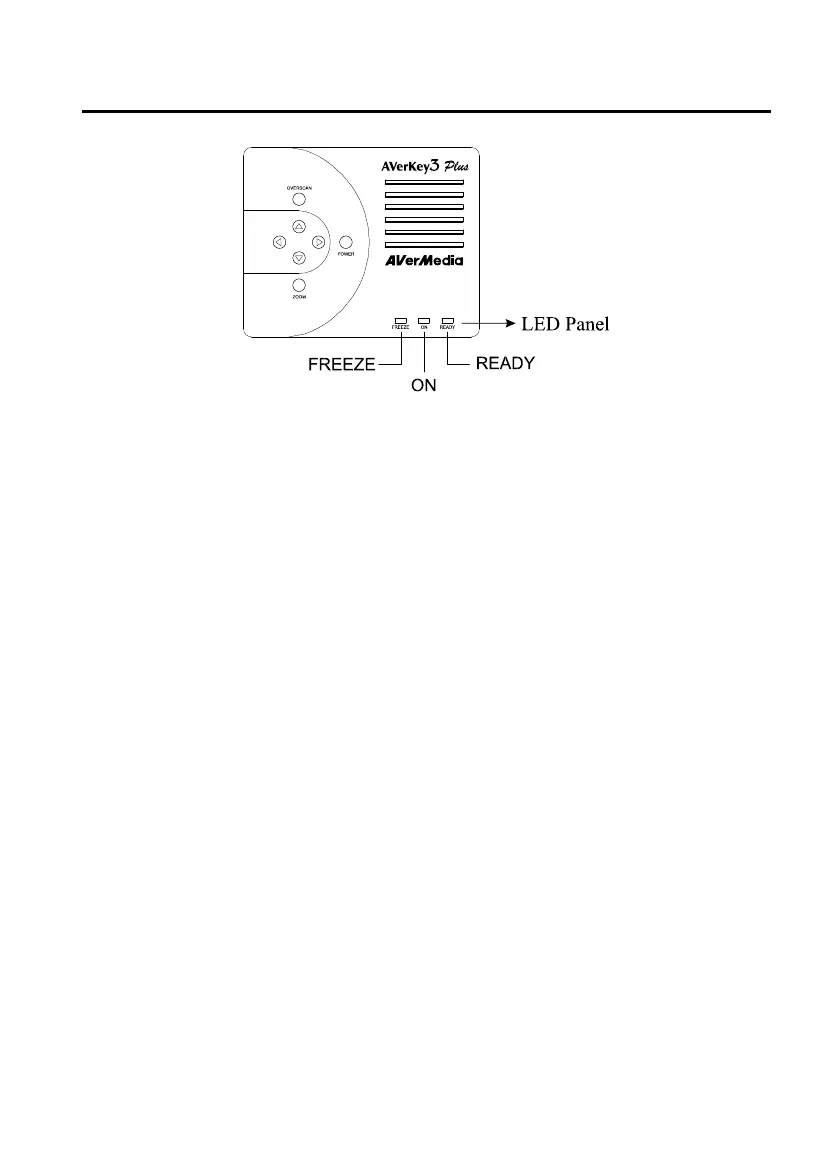
FREEZE : This LED shows whether FREEZE or UNFREEZE is in
operation. (FREEZE is a red LED in the NTSC version
and a green LED in the PAL version.)
If this LED is on, it means that the user has paused, that
is, frozen the screen.
ON : This (green) LED is the power on/off indicator. If this
LED is on, it indicates that the AVerKey3 Plus has been
powered on.
READY : If this (red) LED is on, it indicates that the AVerKey3
Plus is ready for use.
Zoom Functions
The AVerKey3 Plus provides 2 types of zoom : Normal Zoom and AVerMedia
Area Zoom.
Normal Zoom
Normal Zoom allows you to zoom in (200%) the computer screen on TV
display. Simply press the ZOOM button on the remote control.
You can move (pan) around freely to any part of the screen. Press the
PAN/POS button to change to PAN mode. Then, press the Up, Down,



 To Next Page