8
Chapter 3 Using the AVerKey3
Plus
This chapter will show you how to use the Remote Control Unit and Touch
Button Control Panel of the AVerKey3 Plus. At the end of this chapter, you
will find details on using the zoom functions of the AVerKey3 Plus.
Using the Remote Control
To use the remote control, first insert the batteries (2 size “AA” batteries are
provided) into the battery compartment at the back of the remote.
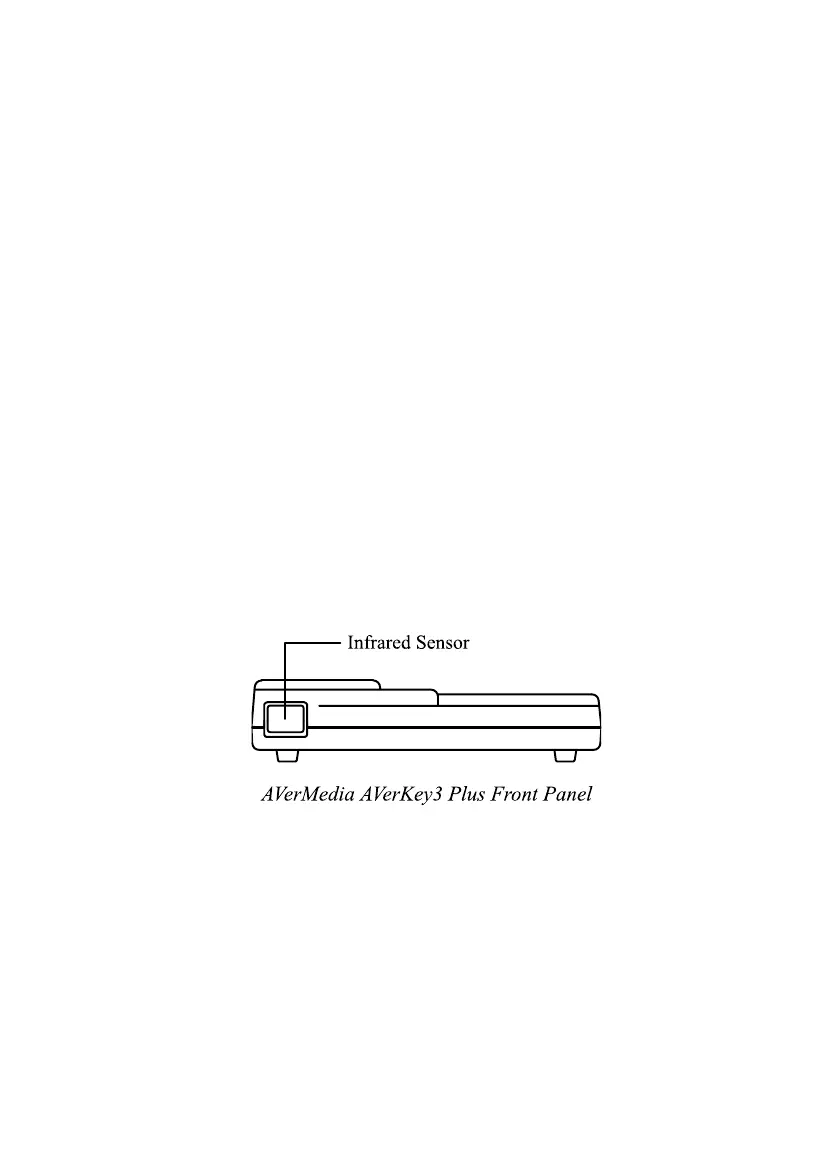
The Infrared Sensor is located at the front panel of the AVerKey3 Plus (see
figure below). While using the remote, aim it at the infrared sensor.
The figure and descriptions on the following pages show you how to use the
remote control.



 To Next Page