17
16-Channel Preview
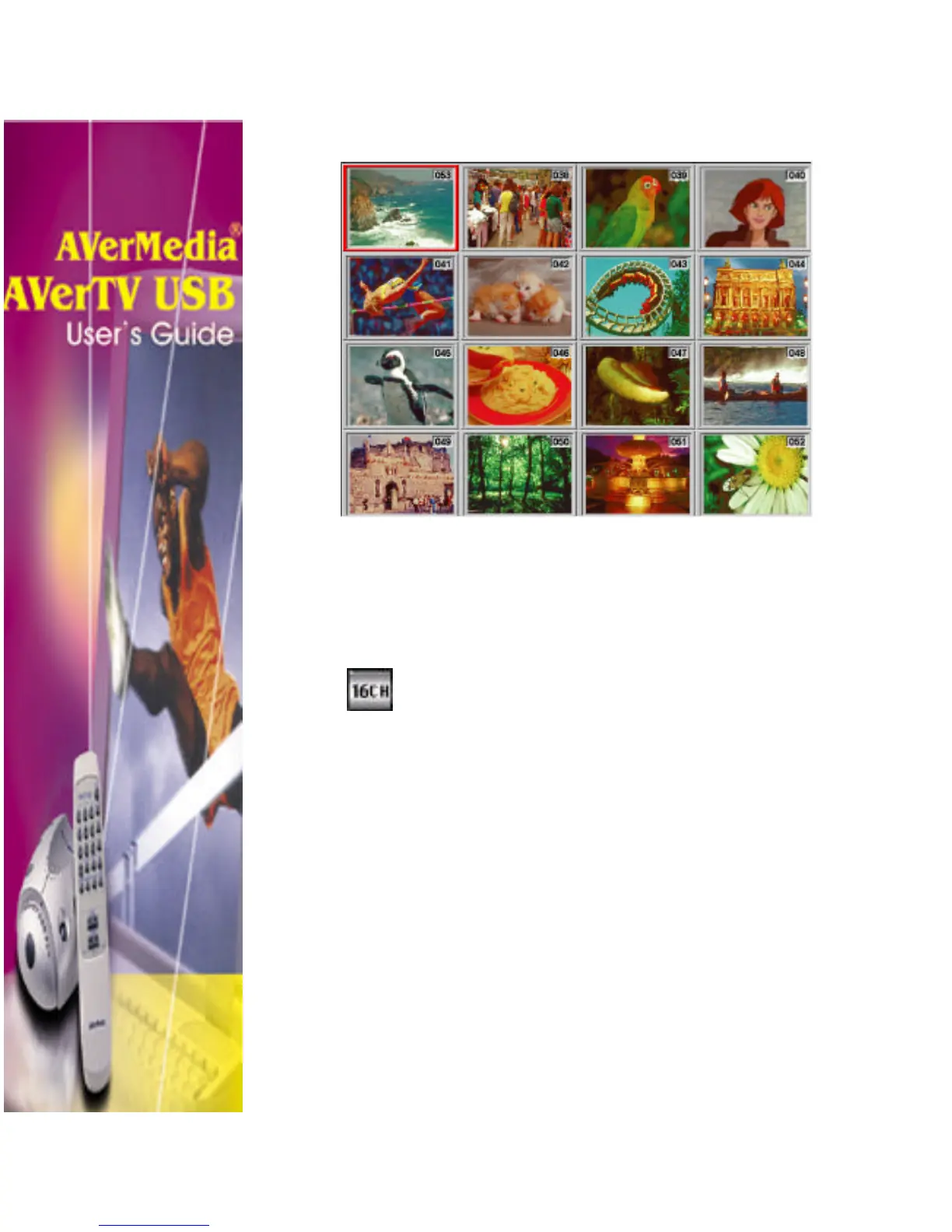
The AVerMedia AVerTV USB application’s 16-channel preview
function can display 16 TV channels on-screen at the same time.
You can see clearly which TV programs are currently showing on
these channels.
To preview the channels:
1. Click the 16-Channel Preview button.
2. The screen will be gradually filled up
with 16 TV channels, starting from the
currently selected channel.
To exit from the 16-channel preview screen:
• To select any one of the 16 channels on-screen, simply use the
mouse or the arrow ↑↓ ← → buttons of your keyboard and
double-click the left mouse button on that channel or press
Enter. You will then be tuned in to that channel.
OR,
• Click the right mouse button or press ESC to return to the
originally selected TV channel.












 To Next Page