18
Setting the Video Format of External Video
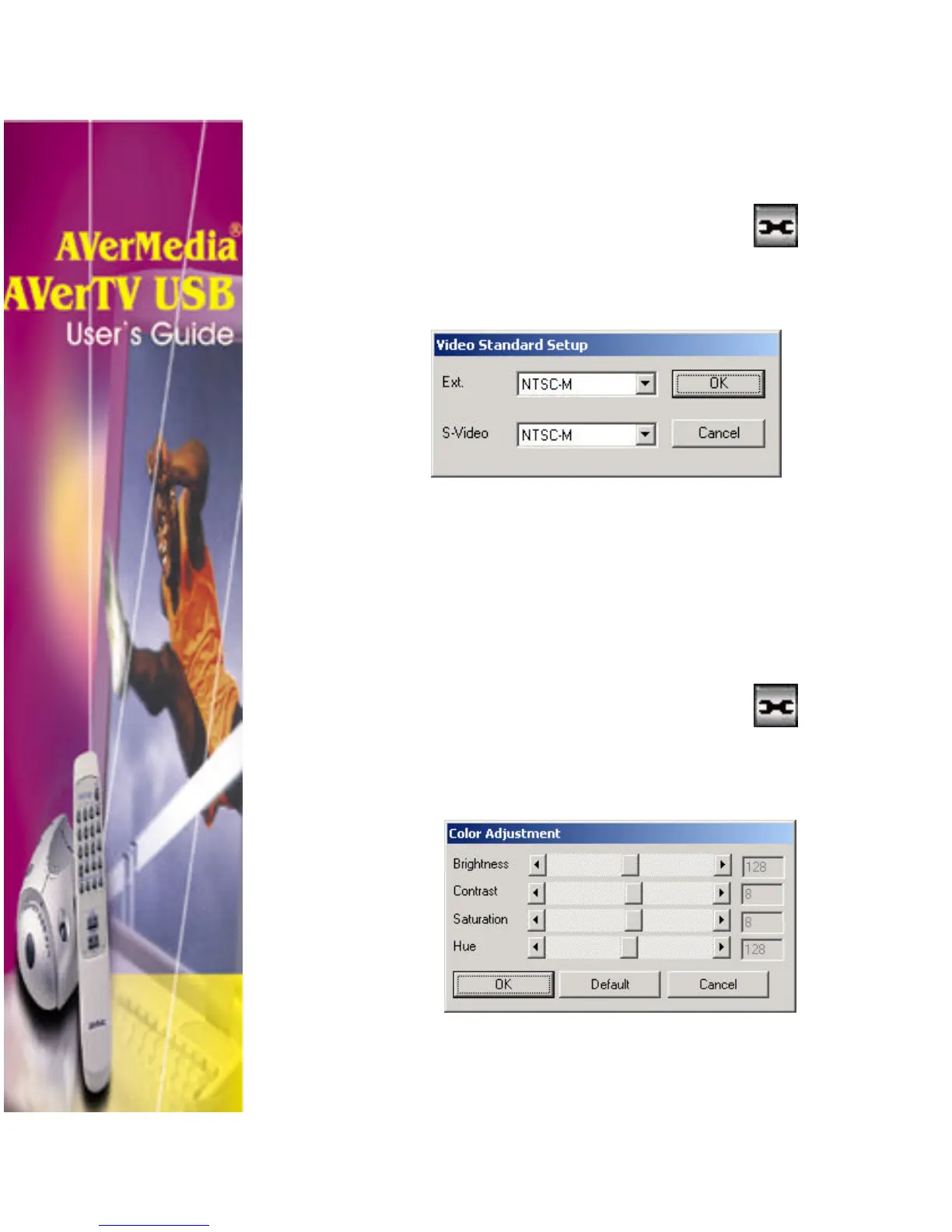
To set the video format used by the external video source, do
the following:
1. Click the Video Configuration button.
2. In the Channel Setup dialog box, click the Video
Standard Setup button. The Video Standard
Setup dialog box will then appear:
3. If you have a composite video source, click the
Ext. Video drop-down list and select the proper
video format.
4. If you have an S-video source, click the S-Video
drop-down list and select the proper video format.
Adjusting the Color
To adjust the color of the TV or video picture:
1. Click the Video Configuration button.
2. In the Channel Setup dialog box, click the Color
Adjust button. The Color Adjustment dialog box
will then appear:












 To Next Page