10
Renaming the Channel Group
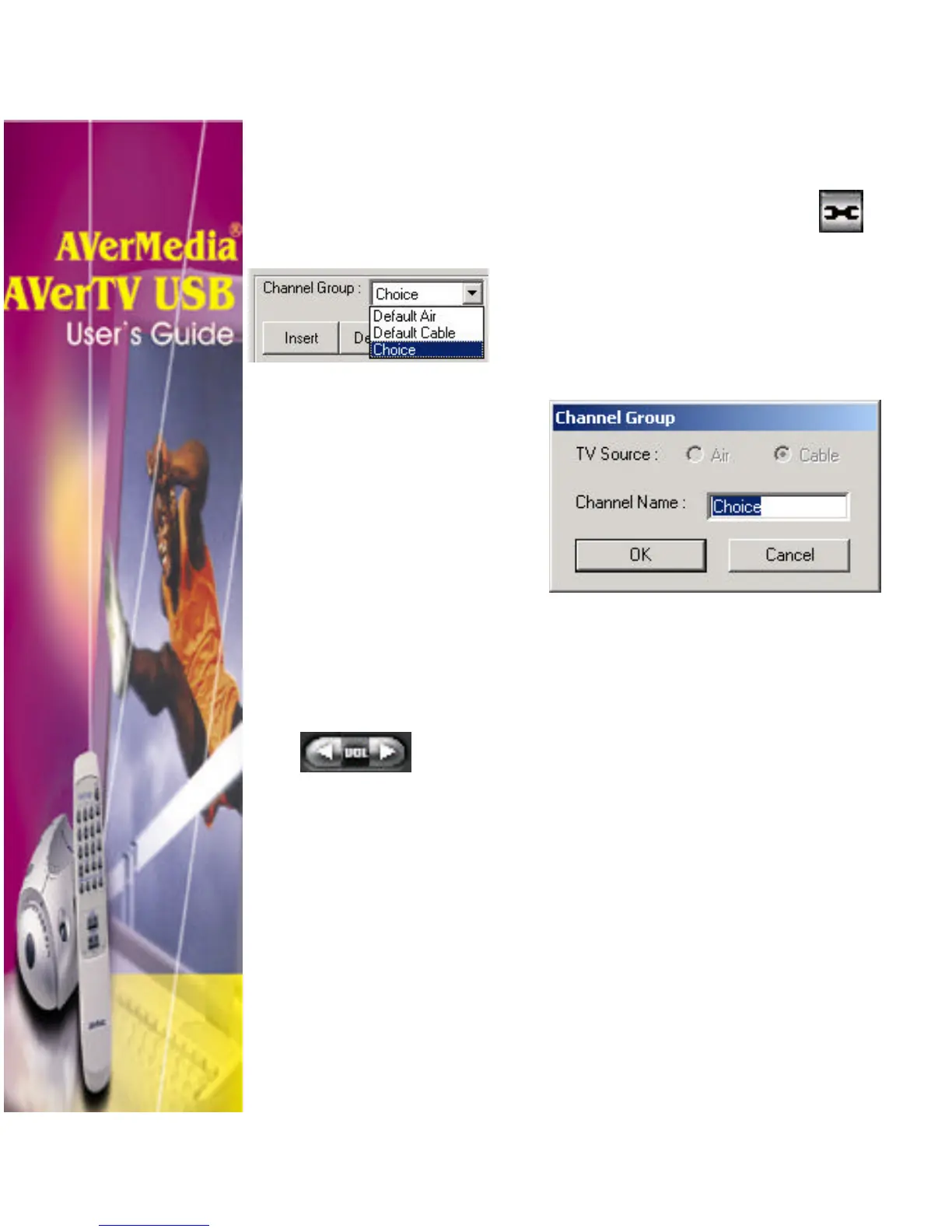
To rename channel group:
1. Click the Video Configuration
button.
2. In the Channel Group drop-down list,
select the name of the group you want to
rename (e.g. Choice).
3. Click Rename button. The Channel Group
dialog box will then appear:
4. In the Channel Name text box, type in the
new name.
Adjusting the Volume
On the TV Control Panel, simply click the Volume to
increase (+) or decrease (−) the volume level.












 To Next Page