29
Chapter 7 Playing CDs
Click the CD button to switch to the Music CD
Control Panel and play your favorite music CDs.
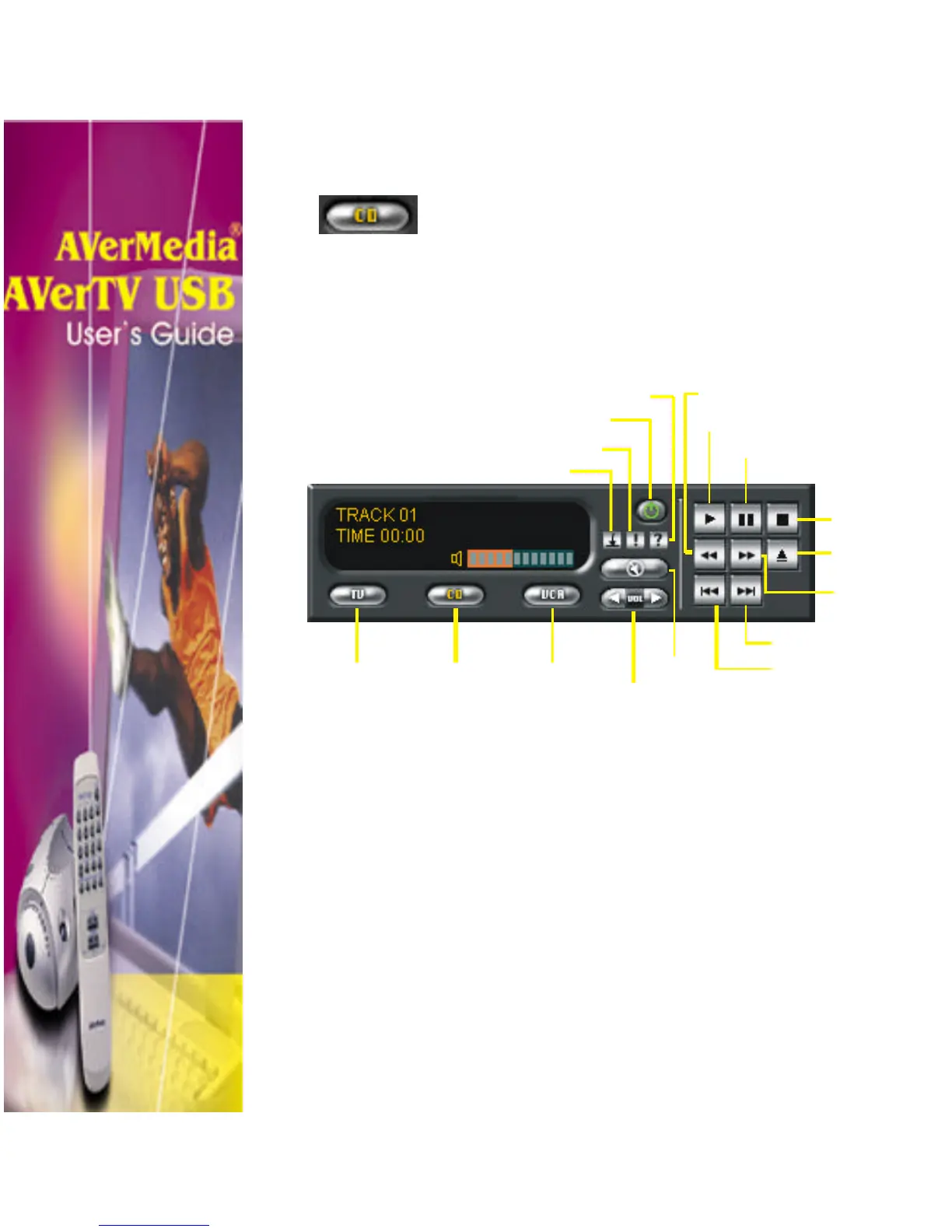
The Music CD Control Panel
The Music CD Control Panel provides button controls for
playing music CD, selecting audio track, adjusting volume and
more.
Jump to any part of an audio track by using the Fast
Forward and Rewind buttons. You can advance forward
or backward within a track by any number of seconds
TV
Mode
CD
Player
VCR
Mode
Mute
Volume
(−+)/()
Power off
Minimize Panel
Information
Play
Pause
Stop
Eject
Seek
Forward
Previous Track
Next Track












 To Next Page