20
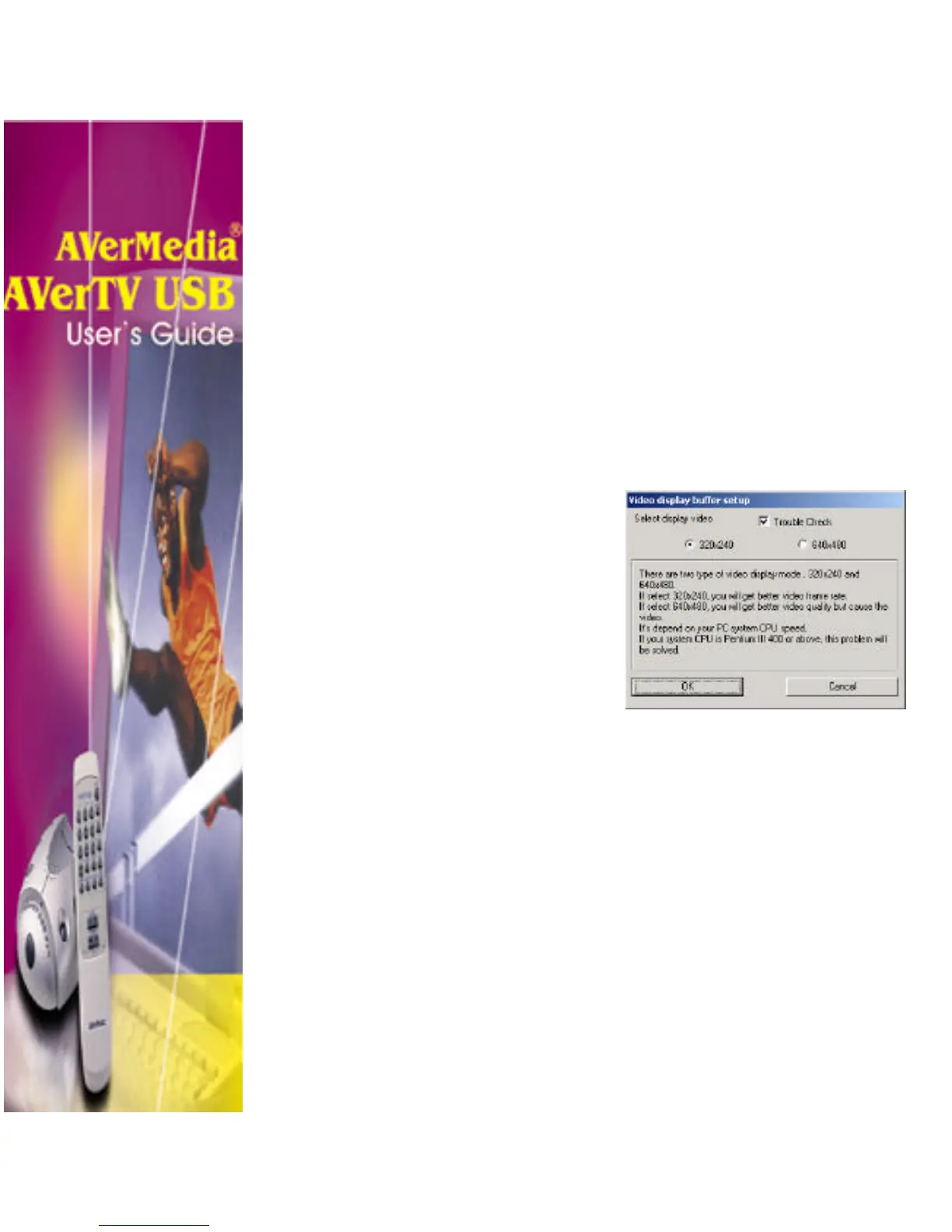
640 x 480 Mode: To demand the better video quality, the
640 × 480 mode is recommended. In this mode, when you
enlarge your TV screen size from 640 × 480 to maximum of
1600 × 1200 the visible video quality will display in better
quality. But, the frame rate will generate (max. 30 fps) up
to your CPU speed. The lower CPU speed your PC is
running, the fewer frame rate on your TV screen is
generating.
Note: If you are using the P-III 400 or above system, the video
frame-rate problem of the 640 x 480 mode will not occur.
4. Click OK to accept the new setting, or click Cancel to
revert back to the original setting.
Trouble Check
In some cases, other VGA card such
as the TNT2 or GeForce might
conflict with the application. If the
problem occur, simply enable the
Trouble Check check box to
correct the problem.












 To Next Page