21
Chapter 4 Image Capture
Overview
While you watch live TV or video from your PC monitor, you can
use the AVerMedia AVerTV USB application to capture images for
your document, presentation or web page.
Capturing a TV/ Video Image
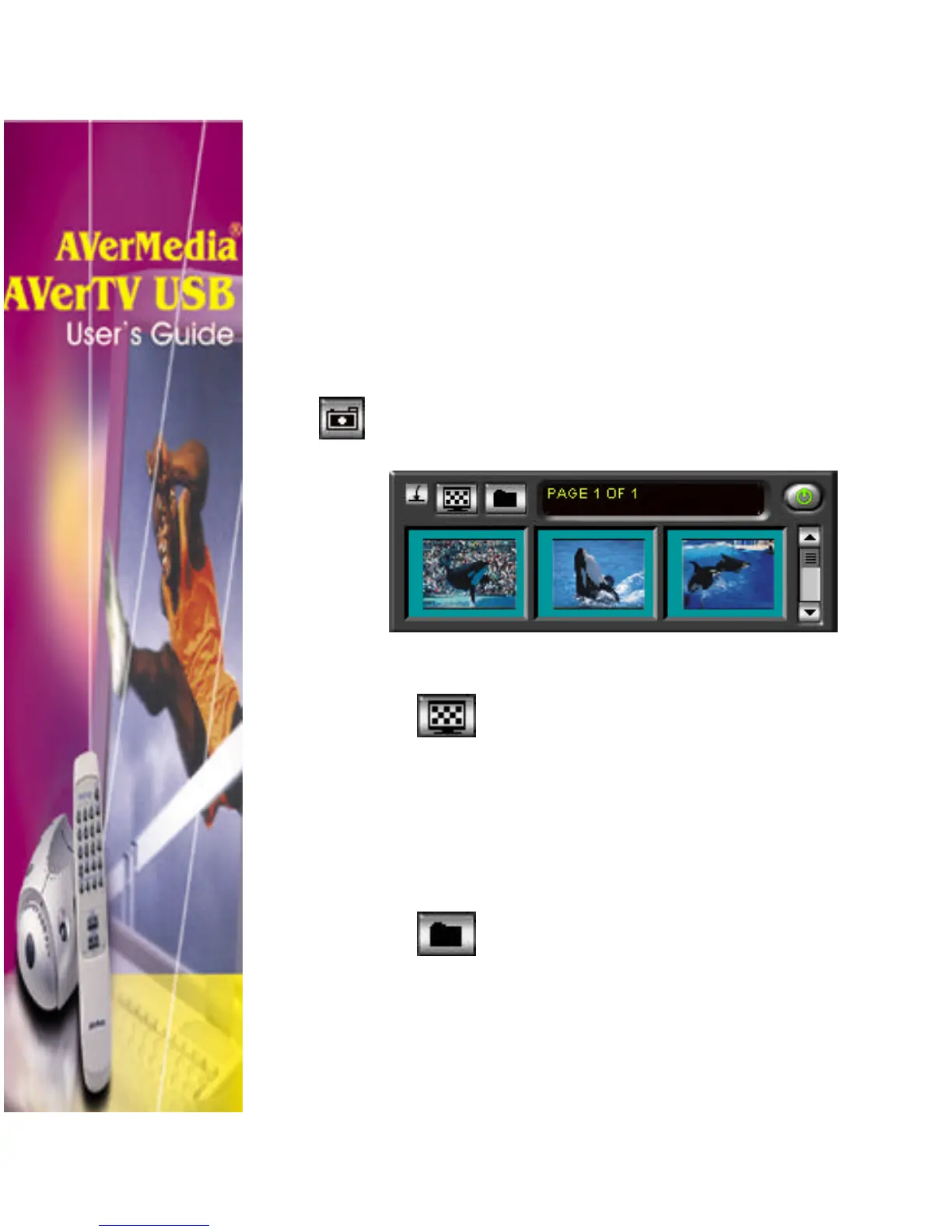
To capture image, click Snapshot button. The
Album, which is the captured image viewer will then
appear:
To display the captured image on your destop:
1. Select an image from the captured image
viewer then click Desktop Wallpaper
button.
2. The selected image will be displayed as
your wallpaper, the background of your
desktop.
To save the captured image:
1. Select image then click Save As
button. The Save As dialog box will
then appear: (see figure next page.)












 To Next Page