22
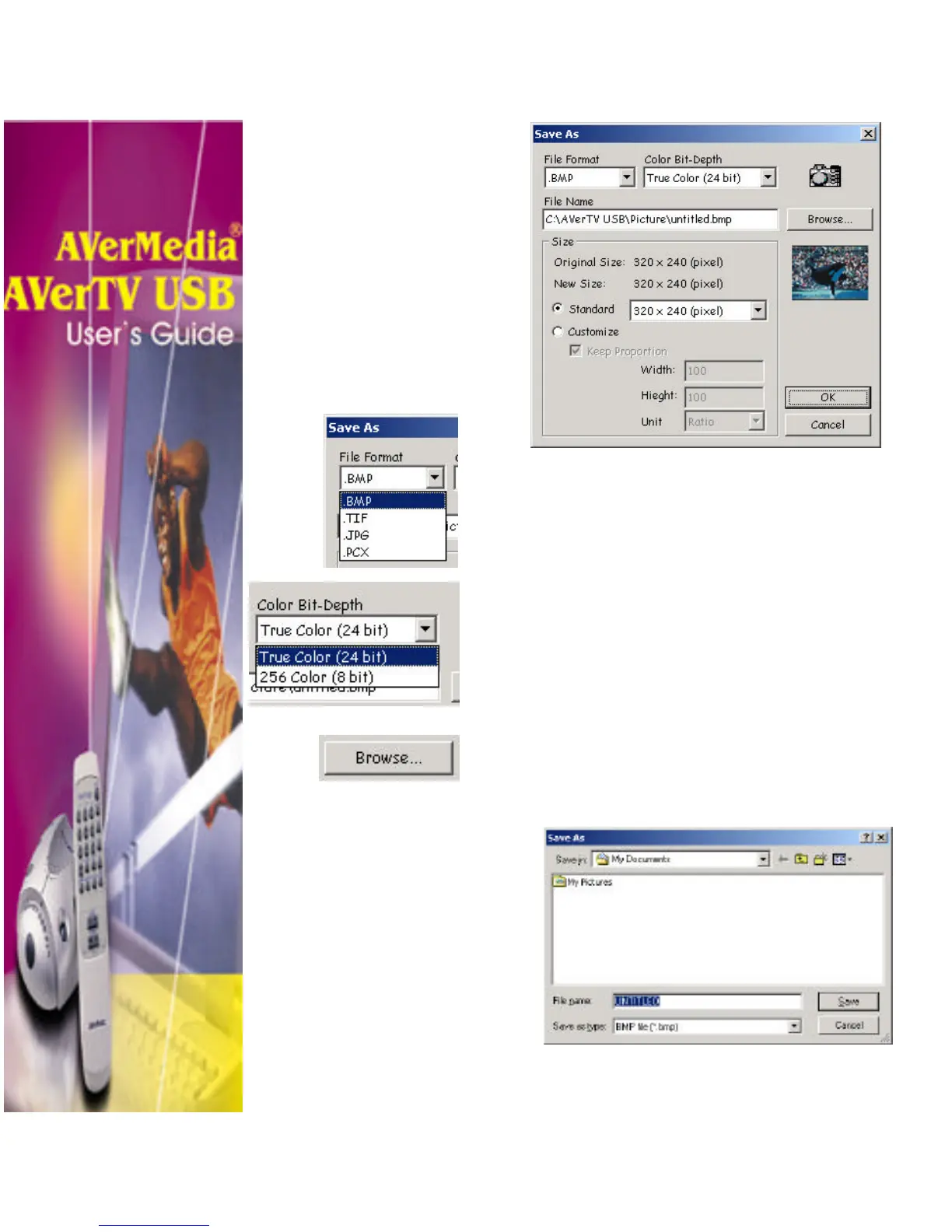
3. Choose the File type.
Choose the image file type. From the
File Format drop-down menu, select the
format for saving the captured image.
4. Choose the Color format.
• Choose 24-bit to capture image in
16M colors.
• Choose 8-bit to capture image in 256
colors.
5. Specify a File name for saving the
captured image. Click Browse to scan for
folders and select a destined location for
saving the image.












 To Next Page