23
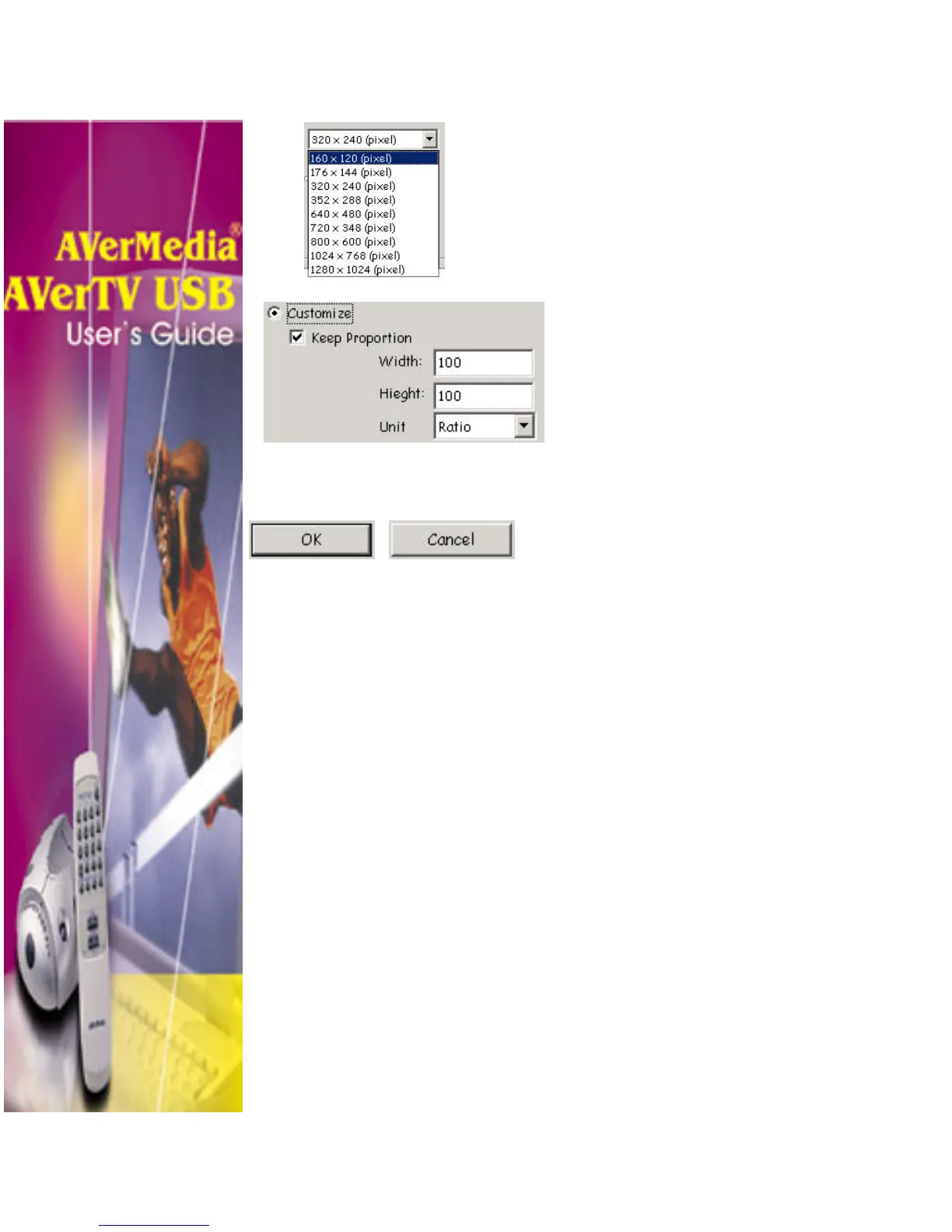
6. Choose the image size.
• In the Size section, select the
Standard option and choose a
desirable image size from the drop-
down list.
• If you want to set your own image
size, select Customize and enter
the image Width and Height. If
you want to maintain relative width
and height, select the Keep
Proportion option. Choose a
measurement unit from the Unit
drop-down list. You can specify
any image size you want. The
maximum capture size can be
1280×1024.
7. Click OK to save the image. Click
Cancel if you do not want to
capture the image.












 To Next Page