33
Playback Captured Video
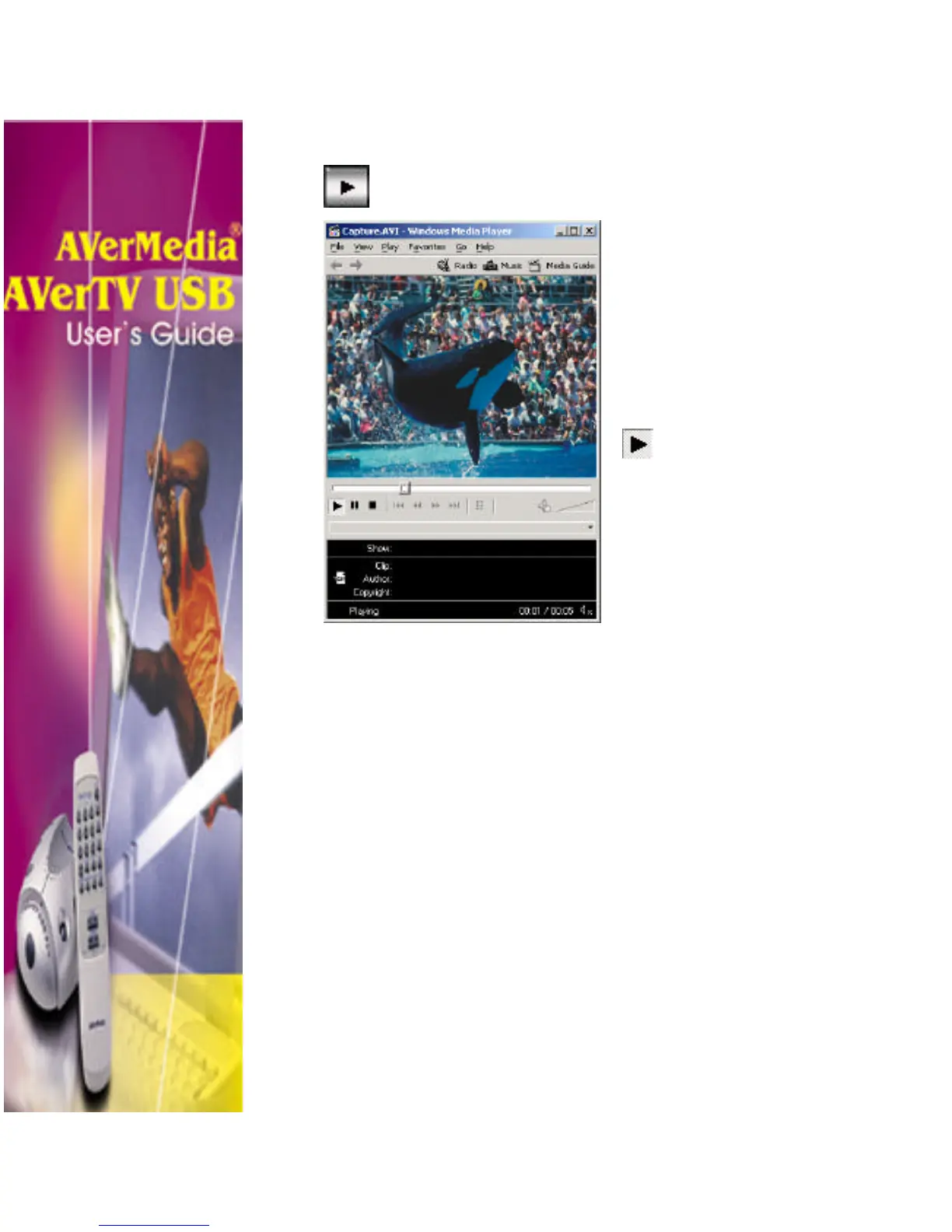
To view the captured file, simply click on the Playback
Captured Video button.
The video clip will open in your default
media player software. (For instance, if
you have Xing
Player as your default
media player software, the captured clip
will be played in Xing
Player. If you
did not install any media player software
in your system, then your default player
will be Windows Media Player.)
Click the Play button. You
will then be able to watch the
portion of the TV/video
program you have previously
captured.












 To Previous Page