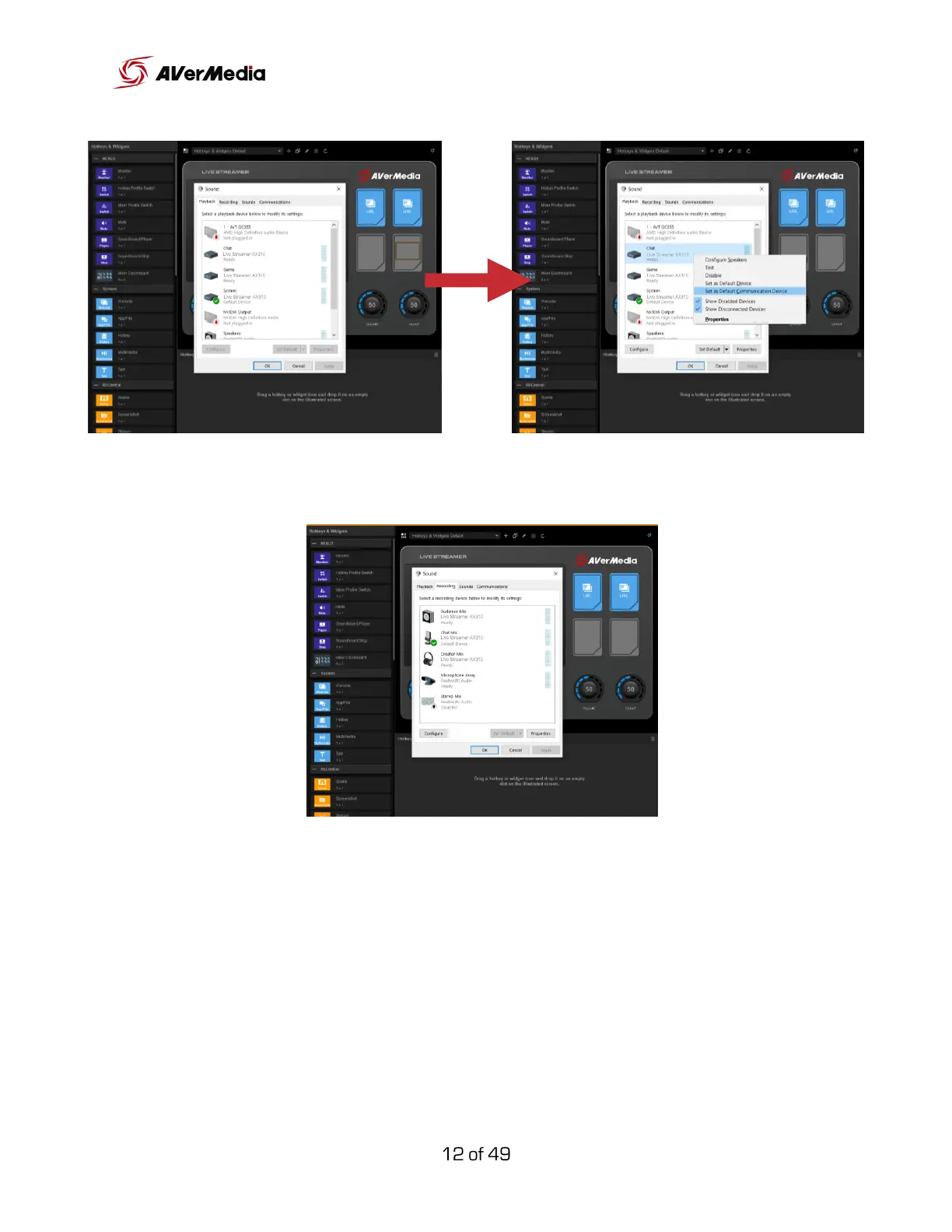
On the “Recording” tab make sure that “Chat Mic” is selected as default.
If you want to route different virtual sources to the “SYSTEM”, “GAME”, or
“CHAT” channel, for example, Spotify, right-click on the audio icon on your
Windows taskbar, select “Open Sound Settings”, look for advanced audio
settings there you can select where to route each virtual source.



 To Next Page