OBS Websocket Plugin
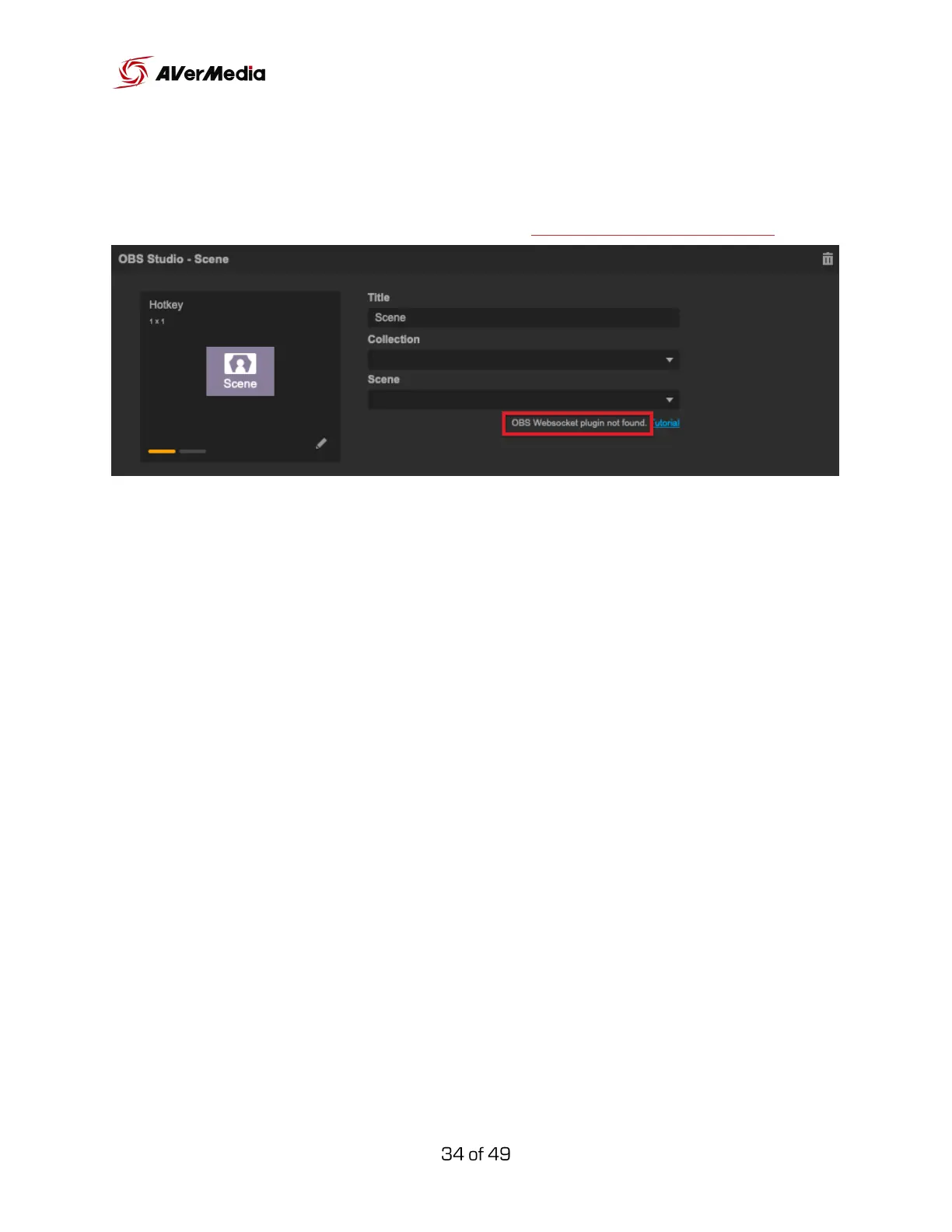
To use OBS widgets, you will need to download and install the OBS
WebSocket plugin, here is the reference link Websocket download link.
For Windows
We recommend you can use the installer
“AVerMediaOBSWebSocketServerInstaller_v1.0.1.exe” (works only with
combined 32/64-bit installations): download it, launch it and follow the
instructions.
If that doesn’t work then download and unzip the “obs-websocket-1.0.1.zip”
file. Copy the contents of the archive to the root of your OBS Studio
installation folder (either C:\Program Files\obs-studio or C:\Program Files
(x86)\obs-studio).
For macOS
Download and run AVerMediaOBSWebSocketServerInstaller_v1.0.1.pkg.



 To Next Page