From your Mac/PC perspective these tracks are considered outputs:
-
System (Live Streamer AX310); controlled by the “System” Knob
-
Game (Live Streamer AX310); controlled by the “Game” Knob
-
Chat (Live Streamer AX310); controlled by the “Chat” Knob, should be used as
audio output from your voice chat software (Discord, Skype, etc.)
And these are considered inputs:
-
Chat Mic (Live Streamer AX310); is the audio track that should be used for your
voice chat software.
-
Audience Mix (Live Streamer AX310); the sum of all 6 audio tracks on the AX310,
and should be selected as the main input for your Streaming software.
When Audio Mixer is set to “Single Mix”, this mix will be the same as the
“Creator Mix”.
When Audio Mixer is set to “Dual Mix”, this mix will be an independent
one and will have different volume levels for all 6 tracks (Won’t be the
same as “Creator Mix”).
-
Creator Mix (Live Streamer AX310); The audio mix that goes to your headsets.
Audio Routing Table
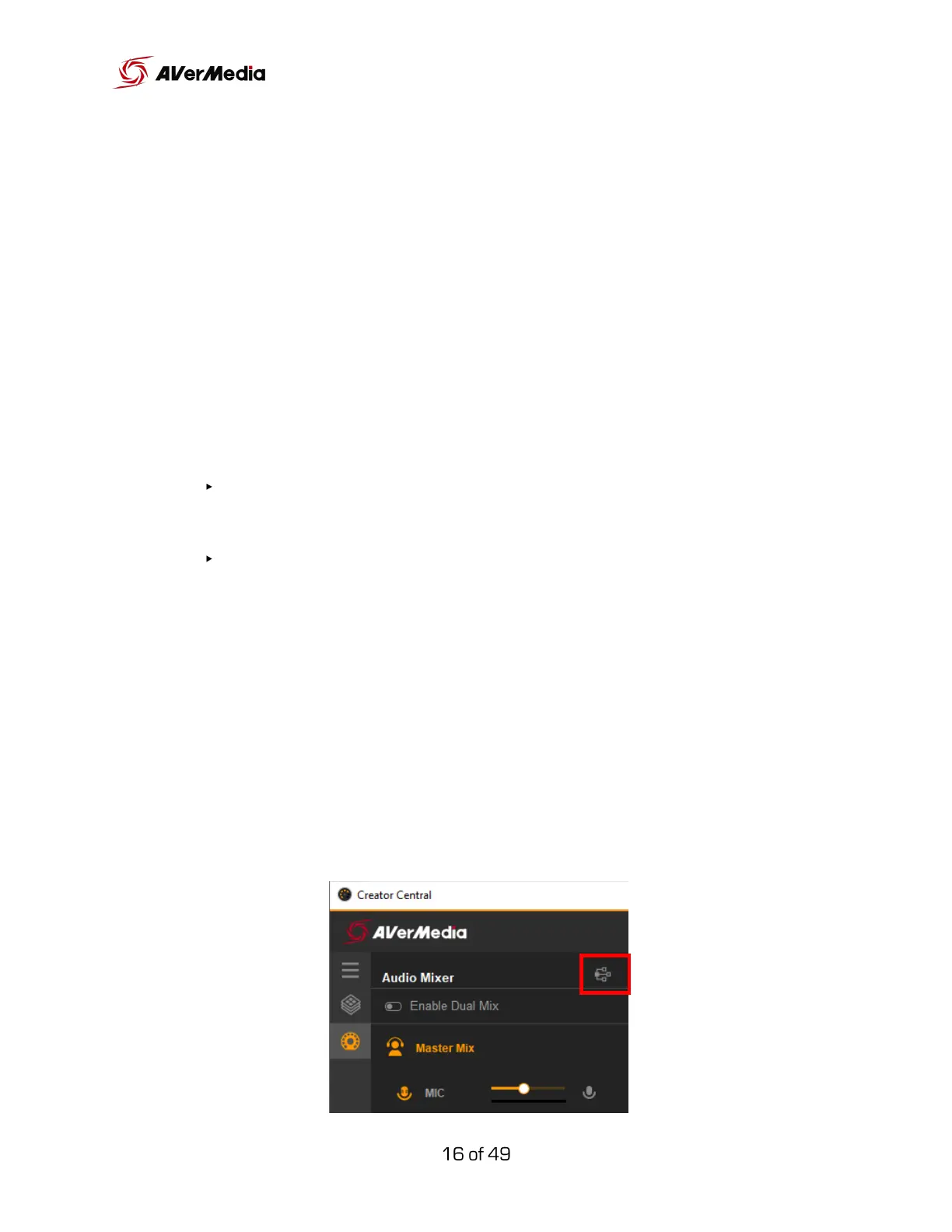
Located in the Audio Mixer control section (2), this illustrated table provides
an overall, easy-to-read audio routing for all six tracks. It also includes volume
levels and quick access to Output settings.



 To Next Page