Printing a Test Label Printing a Test Label
To print a Test Label:
1. Touch the Home key.
2. Select Printer Diag.
3. Select Diagnostic Labels from the Print Engine Tests window.
4. Select one of the following from the Diagnostic Labels window.
6-6 Operator's Handbook
Label with voids
M06057STD Diagnostics Info
Service Packs None
Settings Diagnostics Info
Sensor: Black Mark
PE Version V1.1 (AK) Stock Offset: 0
Contrast: 0
Speed: Best Available
Network Diagnostics Info
Adapter Name: SDCCF10G1
IP Address: 0.0.0.0 IP Address: 0.0.0.0
MAC Address: 00:01:02:0A:40:7E MAC Address: 00:01:02:0A:40:7E
Total Inches: 00000490
Hi-Energy Inches: 00000000
Battery: 7.534V (60%)
PH Dot Resist Avg: 358
Bad Dot Count: 0
Se
lect: The following labels print:
Information Labels Prints a label
that contains
the printer
information.
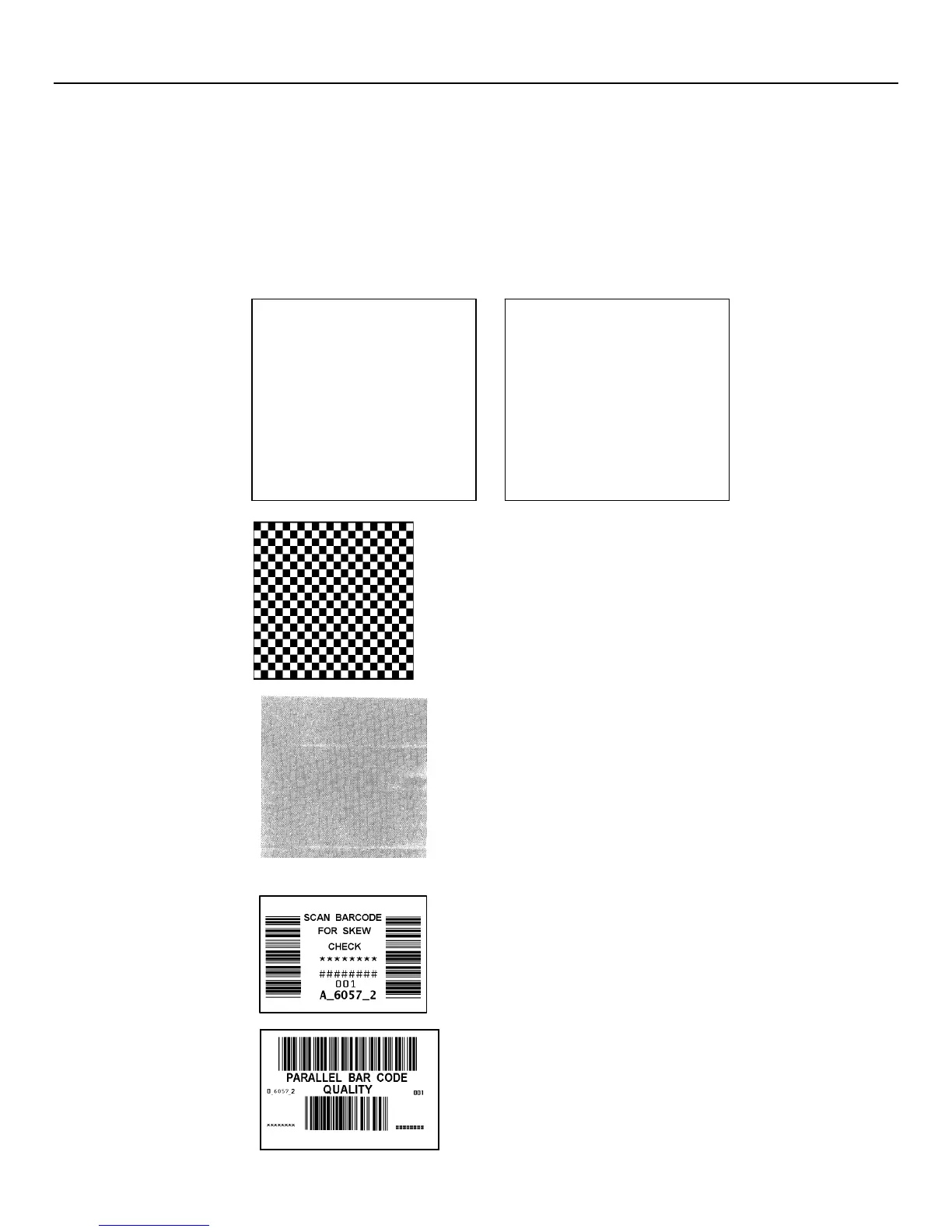
Checkerboard Label Prints a label to verify that the printhead strobes
are working. If your printed sample has fewer lines
or no lines, keep the sample and call Service.
Gray Scale Label The gray scale test checks the uniformity of the
printing. The printed sample should be uniformly
gray across the supply. If you see voids,
especially on the edges, keep the sample and
call Service.
Serial Barcode Label A label prints bar codes for you to scan to check
the quality of serial bar codes.
Parallel Barcode
Label
A label prints bar codes for you to scan to
check the quality of parallel bar codes.










 To Next Page