16 7821 User Instructions
Modes of Operation
5.2.3 Scale lb/kg Capacity and Count-by Choices
5.3 Diagnostics Mode
The Diagnostic (DIAG) Mode menu lets you test specific areas of the scale’s function.
These areas are:
Display (DISP)
Shows the version and revision of the software, followed by a display segment test.
RAM (RA)
Performs a nondestructive test of RAM in the processor. Displays PASS or FAIL.
ROM (RO)
Performs a checksum of all locations of ROM in the processor. Displays PASS or FAIL.
Input/Output (I/O)
Data is output by the scale, and through the use of a loopback connector, the data is
immediately read back into the receive channel and verified against what was sent.
PASS or FAIL is displayed. Requires a jumper (short) between transmit and receive
data lines.
Division, Test w/AZT (HRESA)
Weight data is normalized to 100,000 counts of displayed resolution. AZT is enabled.
Typically used by service technicians.
Division, Test w/o AZT (HRESN)
Weight data is normalized to 100,000 counts of displayed resolution. AZT is disabled.
Typically used by service technicians.
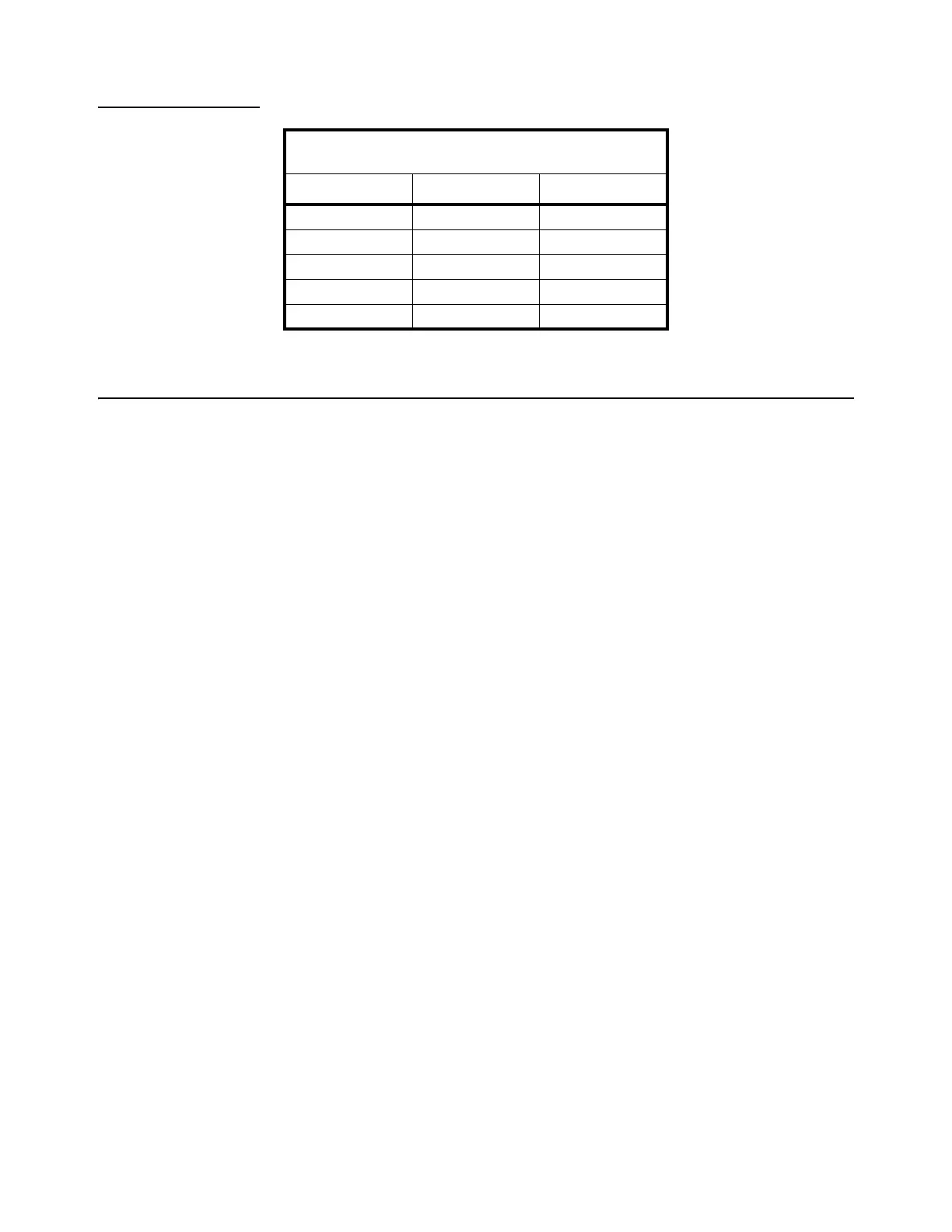
Table 5.3 Scale lb/kg Capacity and Count-by
Choices
Capacity (lb) Capacity (kg)
150 - 1 150 x 0.05 60 x 0.02
150 - 2 150 x 0.05 70 x 0.02
150 - 3 150 x 0.05 75 x 0.02
150 - 4 150 x 0.02 75 x 0.01
200 200 x 0.05 100 x 0.02





 To Next Page