7821 User Instructions 13
5.2 Gravity Adjustment
5.1.2 Display
5.1.3 Remote Display
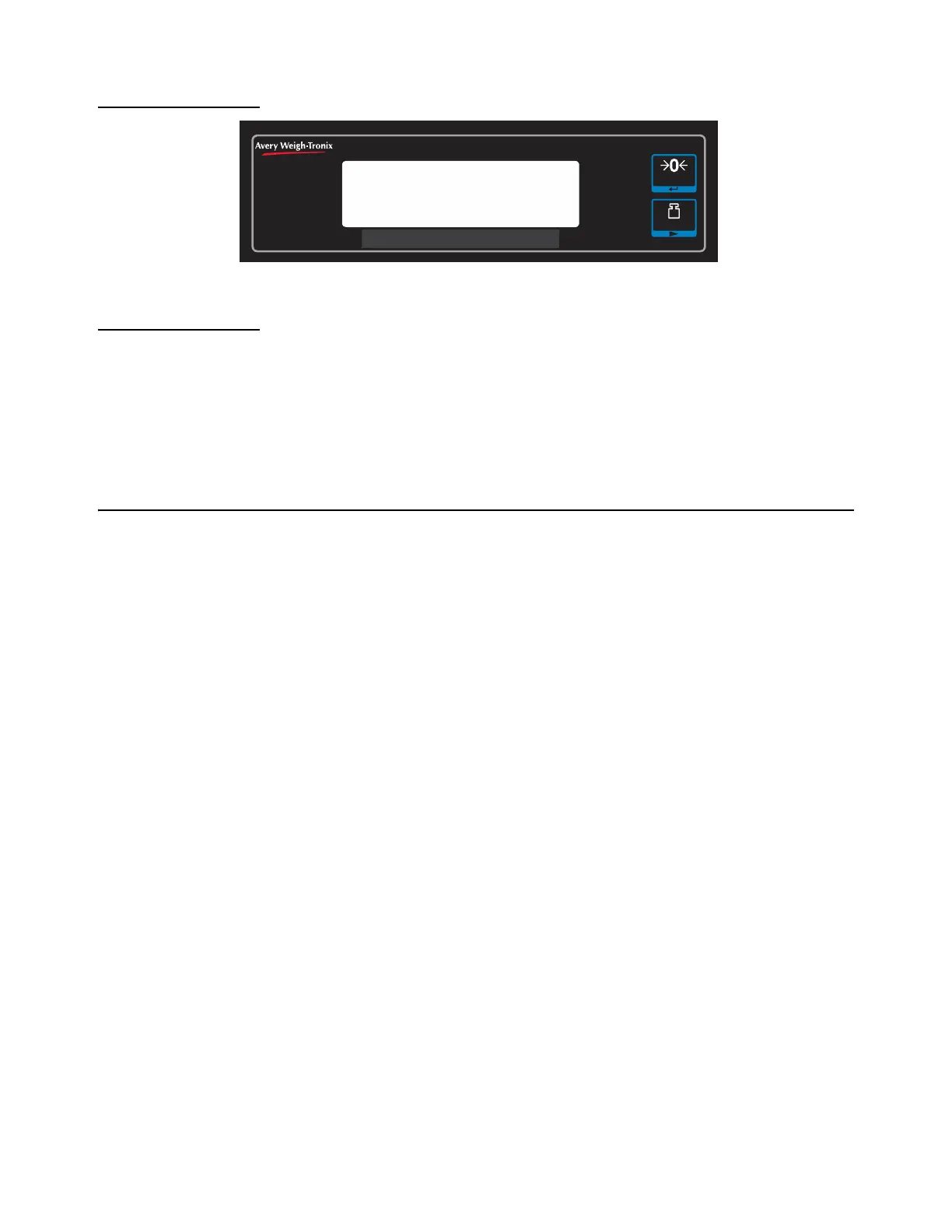
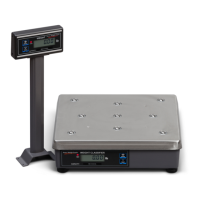
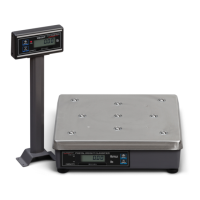
The NCI 7821 bench scale has an optional remote display. Typically, the remote display
is used to display weight only (i.e., the
ZERO and UNITS keys are not operable).
Alternatively, it is possible to have operable
ZERO and UNITS keys on the remote display,
but in so doing, the keys must be disabled on the local (or internal) display. To activate
the
ZERO and UNITS keys on the remote display, set dip Switch 3 to the OPEN position.
5.2 Gravity Adjustment
With Switch 2 set to OPEN, you can adjust the local gravity value. Press the ZERO key
to increase the value or press the
UNITS key to decrease the value. See Gravity Mode
on page 22 for details.
CAPACITY:
POSTAL WEIGHT CLASSIFIER
lb/oz
ZERO
RANGE IN USE
W1
W2
lb
UNITS





 To Next Page