Install and Connect TV
TV ANT
FM ANT
TV signal output
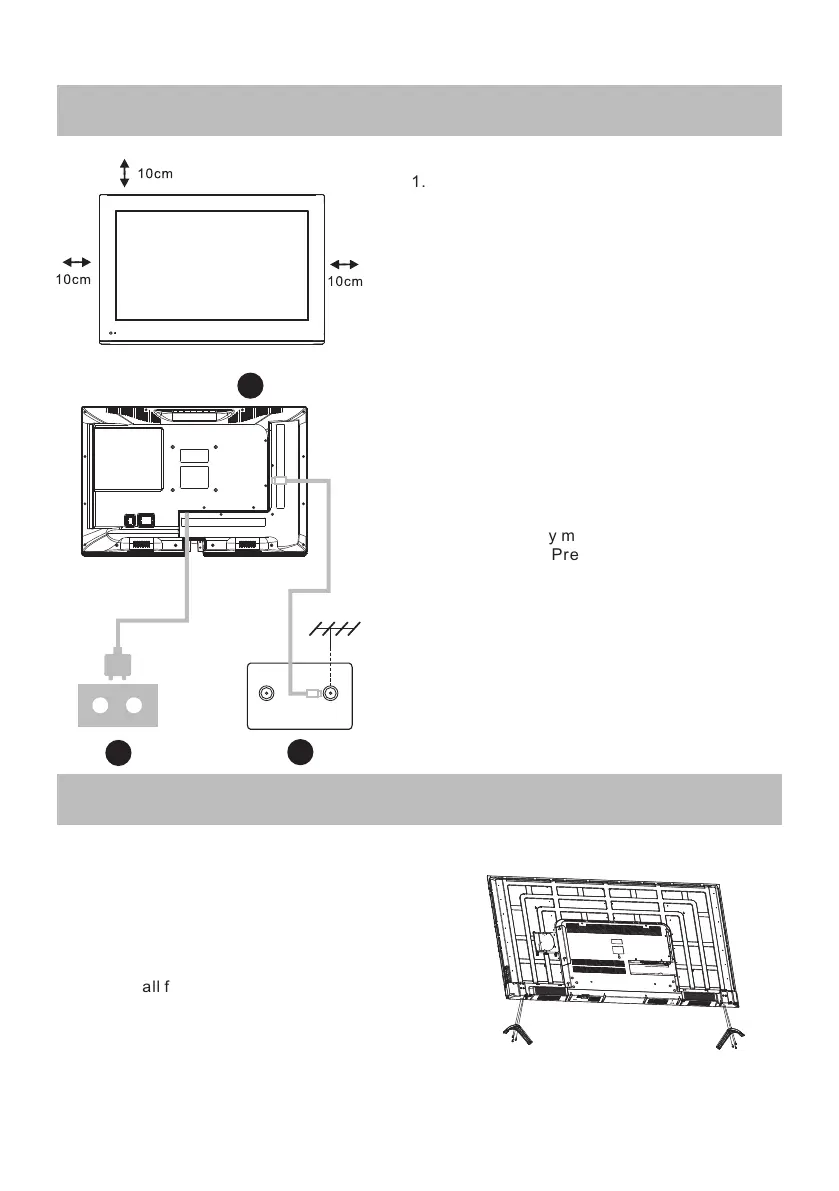
Setup your TV
1.Put your TV in a place that can bear the
weight of the TV.
To avoid danger, please do not assemble
the TV near water or extreme heat(such
as a furnace, light source,or candle.)
Do not block the ventilation on the back
of the TV.
Connect signal source and power
2. Connect the antenna cable to the RF
connection on the back or side of the TV,
and/or the signal source HDMI cable to the
HDMI input(s) on the rear or side of TV. Plug
the TV into the wall power outlet (AC120 ~ 60Hz).
1
3
Turn on the TV
3.While in standby mode the power indication
light will be red.Press the power button on
the TV or remote control.The light will change
to green.
Note:
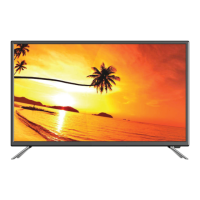
Picture for reference purposes only.
2
TV Feet Installation Instructions
1.Open the carton and remove the TV,
accessories, and the stand/feet.
2.To avoid damage to the TV, place on
a table, face down on a soft surface.
The feet are attached to the
TV with the provided screws.
3.Ensure all feet screws are tightened securely.
Do not overtighten.
Your TV will have either a Feet.
Assemble accordingly.
11



 To Next Page