Return
Move
Select
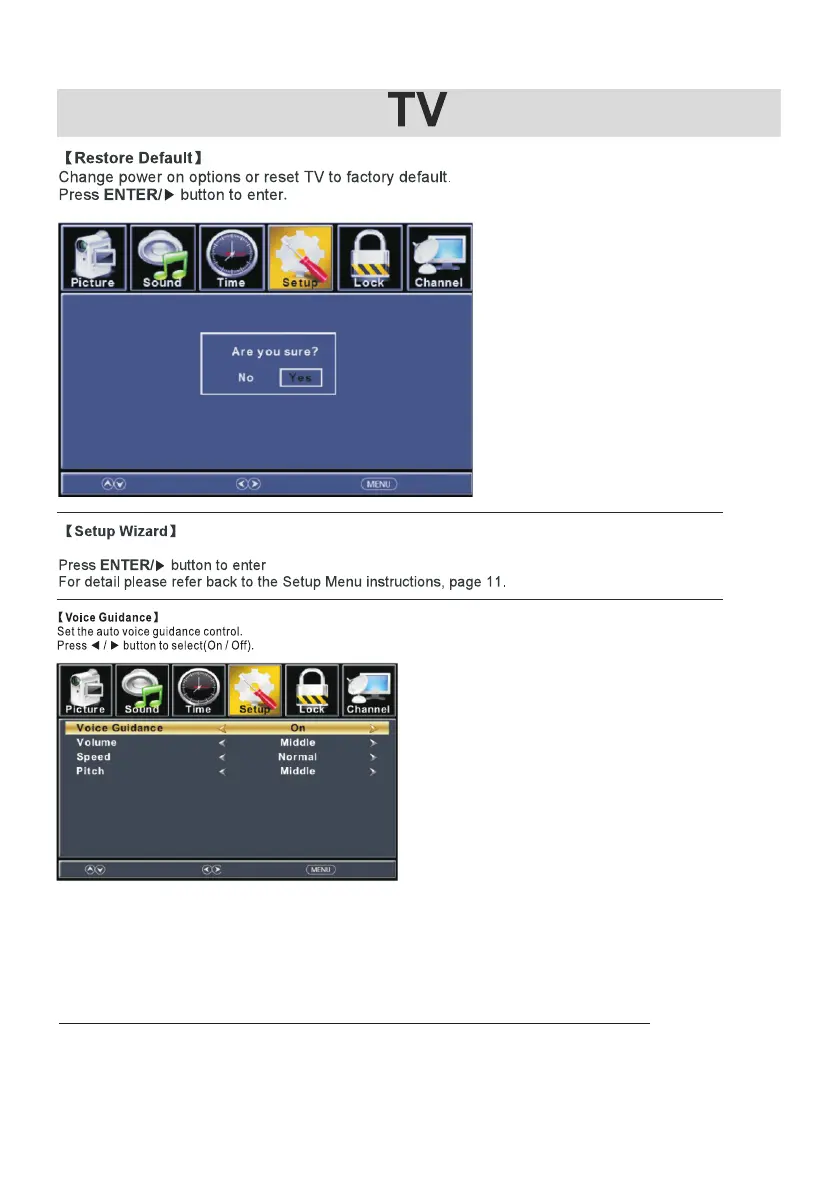
Volume
Adjust TTS volume.
Press ◄ / ► button to select(High/Low/Middle).
Speed
Adjust TTS speed.
Press ◄ / ► button to select(Normal/Fast/Slow).
Pitch
Adjust TTS tone.
Press ◄ / ► button to select(High/Low/Middle).
【 】Video Description
Press ◄ / ► button to select(On/Off)
ReturnSelectMove
Reset to initial settings.
Select main audio/secondary audio stream containing the video description.
23



 To Next Page