the default
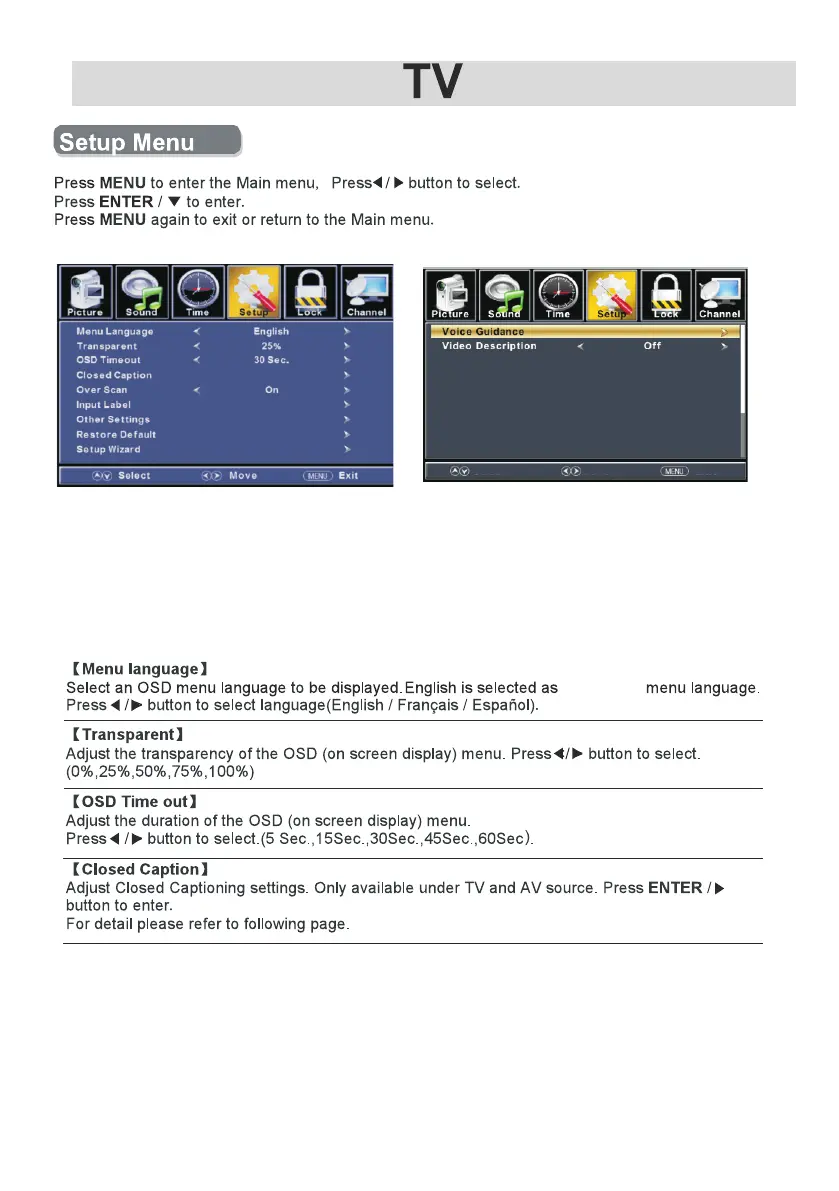
Press ▼ / ▲ button to select among Menu Language / Transparent /
OSD Timeout / Closed Caption /Over Scan/ Input Label /Other settings /
Restore Default / Setup Wizard/Voice Guidance/Video Description.
Pre ss to enter. ENTER / ▼
Pre ss button to adjust.◄ / ►
ENU again or back to pare nt menu. Pre ss M
Return
Next
Move
20



 To Next Page