- 36 -
DVB-T Setup
1. TV Shape
Press direction buttons to select different TV shape ratio and press the
direction buttons to select the desired item.
2. OSD Transparency
Press direction buttons to adjust the value. Press the EXIT button to exit.
First Time Installation
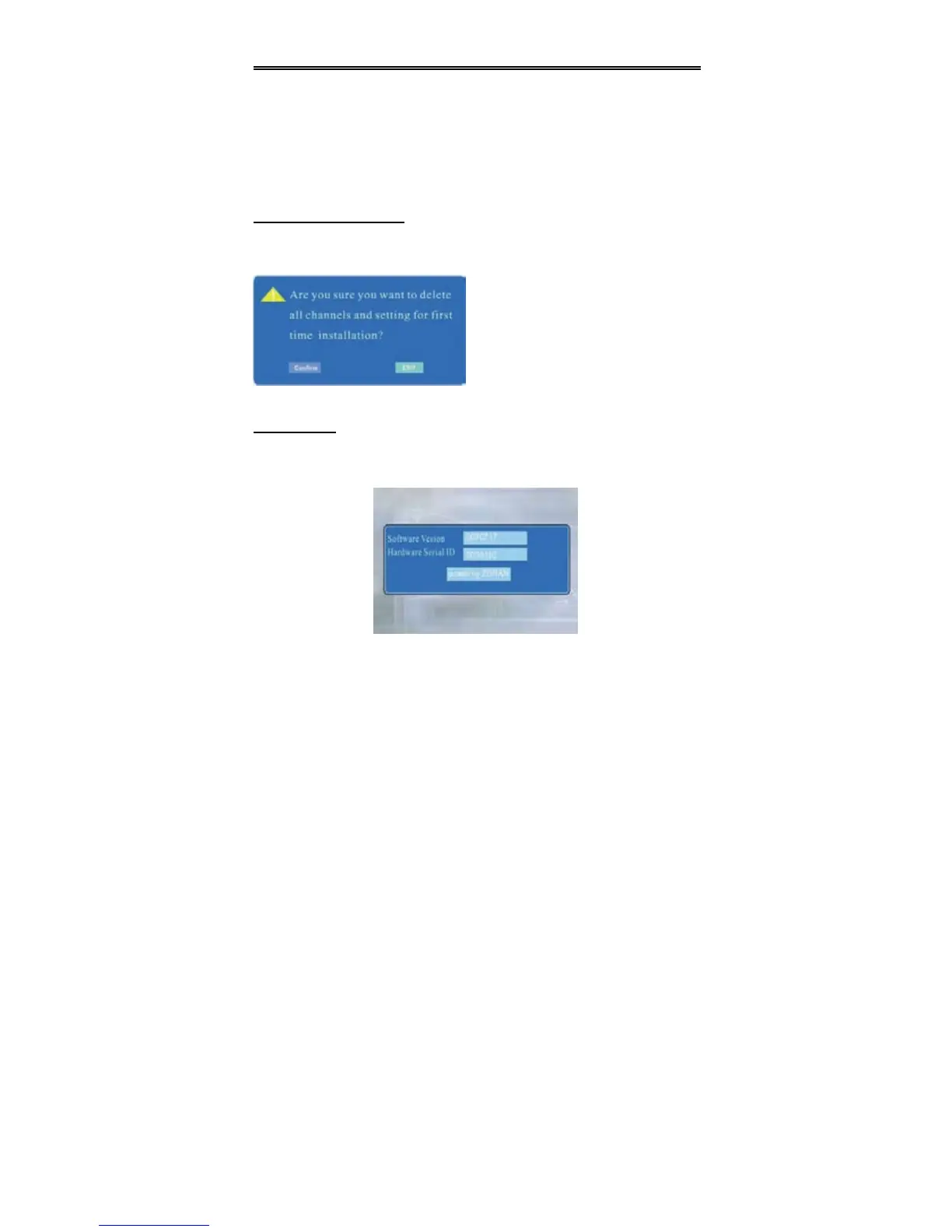
Press the direction buttons to select First Time Installation, press the OK button
to enter the menu, the screen will display as below:
System Info
Press the direction buttons to select System Info, press the OK button to enter
the menu, the screen will display as below, you can browse the current information of
the DVB-T.
Press the SETUP button to return to the previous menu. Press the EXIT button to exit
the menu,
In the menu, press the OK button to confirm
to delete all the channels and setting, or
press the EXIT button to cancel and return.


 To Next Page