- 37 -
DVB-T Setup
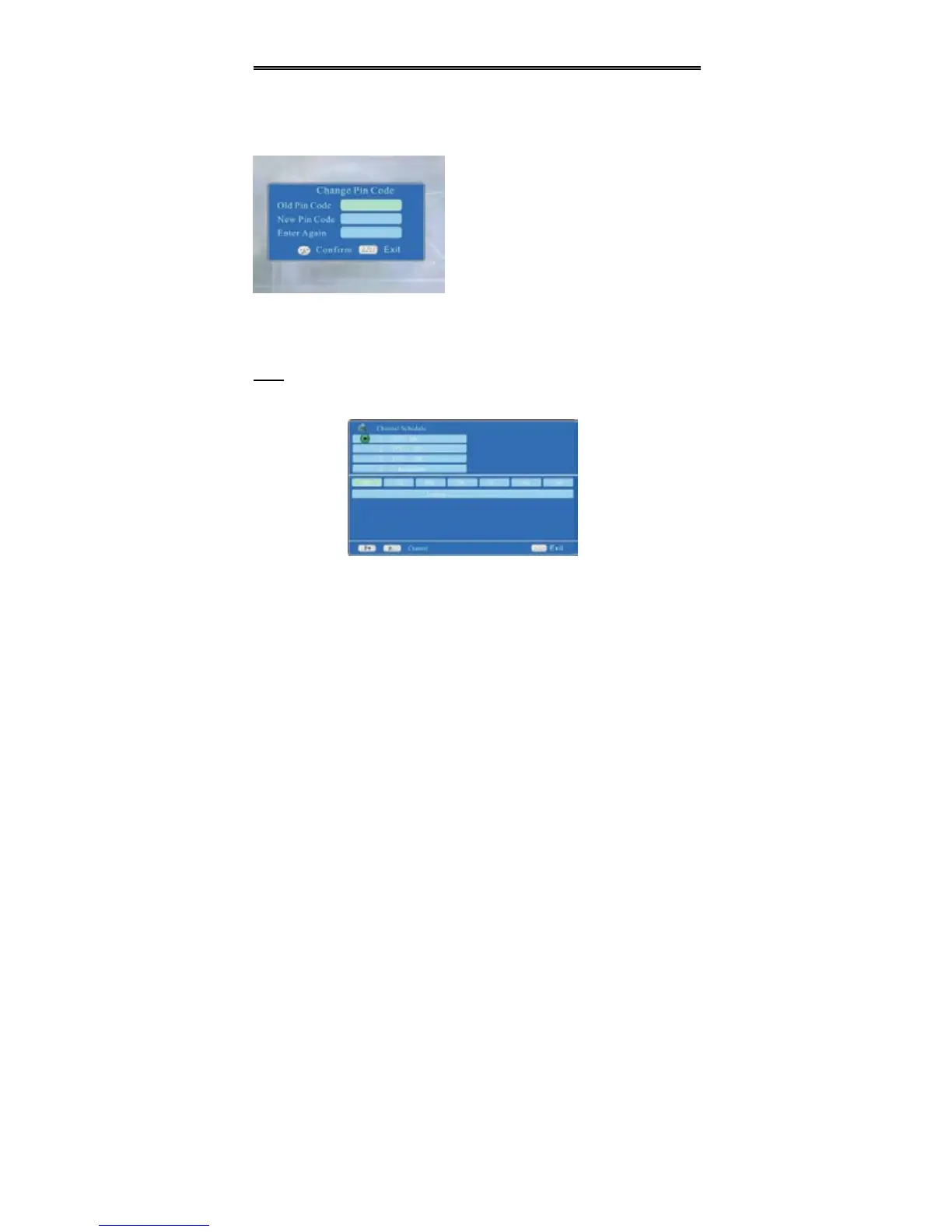
Change Pin Code
Press the direction buttons to select Change Pin Code, press the OK button to
enter the menu, the screen will display as below:
Press the OK button to confirm. Press the EXIT button to exit the menu.
EPG
Press the EPG button to enter the setup menu, the screen will display as below:
In the menu, press the P+/P- to select the channel forward or backward, press the
direction buttons to select the date to see there are some programs in details.
Press the EXIT button to exit the menu.
Select Change Pin Code and press the
OK button to enter. The screen will display
as shown on the left:
Use the number buttons to input the old
pin code. The default pin code is 888888.
User the direction buttons and the number
buttons to input the new code and again.


 To Next Page