HD Native Installation Guide20
5 Quit System Preferences.
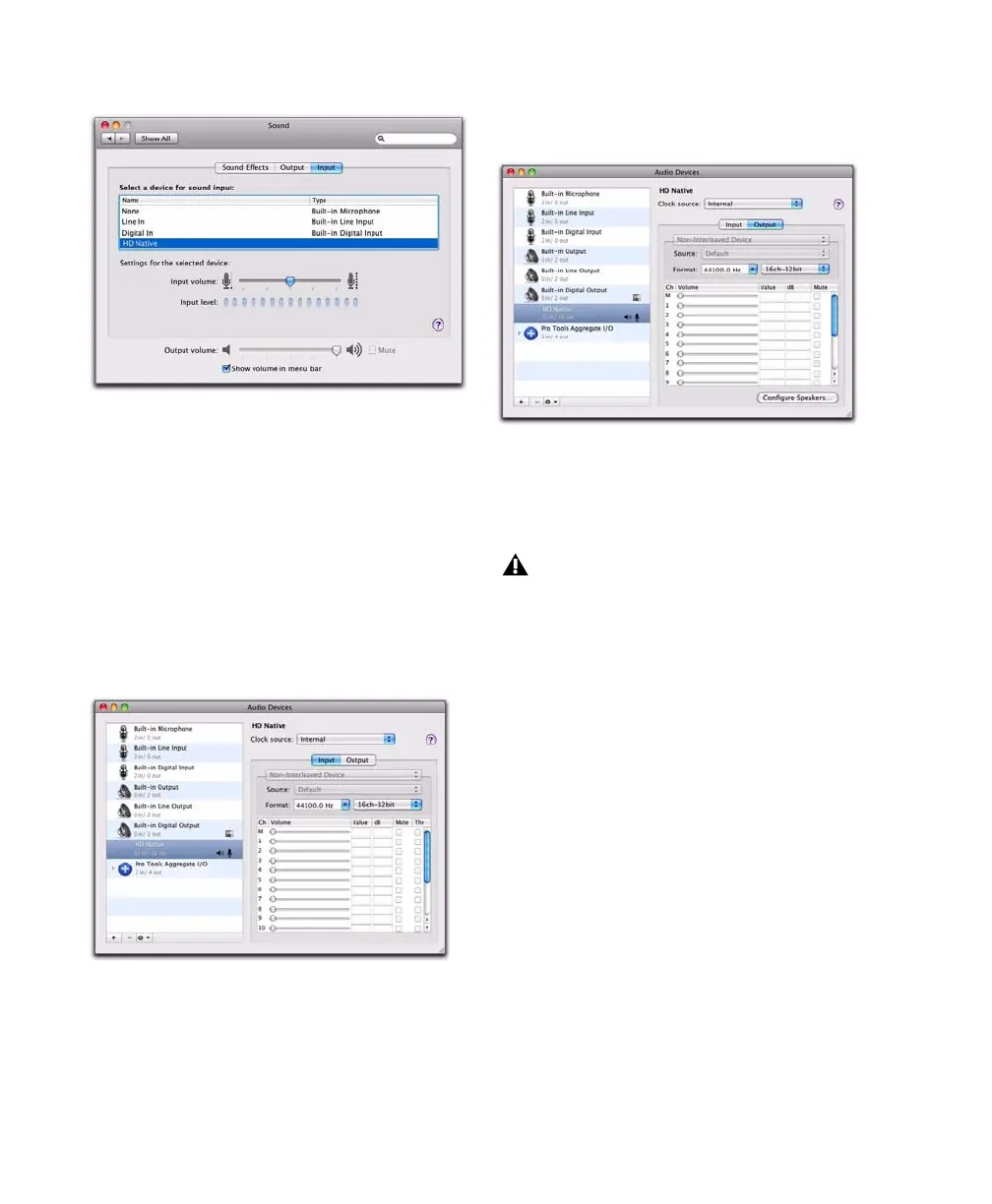
Apple Audio MIDI Setup
To configure the Apple Audio MIDI Setup:
1 Launch Audio MIDI Setup (located in
Home/Applications/Utilities).
2 In the Audio Devices window, click the Input
tab.
3 From the Audio Devices list on the left, select
HD Native.
4 In the Audio Devices window, click the Output
tab.
5 From the Audio Devices list on the left, select
HD Native.
6 In the Audio Input or Audio Output page,
select the
Format (sample rate). Note that the
input sample rate and output rate are linked.
7 Choose Audio MIDI Setup > Quit Audio MIDI
Setup
.
Sound Preferences, Input settings
Apple Audio MIDI Setup application, Audio Devices
Input settings
Apple Audio MIDI Setup application, Audio Devices
Output settings
Leave System Output set to Built-in Audio.
The Avid Core Audio Driver cannot be used
for system sounds.



 To Next Page