Chapter 3: Installing HD Native Hardware 9
Chapter 3: Installing HD Native Hardware
This chapter provides information on installing
and connecting the HD Native card and Avid HD
audio interfaces. If you are installing Pro Tools,
install your HD Native hardware before
installing Pro Tools software.
Install the HD Native card first. Once the card is
installed, connect Avid HD audio interfaces.
Installing the
HD Native
Card
in a Mac Pro
The HD Native card is a 4x PCIe card. For
optimum performance, install the HD Native
card in a 4x or higher PCIe card slot in your
computer.
Follow these instructions carefully to avoid
damaging the card and its components.
If you are installing the HD Native card in
the slot furthest from the video card, you
may need to remove the SATA drive trays
first to avoid damaging the card when
installing it.
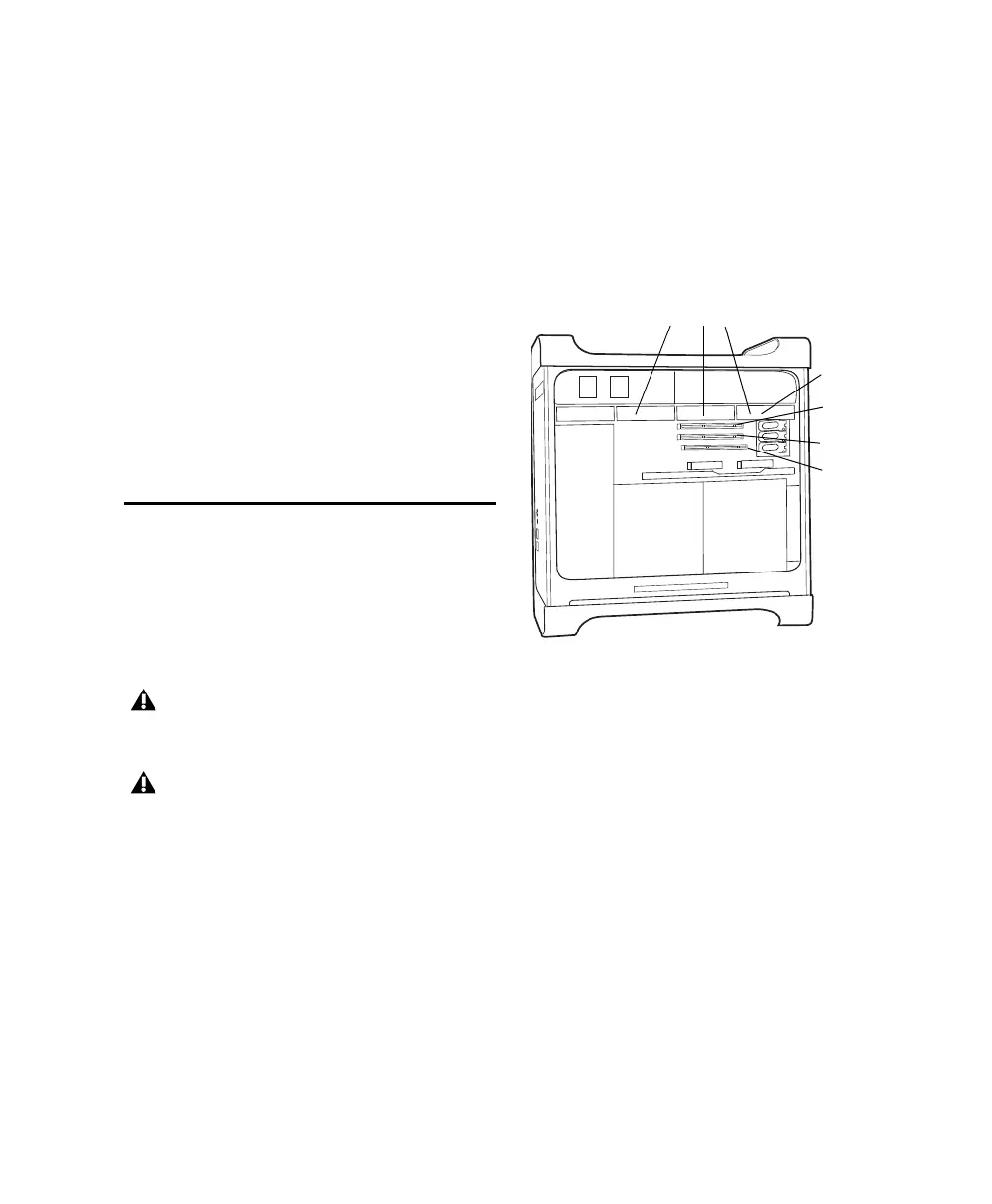
Mac Pro
SATA drive trays and drives
PCIe slot 4
(hidden)
PCIe slot 1
(video card)
PCIe slot 3
PCIe slot 2



 To Next Page