Chapter 4: Configuring Core Audio (Mac OS X Only) 19
Configuring Avid HD Audio
Interfaces for Third-Party
Applications
When using an HD Native card with an
application other than Pro Tools (such as Apple
GarageBand), you can configure hardware
settings using the audio preference settings
available in that application.
To configure hardware settings through a Core
Audio application (such as Apple GarageBand):
1 Select Avid HW (HD Native) for Audio Output
and Audio Input.
2 Select a buffer size for your system from one of
the following options:
•Maximum/Large buffer size
– or –
• Minimum/Small buffer size
Configuring the Apple Sound
Preferences or Apple Audio
MIDI Setup
(Required for Using Avid Audio Interfaces with
Apple iTunes or QuickTime Player)
To use your Avid audio interface with certain
Core Audio–compatible playback applications
(such as Apple iTunes or QuickTime Player),
you will need to configure either Sound
Preferences or Audio MIDI Setup in addition to
Avid Core Audio Manager. However, for most
Core Audio–compatible client applications
(such as BIAS Peak or Ableton Live) this is
unnecessary since you can configure the Core
Audio Buffer Size setting and audio input and
output channels from within the client
application.
Apple Sound Preferences
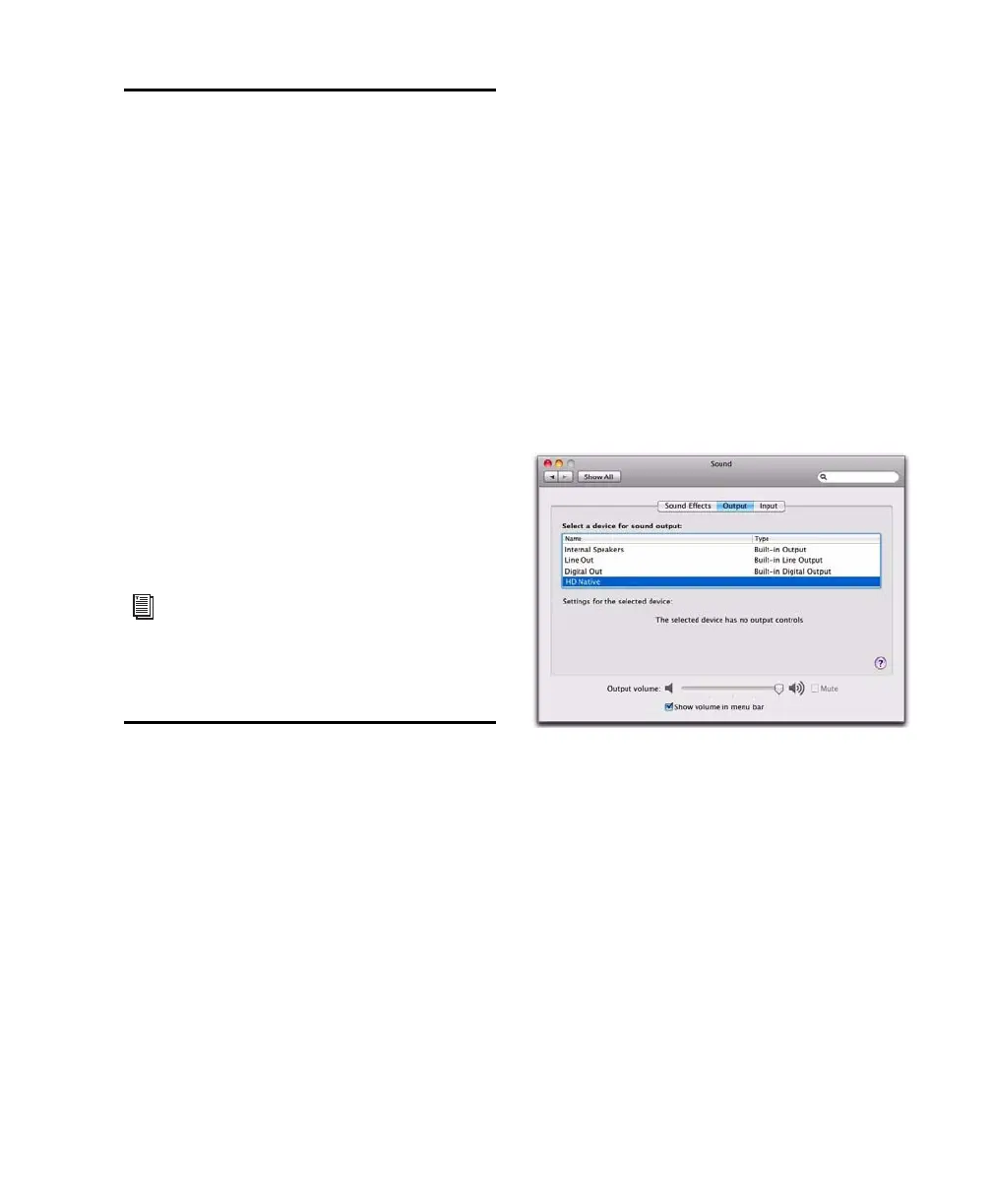
To configure the Apple Sound Preferences:
1 Launch System Preferences (Apple menu >
System Preferences).
2 Click Sound.
3 Click Output and select Avid HW (HD Native) as
the device for sound output.
4 Click Input and select Avid HW (HD Native) as
the device for sound input.
For more information about the hardware
settings options for your specific Core Audio
application, refer to the manufacturer’s
documentation.
Sound Preferences, Output settings



 To Next Page