Chapter 3: Installing HD Native Hardware 11
Installing the
HD Native
Card
in a Windows Computer
The HD Native card is a 4x PCIe card. For
optimum performance, install the HD Native
card in a 4x or higher PCIe card slot in your
computer.
To install the HD Native card:
1 Turn off your computer and any peripherals.
Leave your computer’s power cable plugged in so
the computer is grounded.
2 Disconnect all cables attached to the computer
(such as hard drives, displays, and USB and
FireWire devices) except for the power cable.
3 Open the computer case.
4 Remove the metal access port cover behind the
first available 4x or higher PCIe card slot
(typically, this will be the slot right next to the
video card) by removing the screw and sliding
the cover out from the access port.
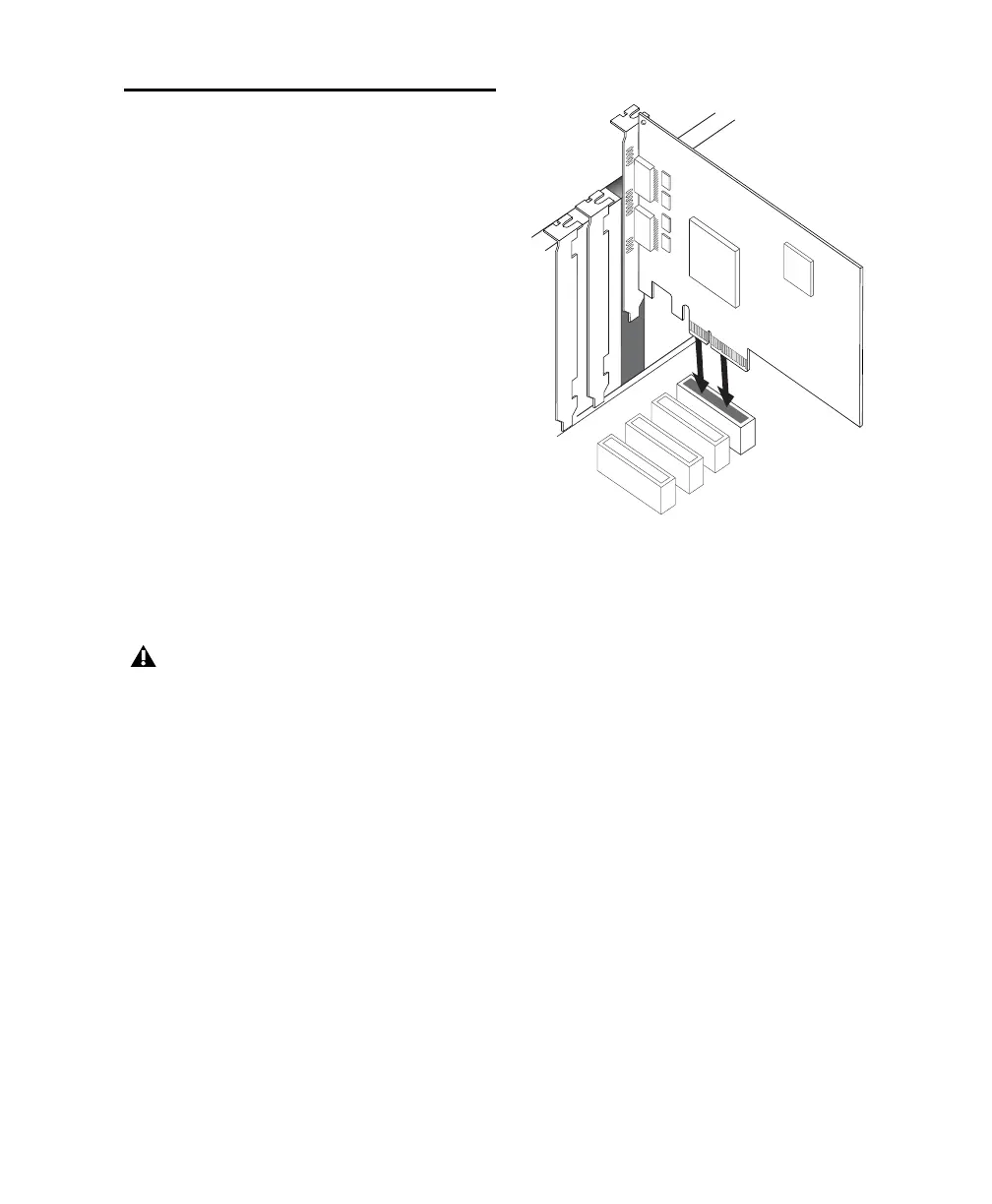
5 Install the HD Native card in the
corresponding PCIe slot.
6 Secure the card in place with the slot access
port screw you removed earlier.
7 Ensure that all cards are properly installed for
your system:
• Display card for your computer monitor
•HD Native card (for PCIe)
•Avid-approved Host-Bus Adapter card
(optional)
Before handling any card, discharge static
electricity from your clothes or body by
touching a grounded metal surface, such as
the power supply case inside your computer.
Inserting the HD Native card into a PCIe slot



 To Next Page