Chapter 5: Configuring ASIO (Windows Only) 23
Buffer Size
Small buffers have the advantage of low
latency in the record monitor path. (Latency is
the time delay between a signal entering the
audio inputs and leaving the outputs during
recording.)
Larger buffers have the advantage of making
the ASIO Driver more immune to audio dropouts
during playback and recording.
In some ASIO-compatible audio programs,
performing various tasks will interrupt the
ASIO Driver and may result in clicks and pops in
audio playback or recording. Choosing medium
or large buffers (such as 256, 512, or 1024) can
help alleviate this problem.
Changing the
Buffer Size setting for the ASIO
Driver does not affect the
H/W Buffer Size
settings in the Pro Tools Playback Engine
dialog.
Device
The Device setting is always set to your installed
Avid hardware.
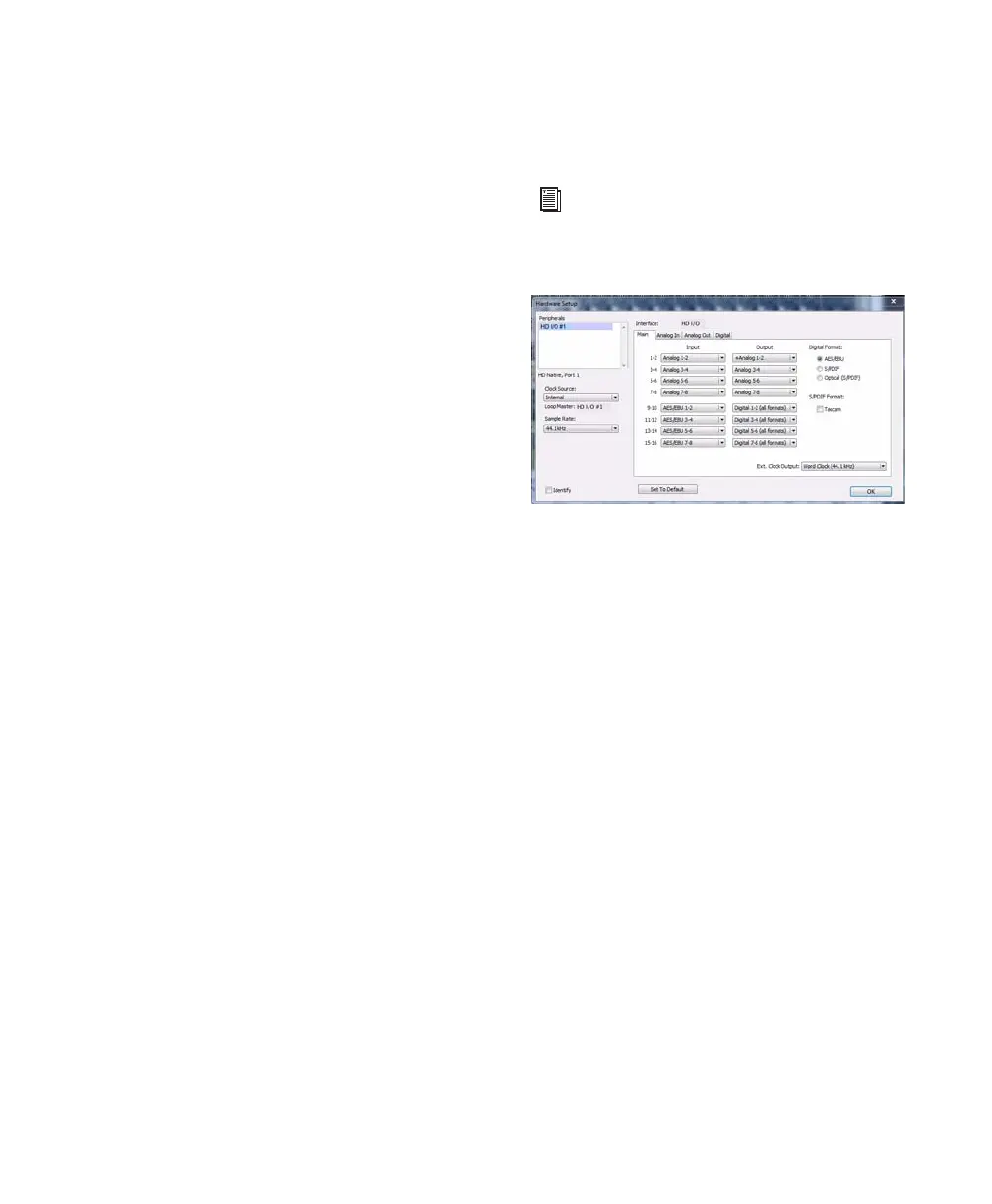
Advanced Button
The Advanced button opens the Hardware Setup
dialog for the Avid hardware that you are using.
For more information on the Hardware
Setup dialog, see the Pro Tools Reference
Guide.
Hardware Setup dialog



 To Next Page