600-00105-000 Rev 01 -13- FlightMax EX5000
Nearest Page (NRST)
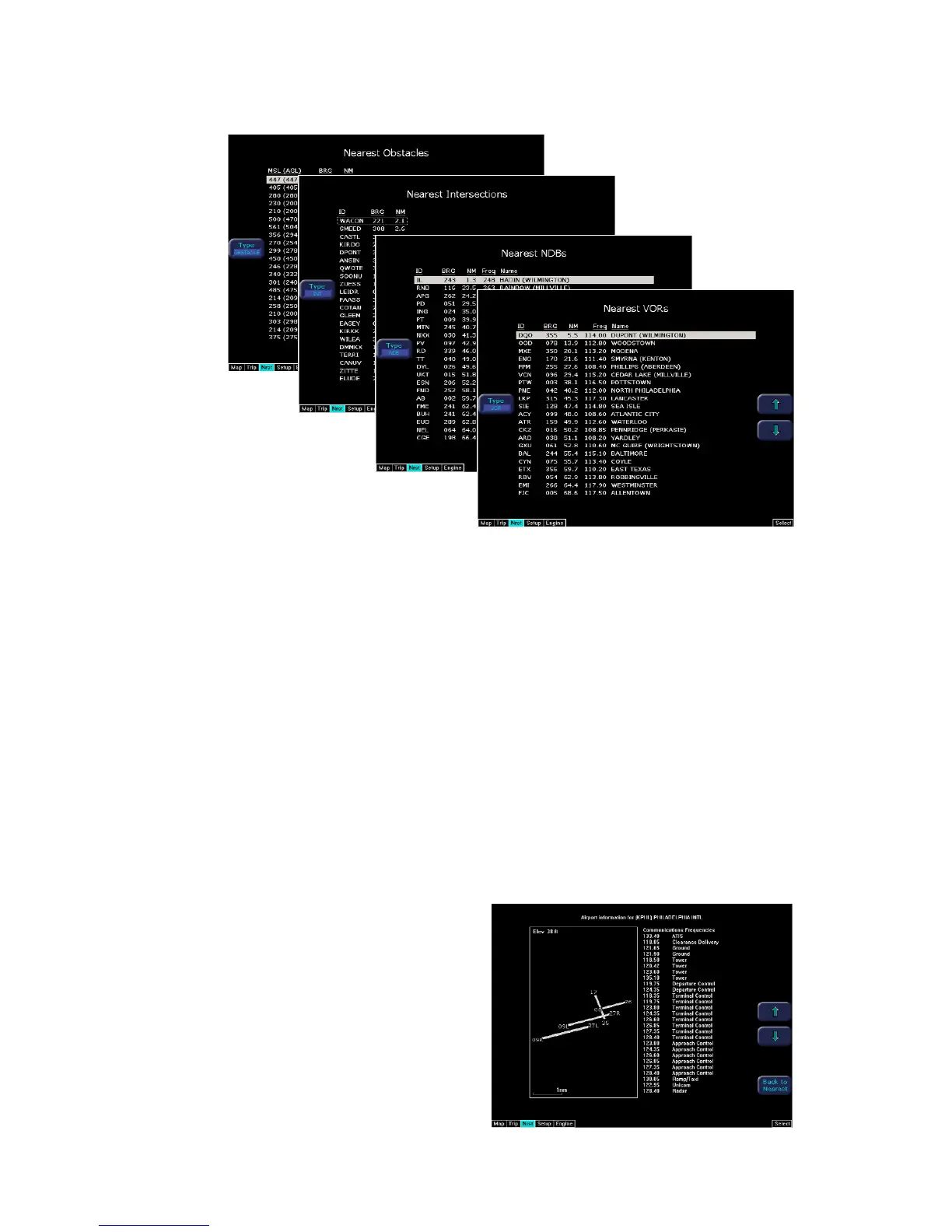
1) TYPE - Cycles through the various data types in the following order:
Airports ->VORs ->NDBs ->Intersections ->Obstacles
2) NRST List - Shows a list of the nearest data including identifier, bearing, dis-
tance, frequency, and name for
airports, VORs, and NDBs. Identifier, bearing, and distance are displayed for
intersections, and MSL (and AGL) height, bearing, and distance are displayed for
obstacles.
3) Selection Control - Use line select keys or right knob to move the cursor up or
down to highlight a specific airport or other data type.
4) FILTER - Press to see all airport types (SHOW ALL) or only the airport types as
defined on the Airport filter page (ON) (Reference Set Up Pages - Airport Filter,
Page 25). The Filter line select is only visible on the Nearest Airport page.
5) Airport Info - Provides quick access to airport information for the
airport highlighted. Airport Info line select only appears when viewing the Nearest
Airport page.
6) Graphical METAR - Displays the
current reported conditions for that
airport, if the airport has weather
reporting.



 To Next Page