51
If Public Folder is selected, the scanned image will be stored in the
product’s memory. Access the scanned image via the product’s
embedded web page. (Refer more detailed information on
subsequent section - Customizing the Product’s Settings via the
Embedded Web Page.)
11. After your first destination has been specified, press the [Start]
(
) button to send the scanned image to the destination.
12. After the scanned image has been delivered successfully to your first
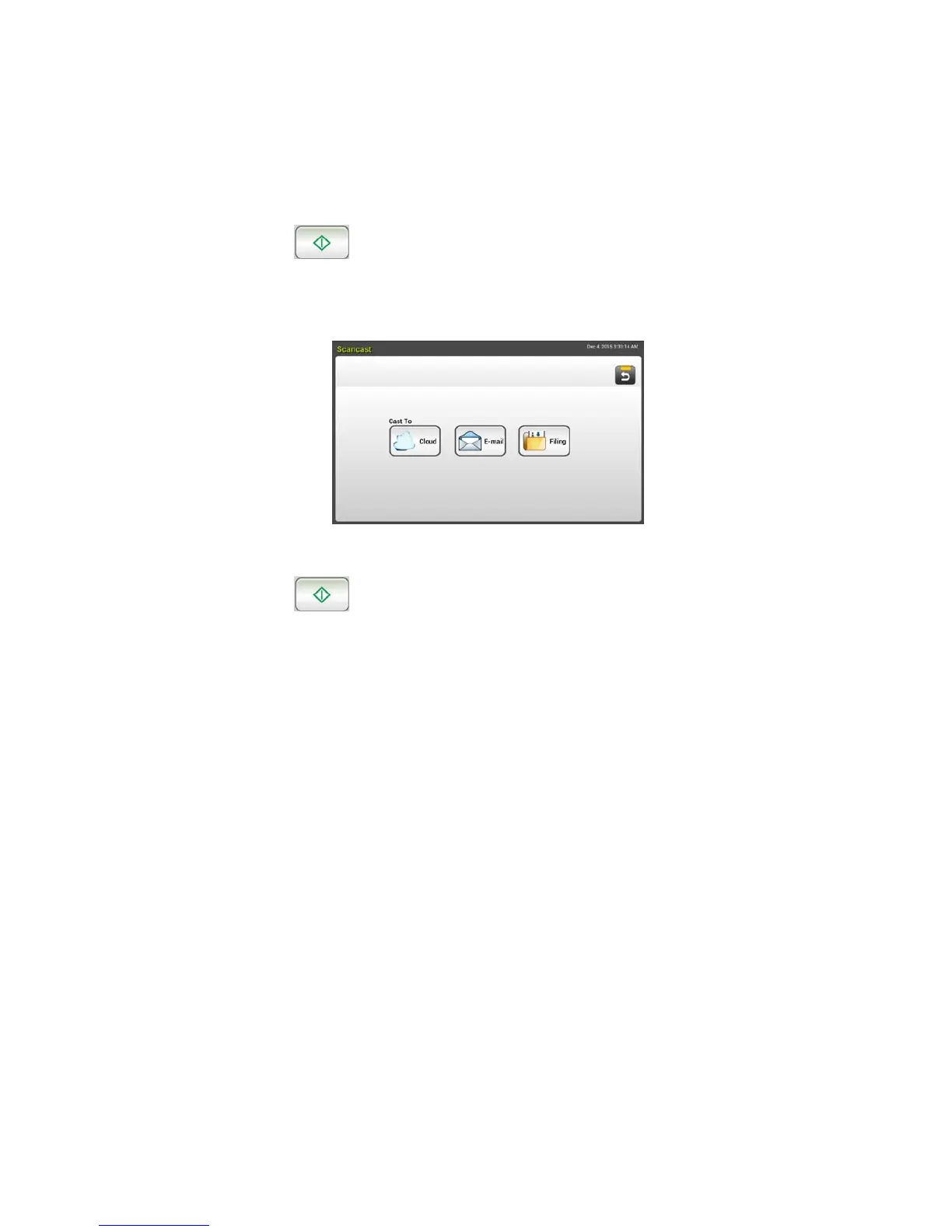
destination, the [Scancast] window for multiple destinations appears
again.
13. Repeat Step 10 to choose your 2
nd
destination and then press the [Start]
(
) button to send the scanned image to the destination.
14. Repeat Step 12 ~ Step 13 to send the scanned image to another
destination.
15. If you have finished distributing your scanned image to all the
destinations you want, press the [Back] button to exit the screen.


 To Next Page