Establishing a Wireless LAN Connection with Windows Wireless Service
13
4.2 Establishing a Wireless LAN Connection with Windows Wireless
Service
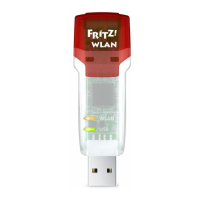
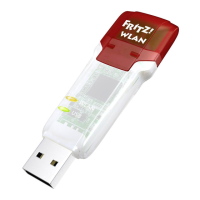
Once you have installed the FRITZ!WLAN USB Stick, you can establish
the wireless LAN connection using the Windows Wireless Networks
Service.
Establishing a wireless LAN connection in Windows 8
1. Move the mouse cursor to the upper right corner of the
Start page and click “Settings”.
2. Click the wireless LAN icon .
A list appears on the screen, showing all wireless net-
works (mostly WLAN access points) found in the vicinity
of the FRITZ!WLAN USB Stick.
Wireless networks in the vicinity of the FRITZ!WLAN USB Stick
3. Select a wireless LAN access point.
Selected wireless LAN access point
N_man_en.fm Seite 13 Freitag, 27. Mai 2016 2:21 14







 To Next Page