WLAN Connection Is Not Established
29
7.2 WLAN Connection Is Not Established
Checking the Settings of the Wireless LAN Connection
Could not register at the WLAN remote site.
When the wireless LAN connection was established the wrong
wireless LAN remote site was selected, or an incorrect wire-
less LAN key was entered.
Make sure that the right wireless LAN remote site was select-
ed when the wireless LAN connection was set up (see
page 13). According to the standard setting of a FRITZ!Box the
name of the radio network (SSID) always begins with
“FRITZ!Box”.
Make sure that the you entered the correct wireless LAN key
when you set up the wireless LAN connection (see page 13).
Pay special attention to capitalization.
The network key of a FRITZ!Box is located on the base of the
device. For wireless LAN access points from other manufac-
turers, see the corresponding documentation.
Changing the Position of the WLAN Devices
No WLAN remote sites are found.
The WLAN remote site has not been turned on or is located
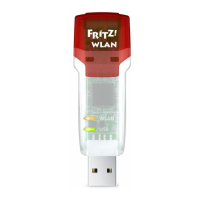
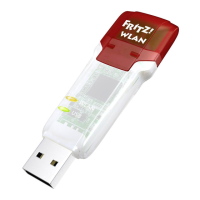
too far away from the FRITZ!WLAN USB Stick.
Make sure that the wireless LAN remote site is connected to
the power mains and switched on.
Reduce the distnce between the FRITZ!WLAN USB Stick and
the wireless LAN remote site and try again to establish the
connection.
Cause
Help
Cause
Help
N_man_en.fm Seite 29 Freitag, 27. Mai 2016 2:21 14







 To Next Page