Errors during Data Exchange with Other Devices in the Network
31
Checking the Network Data
You computer recognizes the network and the router, but
cannot access the Internet or the network (limited
connectivity).
The WLAN key is wrong or the IP address was not assigned by
Windows automatically (note: the process can take up to
three minutes).
Check the WLAN key entry. For a AVM FRITZ!Box this key is
found on the base of the device and on the back of the CD
jewel case. If you are using a WLAN access point from another
manufacturer, please see the documentation of this device.
Make sure that the automatic assignment of IP addresses
(DHCP) is enabled in your operating system. For details, see
the section Obtaining an IP Address Automatically on
page 32.
Checking the Data of the Ad-hoc Connection
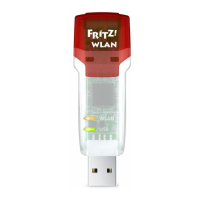
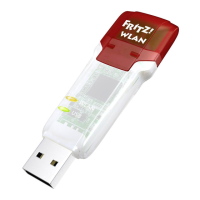
The FRITZ!WLAN USB Stick and a further WLAN adapter are
connected directly via WLAN, but cannot exchange any data
with each other.
The IP address was not assigned by Windows automatically
(note: the process can take up to 3 minutes), or the network
key, workgroup or ad-hoc network names do not match.
Make sure that the ad-hoc network name of your connection
and the network key match, and that automatic assignment
of IP addresses (DHCP) is enabled in your operating system.
The connected computers must be in the same working
group. For more information, see Encryption on page 39 and
Obtaining an IP Address Automatically on page 32.
Cause
Help
Cause
Help
N_man_en.fm Seite 31 Freitag, 27. Mai 2016 2:21 14







 To Next Page